|
pointer-events文档
pointer-events CSS 属性指定在什么情况下 (如果有) 某个特定的图形元素可以成为鼠标事件的 target
常用属性
/* Keyword values */
pointer-events: auto; /* 与pointer-events属性未指定时的表现效果相同 */
pointer-events: none; /* 元素永远不会成为鼠标事件的target */
/* Global values */
pointer-events: inherit;
pointer-events: initial;
pointer-events: unset;
案例一
看一段 css 和 js 代码,由里到外嵌套
<style>
      .box-green {
        width: 800px;
        height: 300px;
        background-color: green;
      }
      .box-yellow {
        width: 500px;
        height: 250px;
        background-color: yellow;
      }
      .box-red {
        width: 300px;
        height: 200px;
        background-color: red;
      }
    </style>
    <div
      class="box-green"
      id="box-green"
    >
      <div
        class="box-yellow"
        id="box-yellow"
      >
        <div
          class="box-red"
          id="box-red"
        ></div>
      </div>
    </div>
    <script>
      let boxGreen = document.querySelector('#box-green')
      let boxYellow = document.querySelector('#box-yellow')
      let boxRed = document.querySelector('#box-red')
      boxGreen.addEventListener('click', function () {
        console.log('boxGreen click')
      })
      boxYellow.addEventListener('click', function () {
        console.log('boxYellow click')
      })
      boxRed.addEventListener('click', function () {
        console.log('boxRed click')
      })
</script>点击红色部分 事件触发顺序
boxRed click
boxYellow click
boxGreen click 点击黄色部分 事件触发顺序
boxYellow click
boxGreen click 点击绿色部分 事件触发顺序
案例二
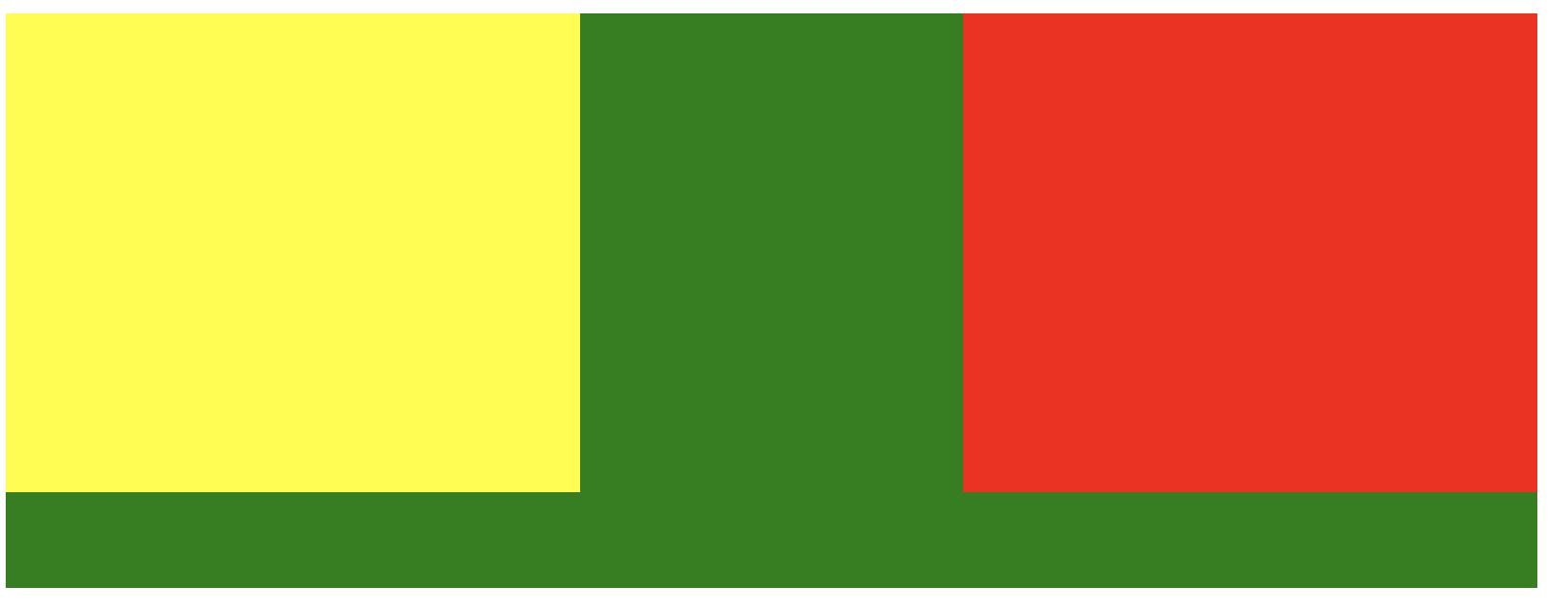
修改一下布局,外层相对定位,内层绝对定位
<style>
      .box-green {
        width: 800px;
        height: 300px;
        background-color: green;
        position: relative;
      }
      .box-yellow {
        position: absolute;
        left: 0;
        width: 300px;
        height: 250px;
        background-color: yellow;
      }
      .box-red {
        position: absolute;
        right: 0;
        width: 300px;
        height: 250px;
        background-color: red;
      }
    </style>
    <div
      class="box-green"
      id="box-green"
    >
      <div
        class="box-yellow"
        id="box-yellow"
      ></div>
      <div
        class="box-red"
        id="box-red"
      ></div>
    </div>
    <script>
      let boxGreen = document.querySelector('#box-green')
      let boxYellow = document.querySelector('#box-yellow')
      let boxRed = document.querySelector('#box-red')
      boxGreen.addEventListener('click', function () {
        console.log('boxGreen click')
      })
      boxYellow.addEventListener('click', function () {
        console.log('boxYellow click')
      })
      boxRed.addEventListener('click', function () {
        console.log('boxRed click')
      })
</script>点击绿色部分 事件触发顺序
点击黄色部分 事件触发顺序
boxYellow click
boxGreen click 点击红色部分 事件触发顺序
boxRed click
boxGreen click
如果设置css属性
.box-red {
  position: absolute;
  right: 0;
  width: 300px;
  height: 250px;
  background-color: red;
  /* 取消鼠标事件 */
  pointer-events: none;
}点击红色区域,只会触发如下事件,实现了穿透效果
参考
css 点击穿透 pointer-events: none;一般用于遮罩 |



 发表于
发表于