|
本地主机准备
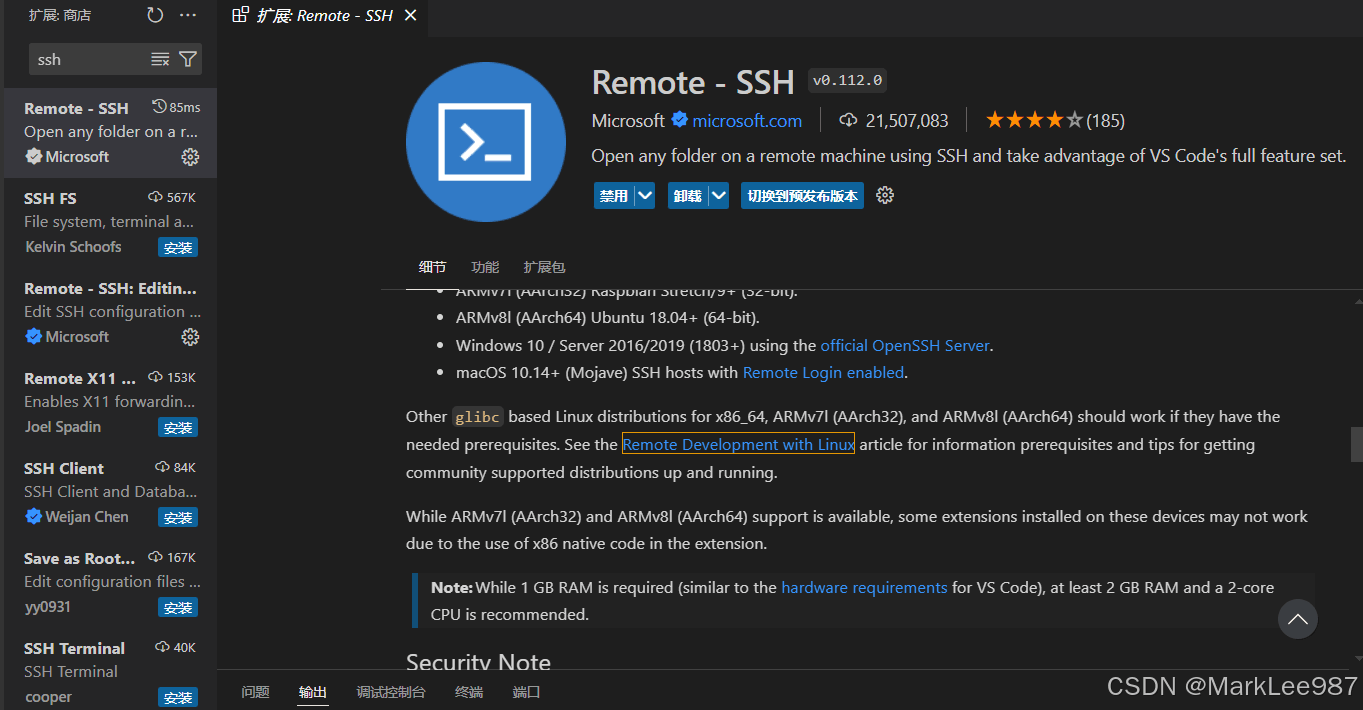
Remote - SSH:
服务器准备
官方文档提供的提前准备
| Distribution | Base Requirements | Remote - SSH Requirements | Notes |
|---|
| General | kernel >= 4.18, glibc >=2.28, libstdc++ >= 3.4.25, tar | OpenSSH server, bash, and curl or wget | Run ldd --version to check the glibc version. Run strings /usr/lib64/libstdc++.so.6 | grep GLIBCXX to see if libstdc++ 3.4.25 is available. | | General for Arm32 | libatomic1 | No additional requirements. | | | Ubuntu 20.04+, Debian 10+, Raspberry Pi OS Buster/10+ and downstream distributions | libc6 libstdc++6 ca-certificates tar | openssh-server bash and curl or wget | Requires kernel >= 4.18, glibc >= 2.28, libstdc++ >= 3.4.25. | | RHEL / CentOS 8+ | glibc libgcc libstdc++ ca-certificates tar | openssh-server bash and curl or wget | Requires kernel >= 4.18, glibc >= 2.28, libstdc++ >= 3.4.25. | | Alpine Linux 3.16+ | musl libgcc libstdc++. musl >= 1.2.3, glibc not required. | Not yet supported. | Supported in Dev Containers and WSL. Extensions installed in the container may not work due to glibc dependencies in extension native code. | | openSUSE Leap / SUSE Linux Enterprise 15+ | glibc libgcc_s1 libstdc++6 ca-certificates gzip tar | curl or wget | Requires kernel >= 4.18, glibc, libstdc++6 |
针对openEuler的准备
缺少tar 解压工具
检查是否缺少tar解压工具
[root@localhost ~]# tar
-bash: tar:未找到命令
使用以下命令安装tar
端口转发未开启
我们查看sshd 服务配置文件
[root@localhost ~]# cat /etc/ssh/sshd_config 找到以下两个配置
AllowTcpForwarding no
AllowAgentForwarding no
将 ‘ no ‘改为’ yes ‘
AllowTcpForwarding yes
AllowAgentForwarding yes
重启sshd 服务
systemctl restart sshd.service 到此这篇关于如何使用vscode连接openEuler服务器的文章就介绍到这了,更多相关vscode连接openEuler内容请搜索琼殿技术社区以前的文章或继续浏览下面的相关文章希望大家以后多多支持琼殿技术社区! |



 发表于 2024-8-27 14:48:53