updatedb 8:查看log
当你安装完系统后,会在你的root的帐户下产生两个log
你可以用命令来查询自己安装了多少个rpm包
rpm -qa > rpm.txt
我用命令查询发现是装了342个包,和install.log 是一样的。
anaconda-ks.cfg
# Kickstart file automatically generated by anaconda.
install
cdrom
lang en_US.UTF-8
keyboard us
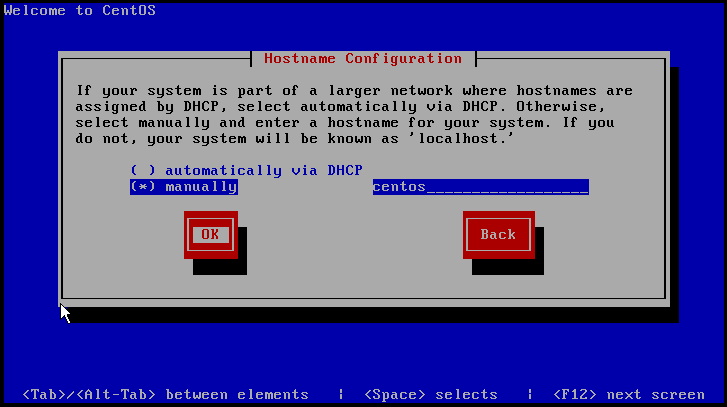
network --device eth0 --bootproto static --ip 192.168.1.168 --netmask 255.255.255.0 --gateway 192.168.1.1 --nameserver 192.168.1.1 --hostname centos
rootpw --iscrypted $1$y/t6iO5p$ilVd82kK/VfAmguaRlZ1B1
firewall --enabled --port=22:tcp
authconfig --enableshadow --enablemd5
selinux --enforcing
timezone --utc Asia/Chongqing
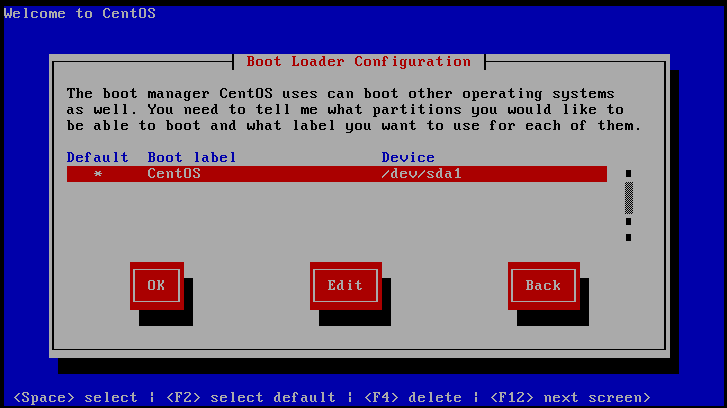
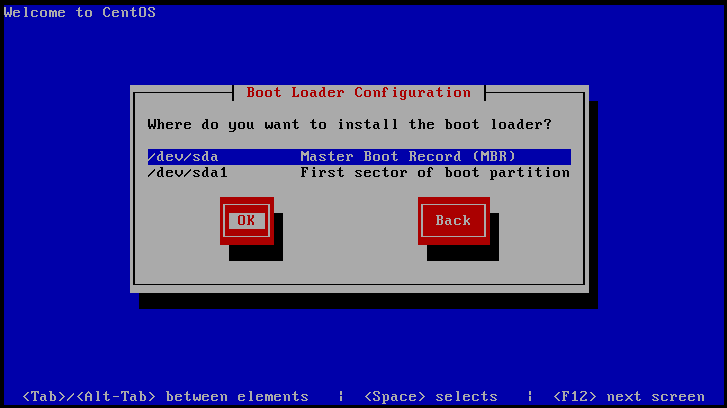
bootloader --location=mbr --driveorder=sda
# The following is the partition information you requested
# Note that any partitions you deleted are not expressed
# here so unless you clear all partitions first, this is
# not guaranteed to work
#clearpart --linux --drives=sda
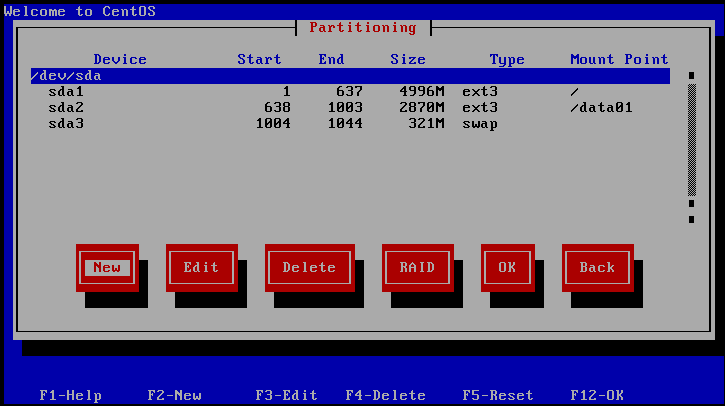
#part / --fstype ext3 --size=5000 --asprimary
#part swap --size=320
#part /data01 --fstype ext3 --size=1 --grow --asprimary
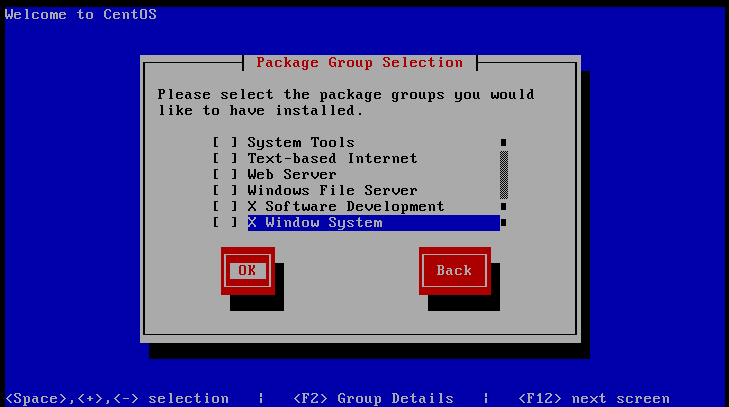
%packages
@core
@base
device-mapper-multipath
-sysreport



 发表于 2014-8-8 14:05:09