|
常见应用:游戏界面 文字语音、商城导航栏的语音输入搜索框、聊天界面的语音文字输入等.
引自官方 unicloud官方语音:
语音输入接口可使得网页开发人员能快速调用设备的麦克风进行语音输入,而不需要安装额外的浏览器插件。规范不定义底层语音识别引擎的技术架构,浏览器实现可基于语音识别服务器或本地内置语音识别模块。
配置SDK–识别讯飞语音(如果用不了讯飞语音,可换百度语音,自己去看接入文档)
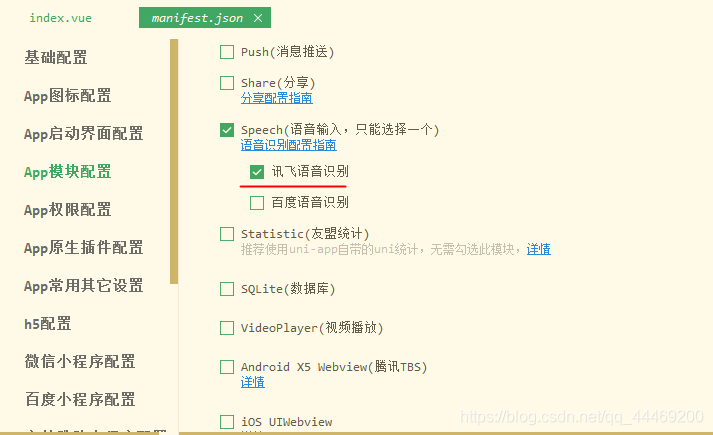
进入项目根目录下的 manifest.json -> App模块配置->speech 勾选 讯飞语音识别,如下图所示:
index.vue文件写入
<template>
	<view class="content">
		<image class="logo" src="/static/logo.png"></image>
		<button @click="voiceBegain">讯飞语音识别</button>
		<view v-if="words1">
			这是searchValue:{{words1}}
		</view>
		<view v-if="words2">
			这是searchText:{{words2}}
		</view>
	</view>
</template>

<script>
	export default {
		data() {
			return {
				title: 'Hello',
				words1: '',
				words2: ''
			}
		},
		onLoad() {

		},
		methods: {
			send() {
				uniCloud.callFunction({
					name: 'sendcode',
					success: (e) => {
						console.log('这是发送验证码', e);
					}
				})
			},
			// 调用讯飞语音识别
			voiceBegain() {
				let _this = this;
				let options = {};
				//#ifdef APP-PLUS || APP-PLUS-NVUE
				options.engine = 'iFly';
				options.punctuation = false; // 是否需要标点符号
				options.timeout = 10 * 1000; //语音录入持续时长
				plus.speech.startRecognize(options, function(s) {
					_this.searchText = _this.searchText + s;
					console.log(_this.searchText) //拿到语音识别的结果
					//下面是逻辑
					_this.searchValue = s;
					_this.searchText = ""

					// 打印输出结果
					 _this.words1 = _this.searchValue
					 _this.words2 = _this.searchText

					// 关闭语音
					plus.speech.stopRecognize();
				});
				//#endif
				// #ifdef H5
				alert("只有h5平台才有alert方法")
				// #endif
			}
		}
	}
</script>

<style>
	.content {
		display: flex;
		flex-direction: column;
		align-items: center;
		justify-content: center;
	}

	.logo {
		height: 200rpx;
		width: 200rpx;
		margin-top: 200rpx;
		margin-left: auto;
		margin-right: auto;
		margin-bottom: 50rpx;
	}

	.text-area {
		display: flex;
		justify-content: center;
	}

	.title {
		font-size: 36rpx;
		color: #8f8f94;
	}
</style>
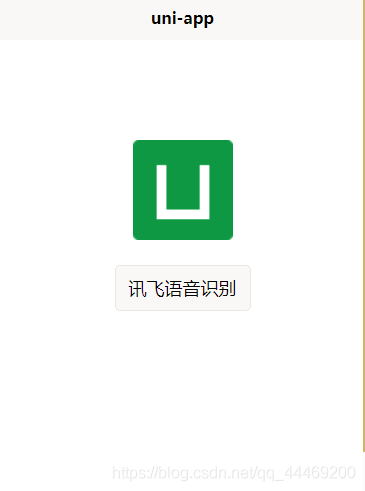
如图:
运行云打包或自定义调试基座生成 apk 文件,apk安装到手机上;
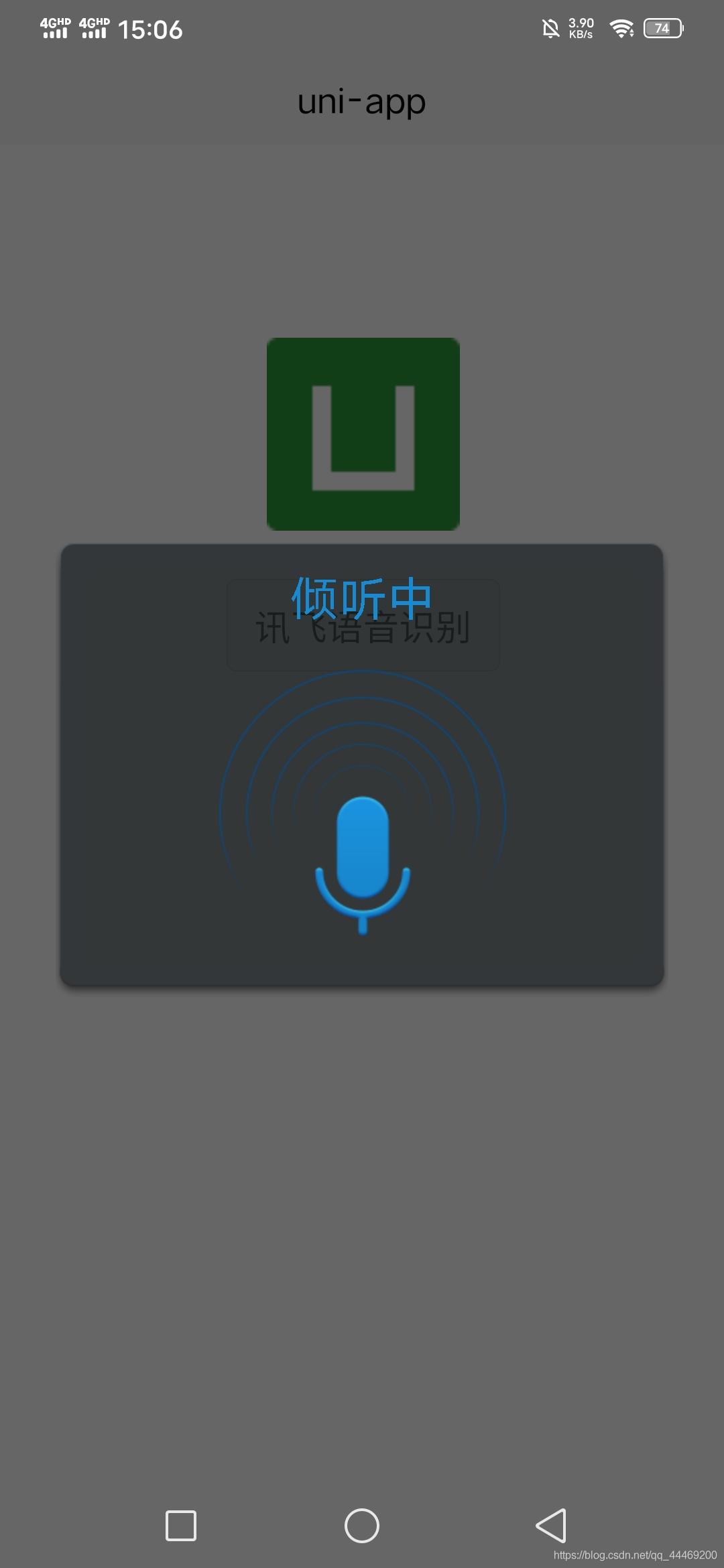
点击button按钮,触发自定义回调函数
此时页面输出
注意:
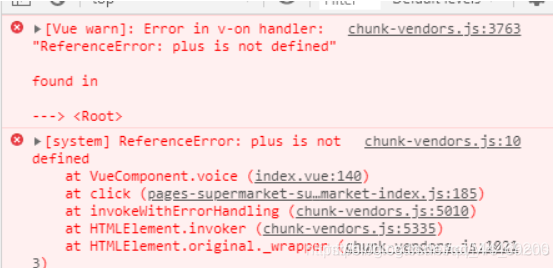
普通浏览器里没有 plus 环境,只有 HBuilder 真机运行和打包后才能运行plus api。否则报错:
以上就是uniapp语音识别(讯飞语音)转文字的详细内容,更多关于uniapp语音识别(讯飞语音)转文字的资料请关注琼殿技术社区其它相关文章!
您可能感兴趣的文章:- uniapp调用百度语音实现录音转文字功能
- uniapp页面完成水印添加功能代码示例(自定义文字)
- uniApp前端实现文字识别并提取详细分析
|



 發表於 2022-12-24 15:02:33