|
1. 配置yum源及关闭selinux
?
|
1
2
3
4
5
6
7
8
9
10
11
12
|
[root@localhost ~]
[root@localhost ~]
mount: /dev/sr0 is write-protected, mounting read-only
[root@localhost ~]
[iso]
name=iso
baseurl=file:///media/rhel
enabled=1
gpgcheck=0
[root@localhost ~]
selinux=disabled
|
2. 安装桌面环境(如果未安装)
3. 安装软件包
4. 建立用户
?
|
1
2
3
4
5
6
7
8
9
10
11
12
13
14
15
|
[root@localhost ~]
[root@localhost ~]
[root@localhost ~]
[root@localhost ~]
[root@localhost ~]
if [ \$user = "oracle" ];then
if [ \$shell = "/bin/ksh" ];then
ulimit -p 16384
ulimit -n 65536
else
ulimit -u 16384 -n 65536
fi
umask 022
fi
|
5. 建立文件夹
?
|
1
2
3
4
5
6
|
[root@localhost ~]
[root@localhost ~]
[root@localhost ~]
[root@localhost ~]
[root@localhost ~]
[root@localhost ~]
|
6. 配置系统核心参数,oracle用户资源限制,oracle用户环境变量
?
|
1
2
3
4
5
6
7
8
9
10
11
12
13
14
15
16
17
18
19
20
21
22
23
24
25
26
27
28
29
30
31
32
33
34
|
[root@localhost ~]
[root@localhost ~]
[root@localhost ~]
[root@localhost ~]
[root@localhost ~]
fs.aio-max-nr = 1048576
fs.file-max = 6815744
kernel.shmmax = $shmmax
kernel.shmall = $(expr \( $shmmax / $pagesize \) \* \( $shmmni / 16 \))
kernel.shmmni = $shmmni
kernel.sem = 250 32000 100 128
net.ipv4.ip_local_port_range = 9000 65500
net.core.rmem_default = 262144
net.core.rmem_max = 4194304
net.core.wmem_default = 262144
net.core.wmem_max = 1048576
eof
[root@localhost ~]
[root@localhost ~]
oracle soft nproc 2047
oracle hard nproc 16384
oracle soft nofile 1024
oracle hard nofile 65536
oracle soft stack 10240
oracle hard stack 32768
[root@localhost ~]
export oracle_sid=sdzy;
export oracle_base=/u01/oracle;
export oracle_home=/u01/oracle/11.2.0/db_1;
export path=$oracle_home/bin:$path:$home/bin
export ld_library_path=$oracle_home/lib
[root@localhost ~]
|
7. 编辑主机名
?
|
1
2
3
4
5
6
7
|
[root@localhost ~]
192.168.10.11 oracle
[root@localhost ~]
oracle
[root@localhost ~]
|
8. 解压安装文件
?
|
1
2
|
[root@localhost ~]
[root@localhost opt]
|
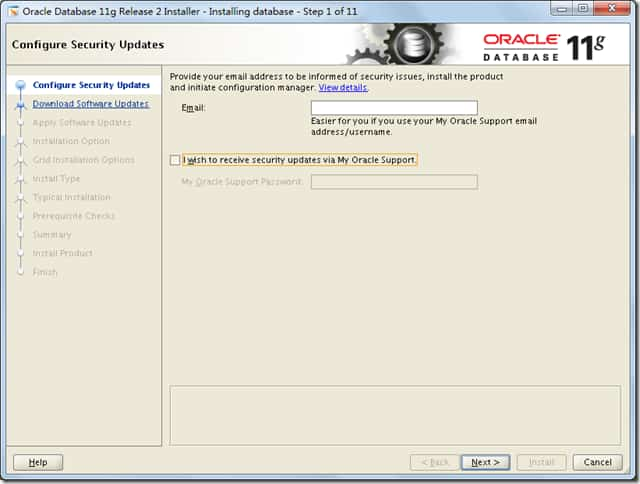
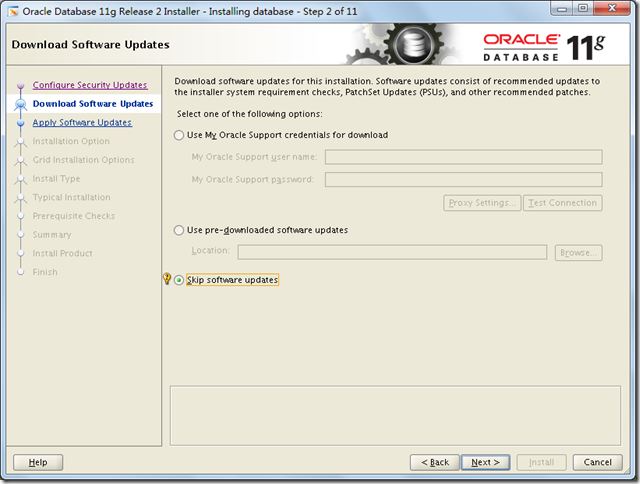
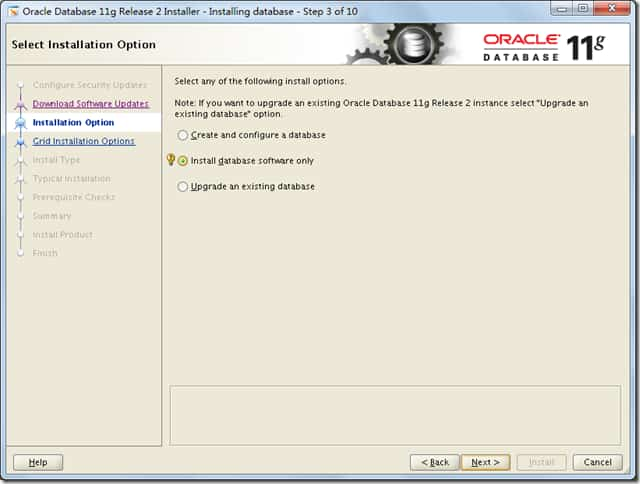
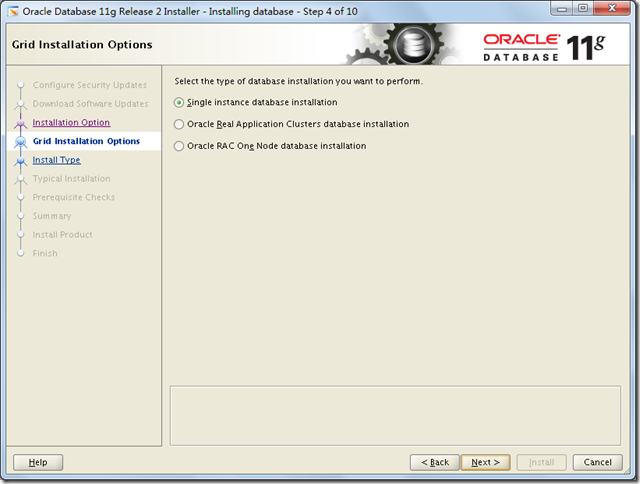
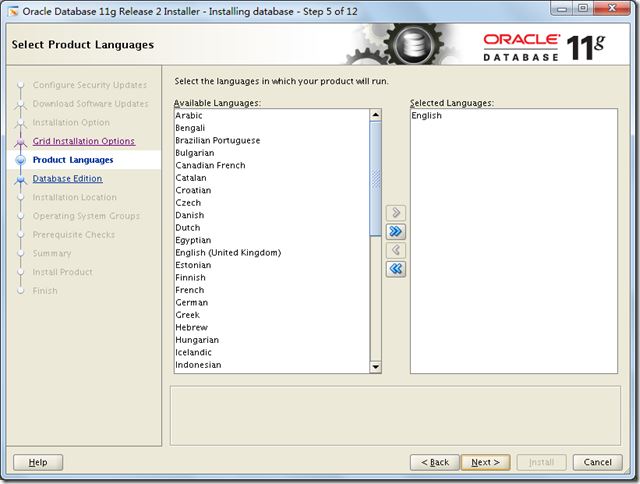
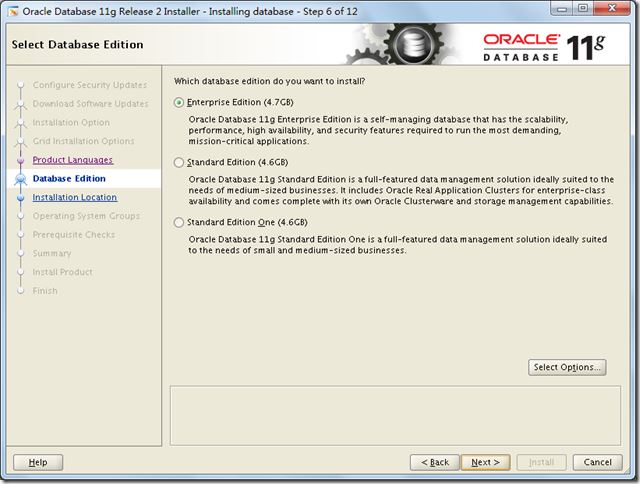
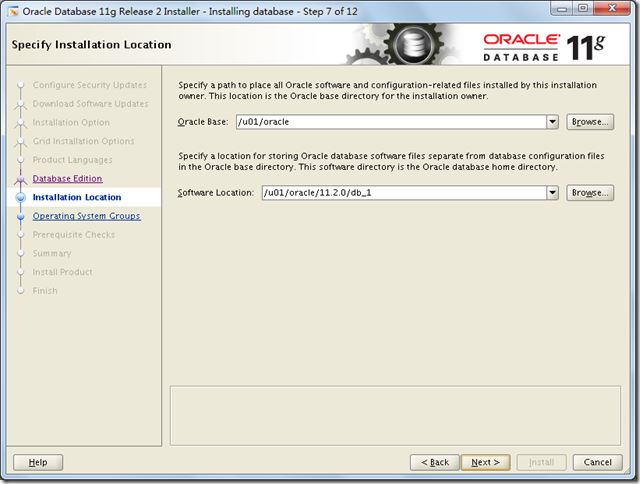
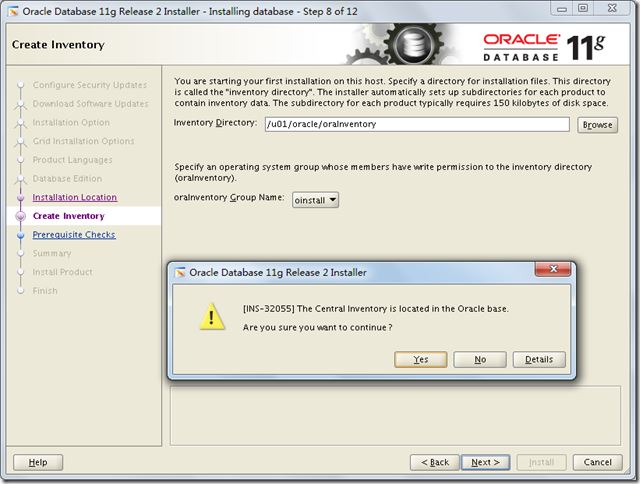
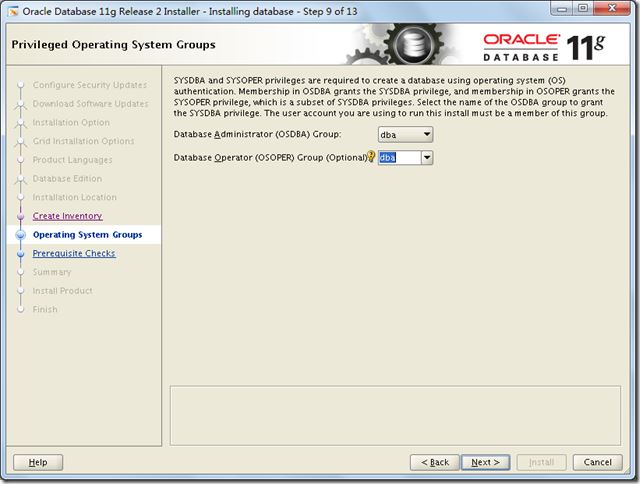
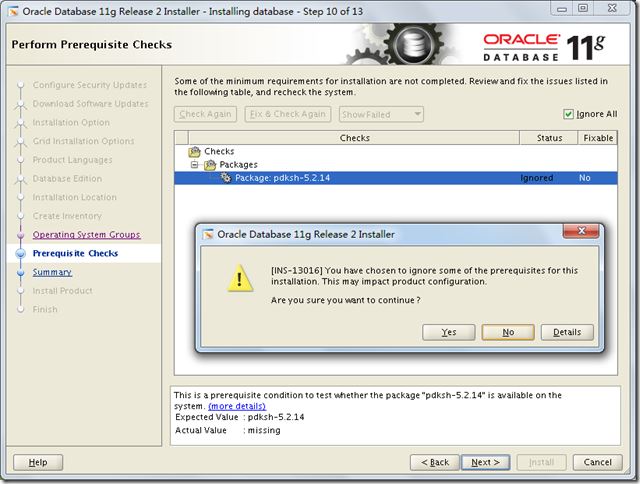
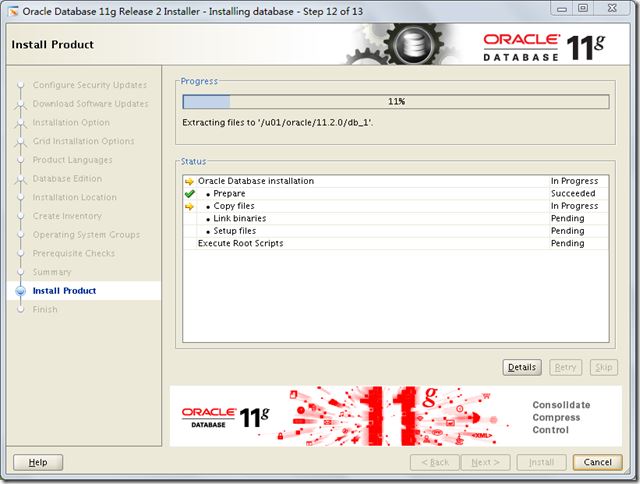
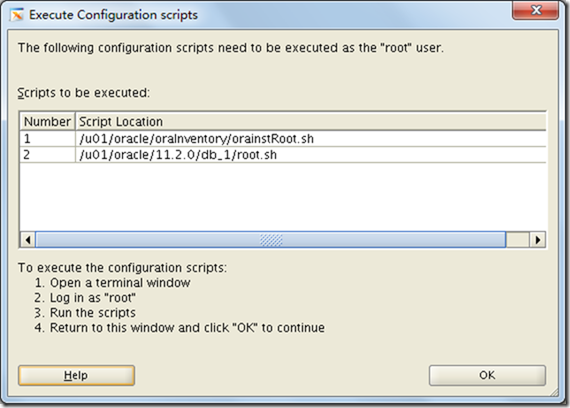
9. 开始安装
?
|
1
2
3
4
5
6
7
8
9
|
[oracle@localhost ~]$ cd $oracle_home/sysman/lib
[oracle@localhost lib]$ cp ins_emagent.mk ins_emagent.mk.bak
[oracle@localhost lib]$ vi ins_emagent.mk
[root@localhost rhel]
access control disabled, clients can connect from any host
[root@localhost rhel]
[oracle@localhost ~]$ export display=10.1.105.52:0.0
[oracle@localhost ~]$ cd /opt/database/
[oracle@localhost database]$ ./runinstaller
|
[root@localhost opt]# rpm -ivh compat-libstdc++-33-3.2.3-72.el7.x86_64.rpm
总结
以上所述是小编给大家介绍的linux 7.4上安装配置oracle 11.2.0.4图文教程,希望对大家有所帮助,如果大家有任何疑问请给我留言,小编会及时回复大家的。在此也非常感谢大家对网站的支持!
原文链接:http://www.cnblogs.com/lightnear/archive/2017/12/14/8036159.html |



 發表於 2023-8-11 00:00:00