5
0
热心网友
今天我们就来讲讲在Ubuntu里用git新增分支并且提交的方法,很简单,请看下文详细介绍。
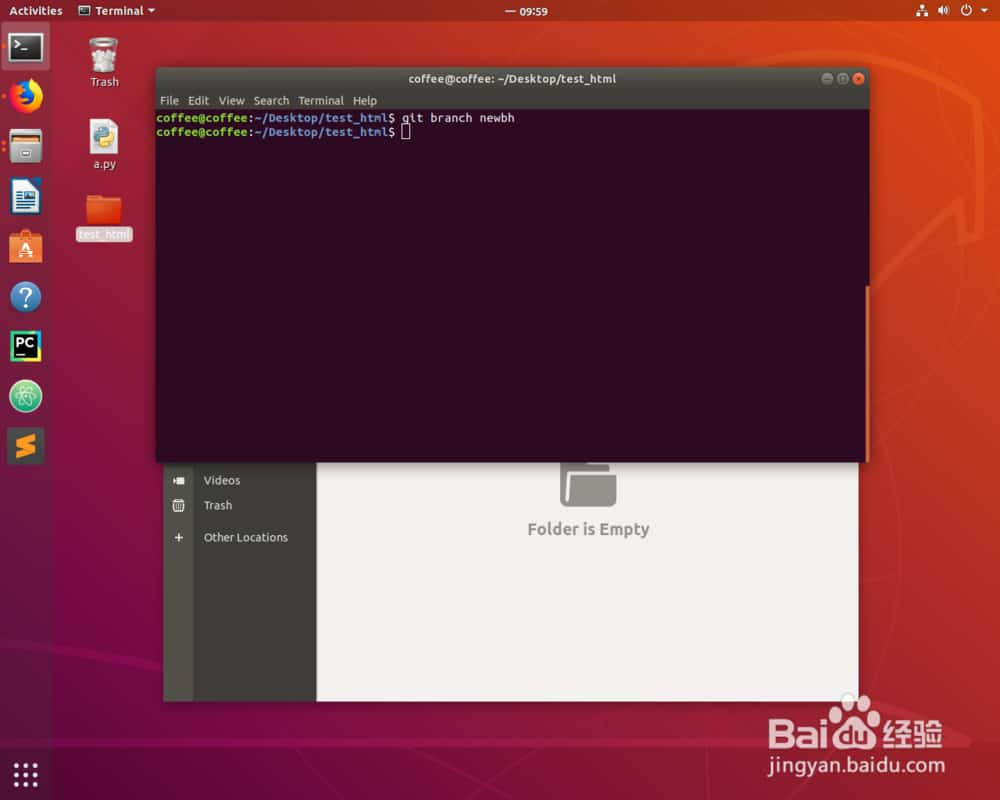
git branch newbh
我们创建一个新的分支newbh。
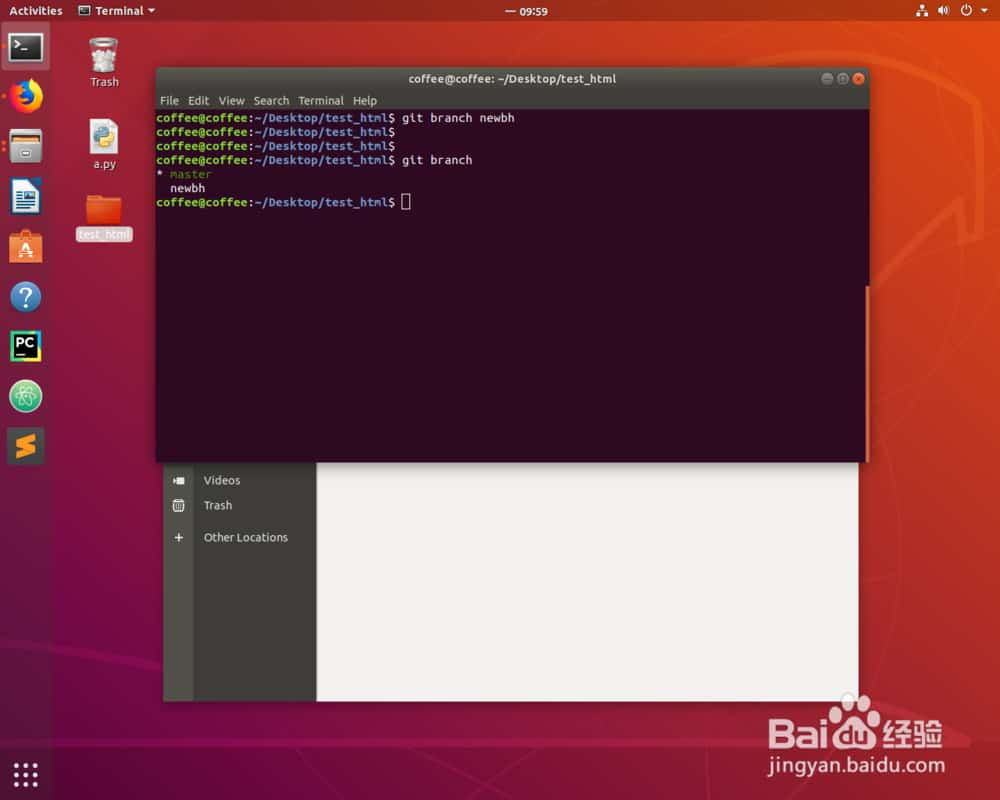
git branch
就能看到当前有的分支。
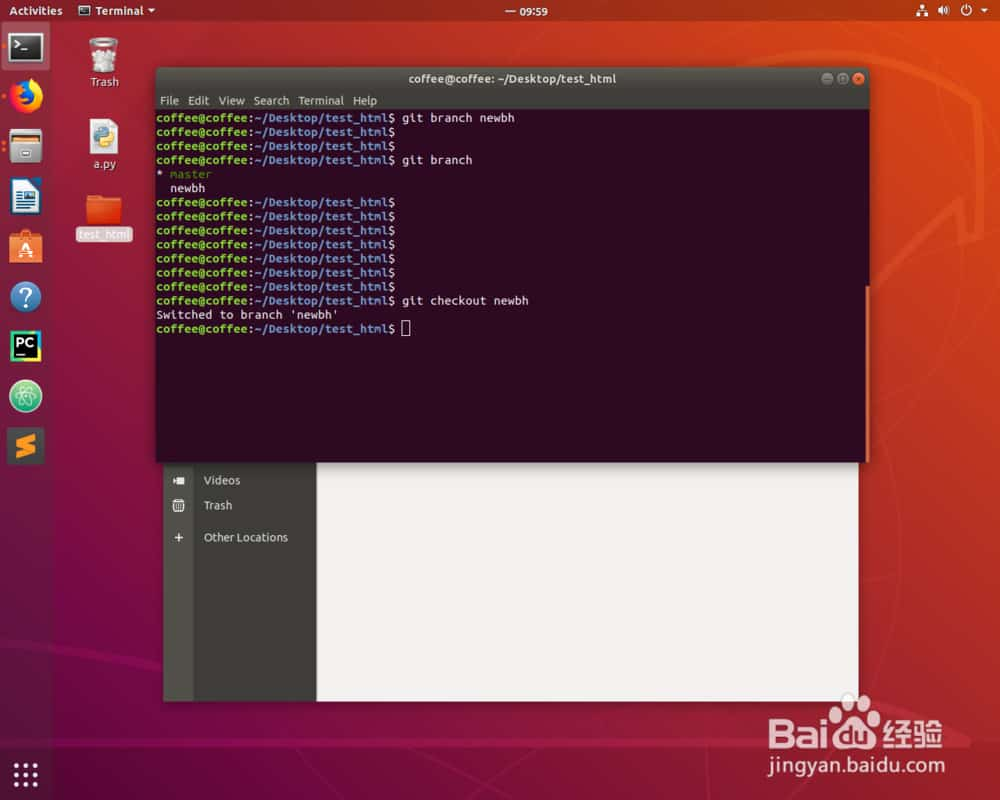
git checkout newbh
这样我们就能转换到newbh分支。
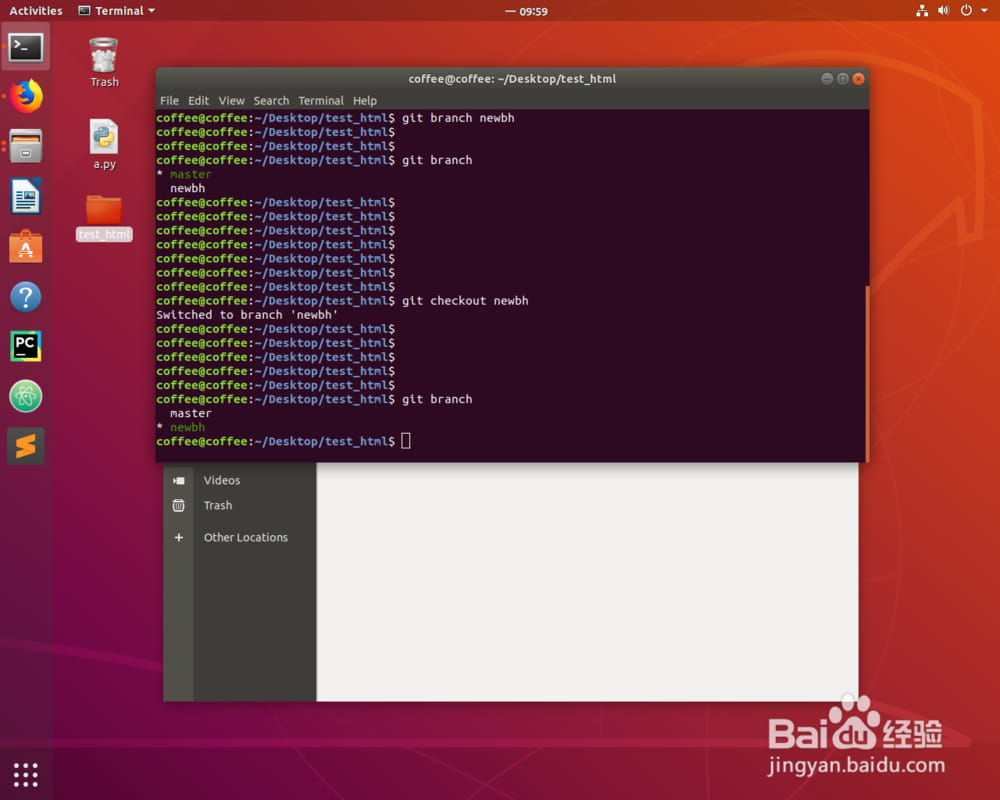
能用颜色辨认已经切换到这个分支了。
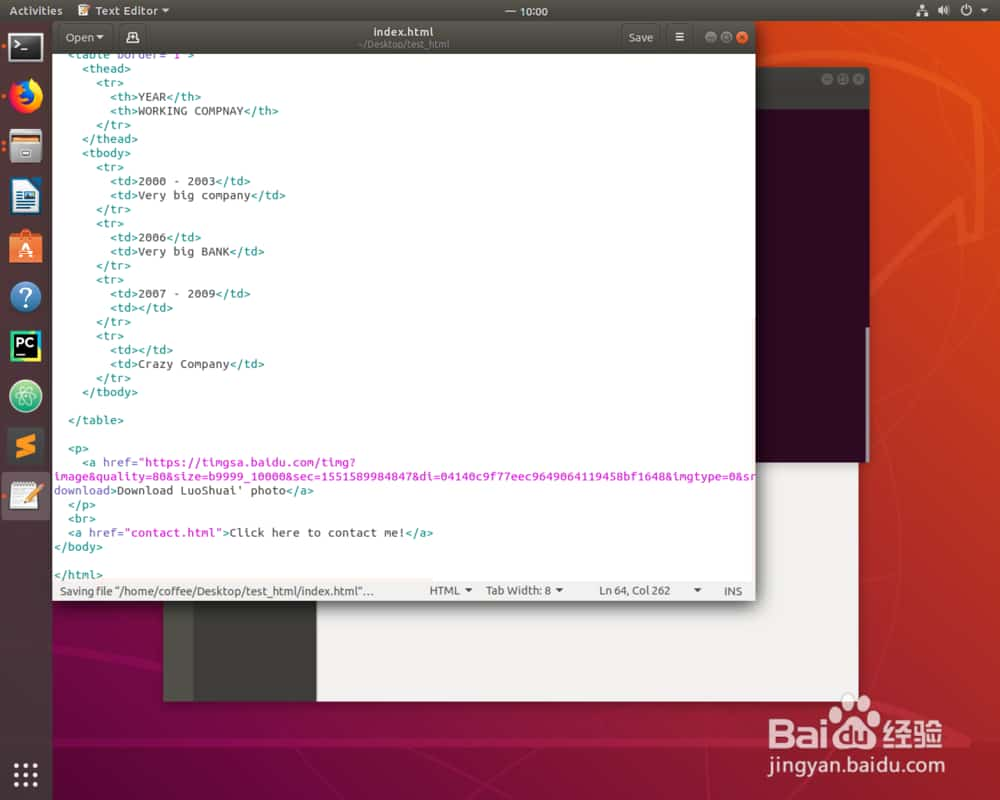
修改一下文件。
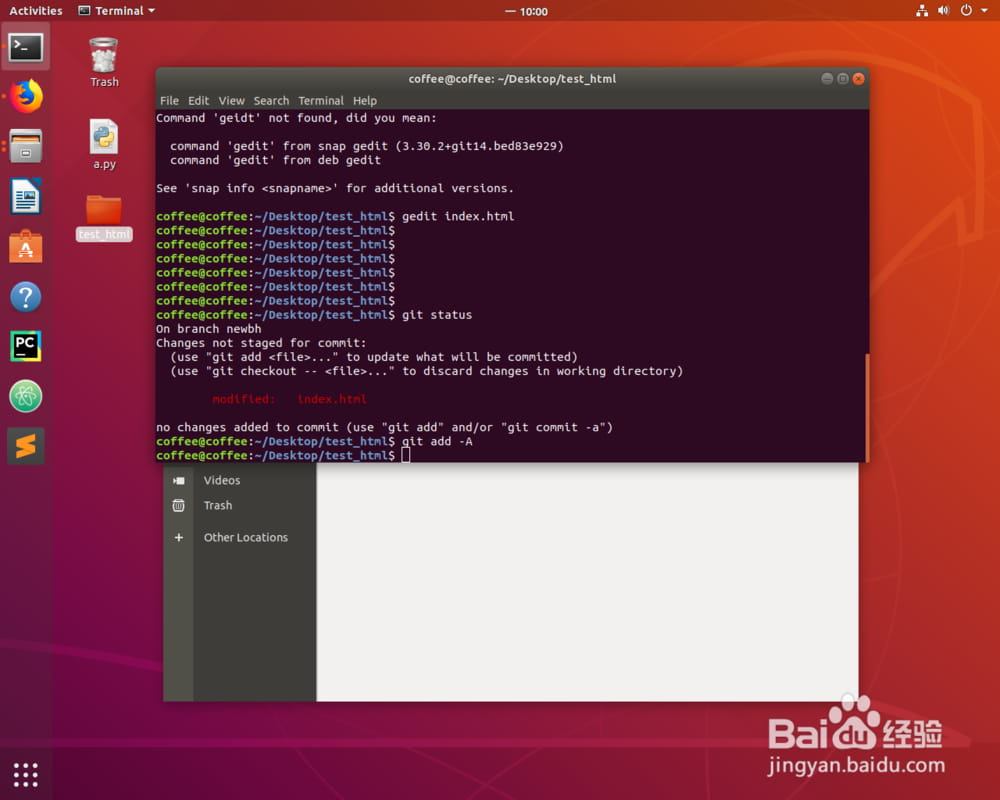
git status
git add -A
然后我们添加到暂缓区。
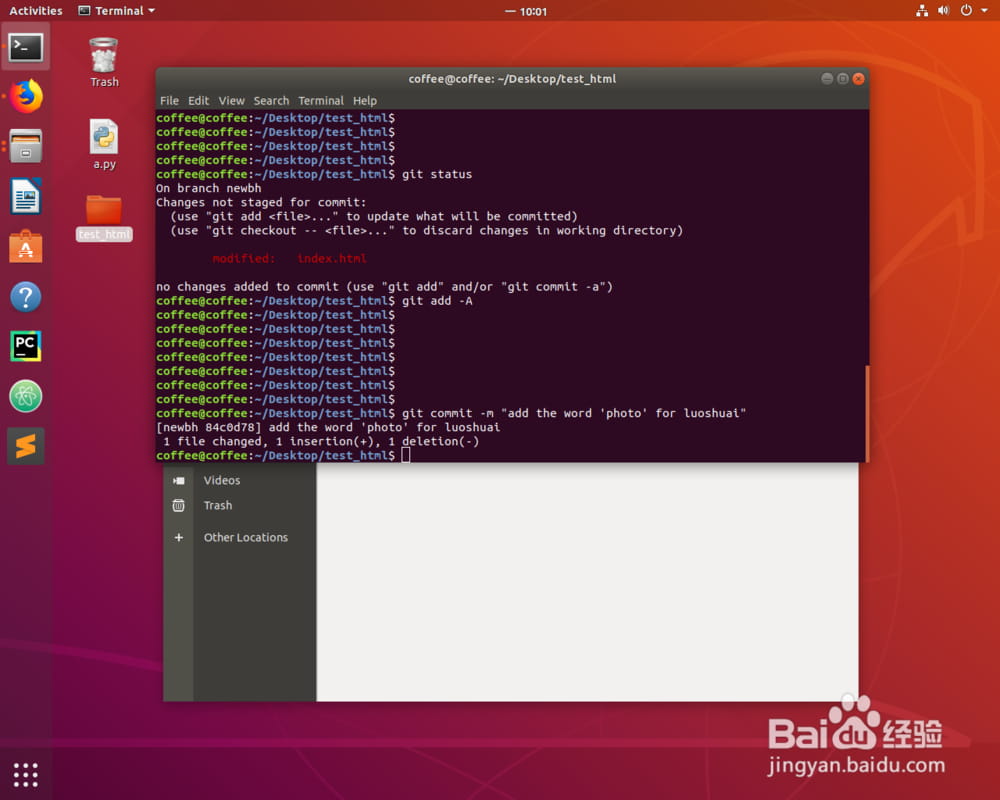
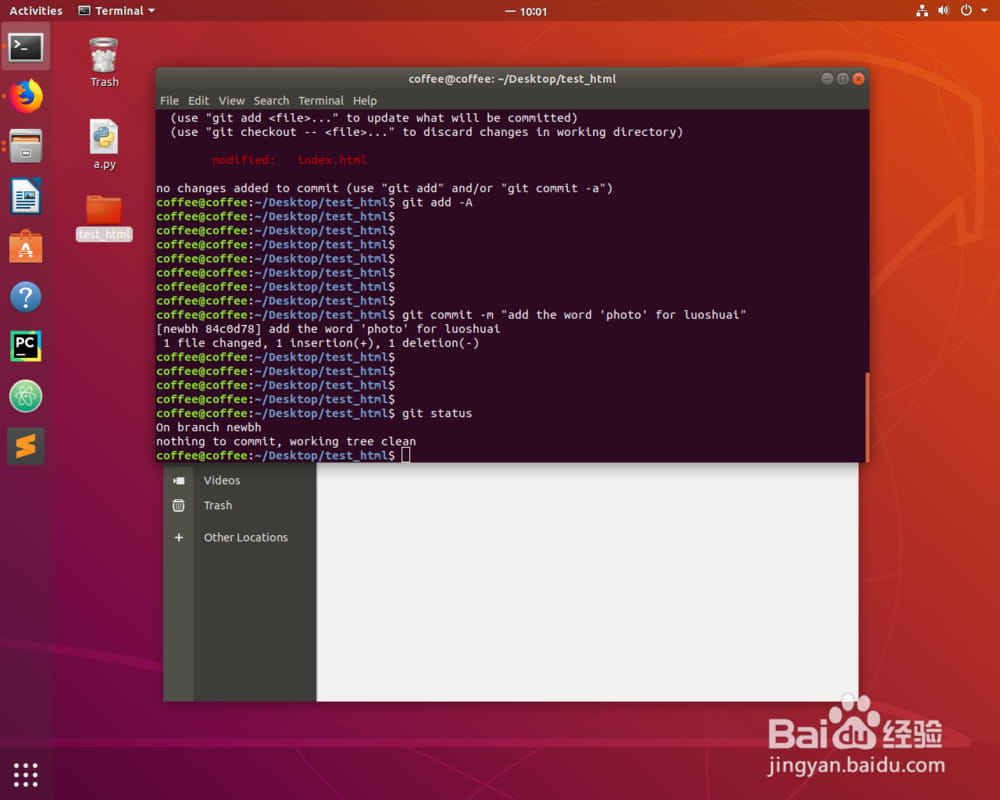
git commit -m ""
然后我们提交一下到本地版本库。
git push -u orgin newbh
然后我们就可以提交到远程仓库。
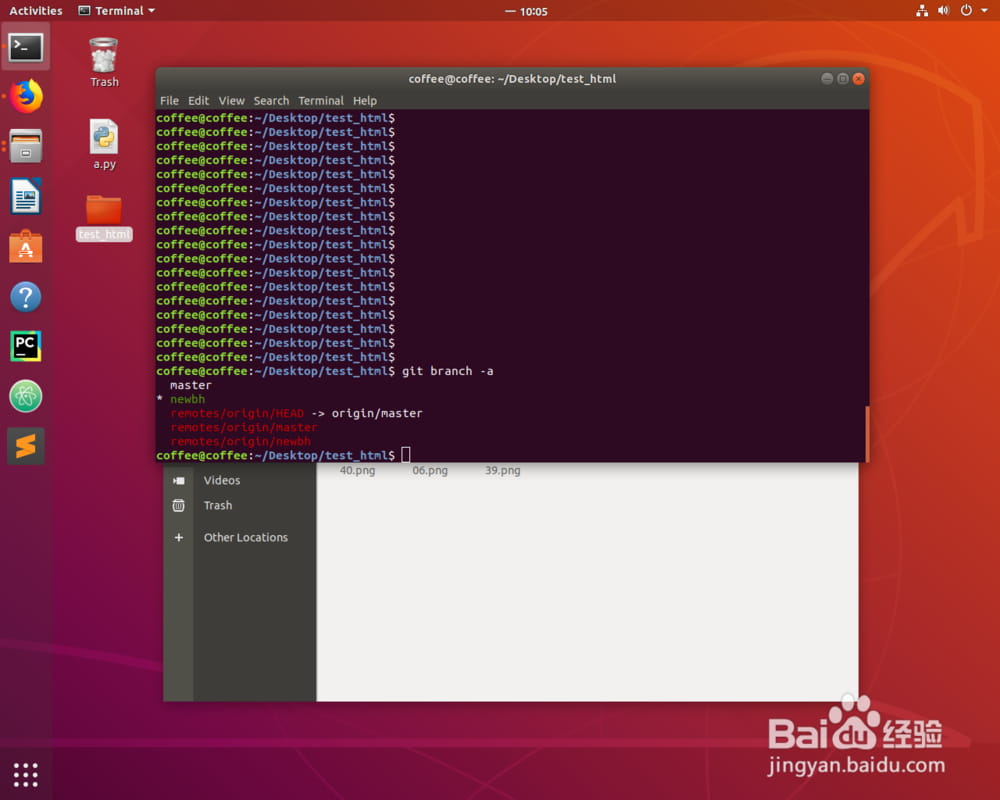
git branch -a
查看全部分支。
以上就是Ubuntu系统用git新增分支并且提交的方法,希望大家喜欢,请继续关注。
使用道具 舉報
本版積分規則 發表回覆 回帖並轉播 回帖後跳轉到最後一頁
圆梦公社,专注于为全球华人提供纯粹技术交流的地方,请勿发布任何政治及违法的言论。如有相关侵权、举报、投诉及建议等,请发 E-mail:dzh188@hotmail.com
Powered by Discuz! X5.0 © 2001-2026 Discuz! Team.



 發表於 2023-9-21 00:00:00