|
概述
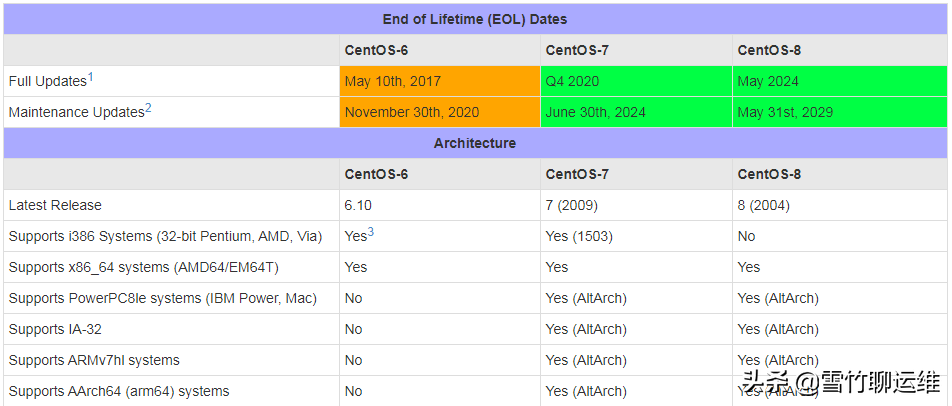
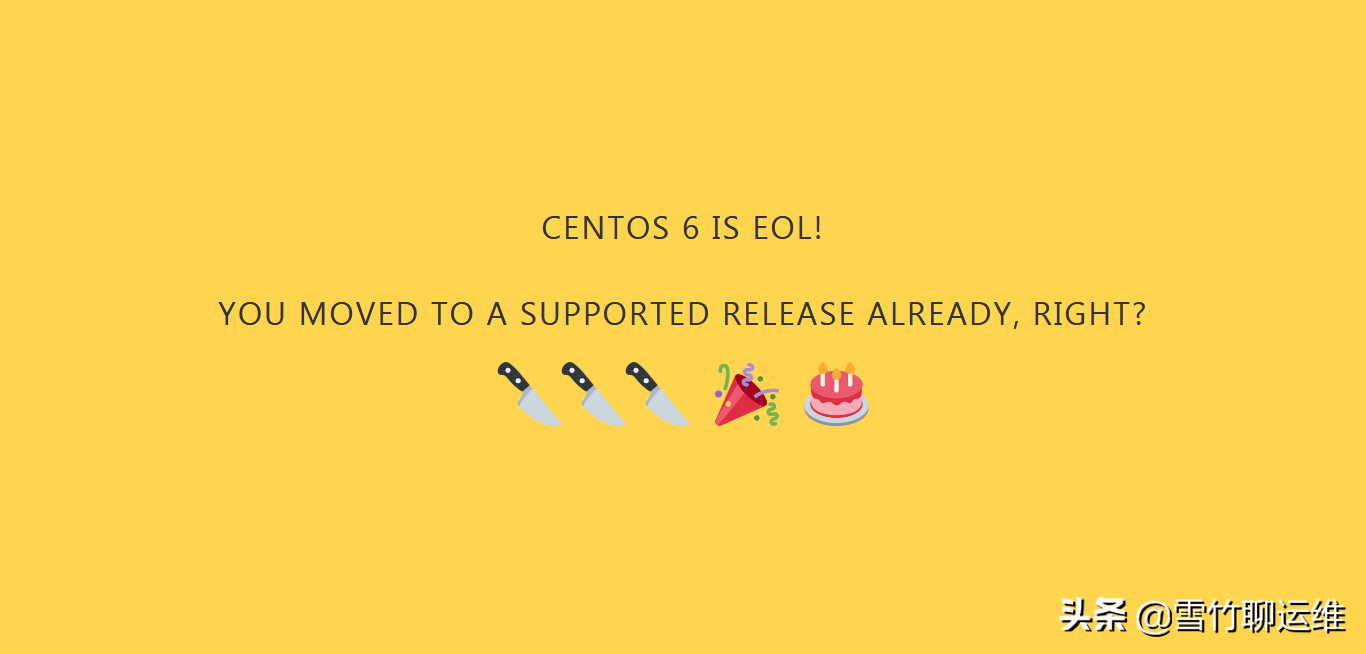
CentOS 开发者邮件列表显示,CentOS 6 已于11月30日 EOL,如果由于某种原因,您被困在 CentOS 操作系统的现在EOL(生命的尽头)版本,您将无法再yum upgrade成功运行。yum upgrade在 CentOS 6 中运行将产生以下结果:
YumRepo Error: All mirror URLs are not using ftp, http or file.
Eg. Invalid release/repo/arch combination/
removing mirrorlist with no valid mirrors: /var/cache/yum/x86_64/6/base/mirrorlist.txt
Error: Cannot retrieve repository metadata (repomd.xml) for repository: base. Please verify its path and try again
更换yum源
CentOS官方:http://vault.centos.org/
阿里云镜像:
http://mirrors.aliyun.com/centos-vault/
1、关闭fastestmirror
-
[root@localhost~]#vi/etc/yum/pluginconf.d/fastestmirror.conf
-
[main]
-
enabled=0#修改为0
-
verbose=0
2、替换为官方Vault源
-
mv/etc/yum.repos.d/CentOS-Base.repo/etc/yum.repos.d/CentOS-Base.repo.bak
-
#替换为官方Vault源
-
wget-O/etc/yum.repos.d/CentOS-Base.repohttps://static.lty.fun/%E5%85%B6%E4%BB%96%E8%B5%84%E6%BA%90/SourcesList/Centos-6-Vault-Official.repo
3、替换为阿里云Vault镜像
-
wget-O/etc/yum.repos.d/CentOS-Base.repohttps://static.lty.fun/%E5%85%B6%E4%BB%96%E8%B5%84%E6%BA%90/SourcesList/Centos-6-Vault-Aliyun.repo
修复 EPEL 存储库
-
curlhttps://www.getpagespeed.com/files/centos6-epel-eol.repo
修复 SCLO 存储库
包含较新编译软件的存储库gcc可通过 Software Collections 获得。
但是,它的存储库同样消失了。改用 Vault 存储库:
-
yum-yinstallcentos-release-scl
-
curlhttps://www.getpagespeed.com/files/centos6-scl-eol.repo
-
curlhttps://www.getpagespeed.com/files/centos6-scl-rh-eol.repo
原文链接:https://www.toutiao.com/a6994404327888552459/
|



 發表於 2023-11-4 00:00:00