|
Vtonf是一款免费的基于web界面的控制面板(符合GPL),它可以管理OpenVz上虚拟专用服务器(VPS)。使用她甚至是那些有很少专业只是的用户也可以很简单地创建和管理OpenVZ上的虚拟机。到目前为止,Vtonf仅仅支持RedHat, Fedora, 和 CentOS(支持Debian正在计划中)。
CentOS-5.4-i386系统(Vtonf不支持x86-64的系统,安装过程会出错,在其INSTALL中也有说明)
1、关闭SELinux
打开setup界面–firewall configureation,将SELinux置为Disabled
或修改
|
vi /etc/sysconfig/selinux
|
为
|
SELINUX=disabled
SELINUXTYPE=targeted
|
2、Firewall
如果不想关闭Firewall,需要打开8001端口:
|
/sbin/iptables -I INPUT -p tcp –dport 8001 -j ACCEPT
/etc/rc.d/init.d/iptables save
/etc/init.d/iptables restart
|
3、安装 OpenVZ
|
cd /etc/yum.repos.d
wget http://download.openvz.org/openvz.repo
rpm –import http://download.openvz.org/RPM-GPG-Key-OpenVZ
yum search ovzkernel
yum -y install ovzkernel
yum -y install vzctl vzquota
|
修改或添加以下内容
|
net.ipv4.ip_forward = 1
net.ipv4.conf.default.proxy_arp = 0
net.ipv4.conf.all.rp_filter = 1
kernel.sysrq = 1
net.ipv4.conf.default.send_redirects = 1
net.ipv4.conf.all.send_redirects = 0
net.ipv4.icmp_echo_ignore_broadcasts=1
net.ipv4.conf.default.forwarding=1
|
使之生效:
重启系统
如果安装正常应该显示为:
|
2.6.18-164.15.1.el5.028stab068.9
|
4、安装Vtonf
|
yum -y install vzpkg expect
|
|
wget http://mesh.dl.sourceforge.net/sourceforge/vtonf/vtonfinstaller.1.0-beta1.tar.gz
tar xvfz vtonfinstaller.1.0-beta1.tar.gz
cd vtonfinstaller.1.0-beta1
./install
|
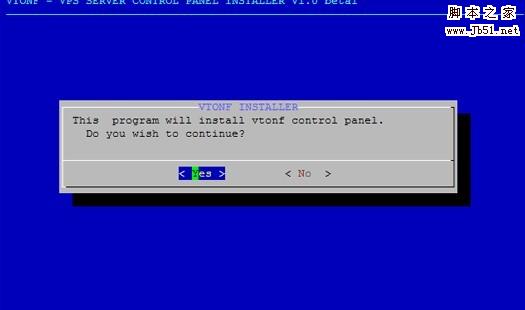
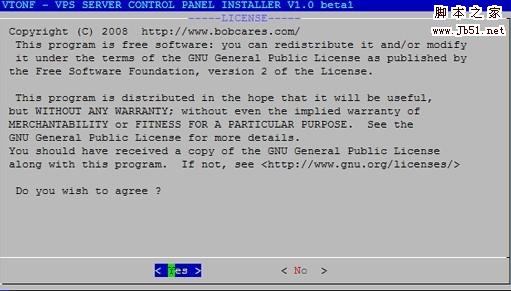
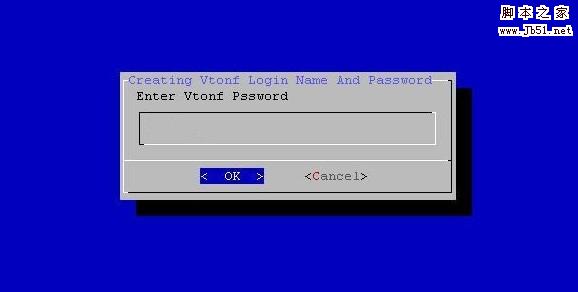
会问你是否开始安装程序,输入yes
Do you wish to start the installation procedure (y/n)? : y
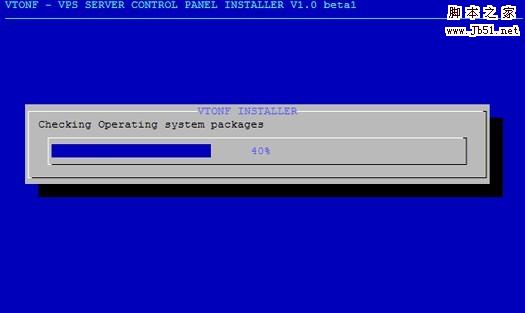
Starting installation
Please wait……………….
OK.安装完成。
打开vtonf控制面板http://yourhostip:8001/
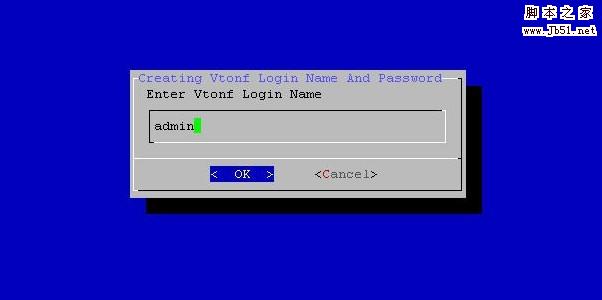
输入安装过程中你设置的用户名和密码
Login Name : admin
Password :
属于你自己的VPS已经呈现在你的眼前,晚些时候再把vtonf的使用方法弄出来。
原文地址:http://www.armysoul.org/archives/973.html |



 發表於 2024-1-30 00:00:00