场景
Angular介绍、安装Angular Cli、创建Angular项目入门教程:
https://blog.csdn.net/BADAO_LIUMANG_QIZHI/article/details/105570017
Angular新建组件以及组件之间的调用:
https://blog.csdn.net/BADAO_LIUMANG_QIZHI/article/details/105694997
通过以上搭建起Angular项目。
注:
博客:
https://blog.csdn.net/badao_liumang_qizhi
关注公众号
霸道的程序猿
获取编程相关电子书、教程推送与免费下载。
实现
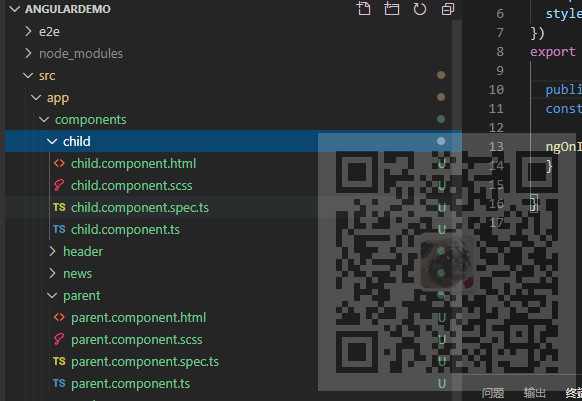
新建两个组件,父组件parent和子组件child
ng g component components/child
ng g component components/parent
父组件给子组件传递简单的数据
首先在父组件parent中的ts中声明一个简单的字符串变量
public msg:string = "你妈叫你回家吃饭";
然后在父组件的html中调用子组件的时候传入数据
<app-child [msg]="msg"></app-child>
左边是传递的标识变量,右边是父组件的数据变量
然后在子组件的ts中引入input模块
import { Component, OnInit ,Input} from '@angular/core';
然后在子组件的ts中使用@Input接收父组件传过来的数据
这里的msg要与上面父组件传递的左边的msg相对应
然后就可以在子组件的html中使用接收的数据
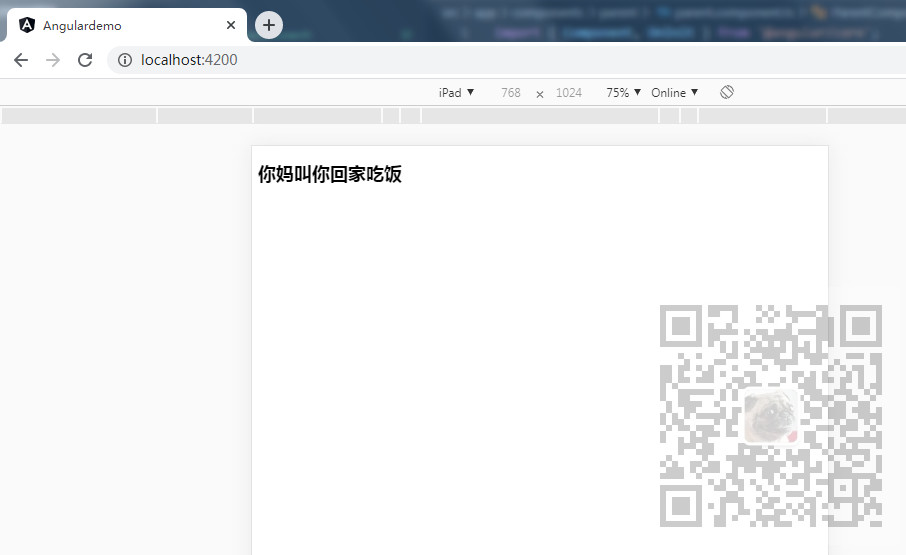
运行项目看效果
父组件传递方法给子组件(子组件调用父组件的方法)
同上面父组件传递简单的数据给子组件一样,还可以将 父组件的方法传递给子组件
首先在子组件中声明一个run方法
  run()
  {
    alert("调用了父组件的run方法");
  }
然后在父组件调用子组件时传递方法
<app-child [msg]="msg" [run] ="run"></app-child>
同样在子组件中引入input
import { Component, OnInit ,Input} from '@angular/core';
然后在子组件中接收方法
在子组件的html中添加一个button
<button (click) = "getParentRun()">调用父组件的方法</button>
并给button添加一个点击事件,在此点击事件中调用接收的run方法
  getParentRun()
  {
    this.run();
  }
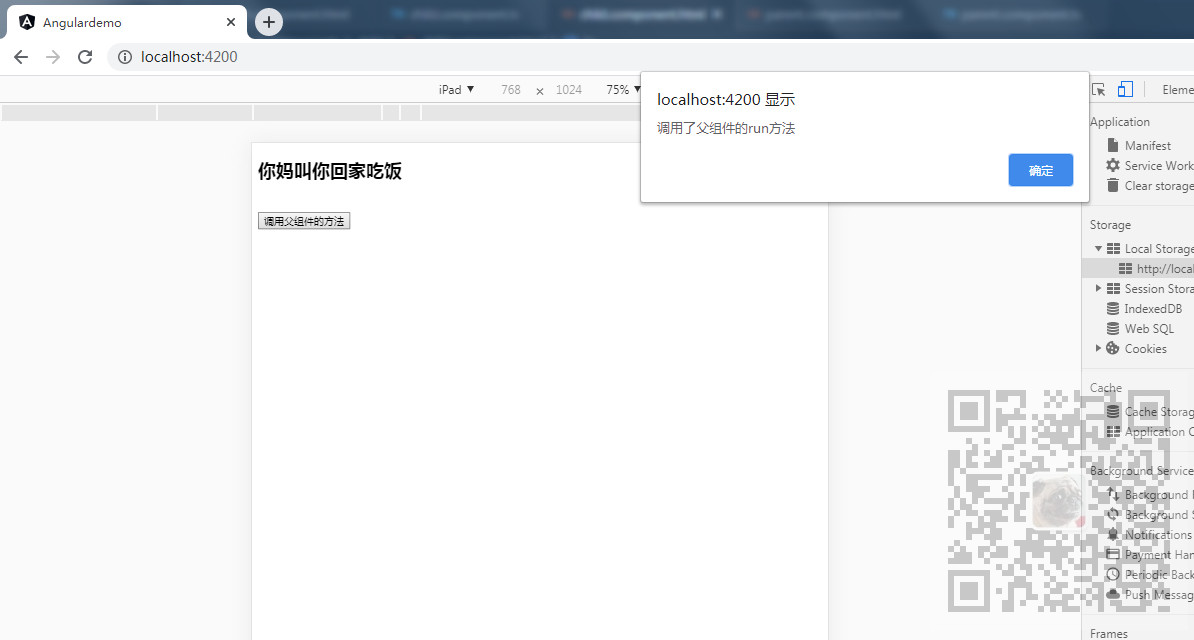
运行看效果
父组件将自己传递给子组件
跟上面将父组件的方法传递给子组件一样,还可以将父组件整个传递给子组件
只需要在父组件调用子组件时传递下this
<app-child [msg]="msg" [run] ="run" [baba]="this"></app-child>
然后在子组件中接收this
就可以直接调用父组件的属性和方法了
  getParentRun()
  {
    //this.run();
    this.baba.run();
    alert(this.baba.msg);
  }
博客园:
https://www.cnblogs.com/badaoliumangqizhi/
关注公众号
霸道的程序猿
获取编程相关电子书、教程推送与免费下载。
来源:https://www.cnblogs.com/badaoliumangqizhi/p/12897577.html |



 發表於 2020-5-15 22:18:00