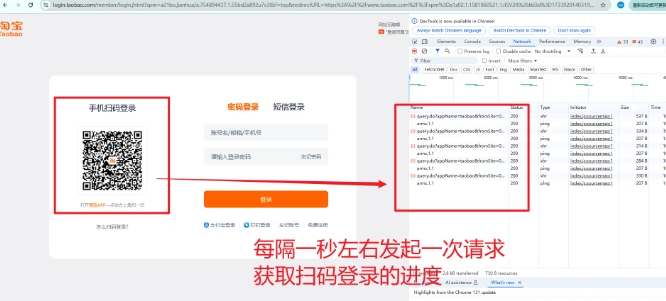
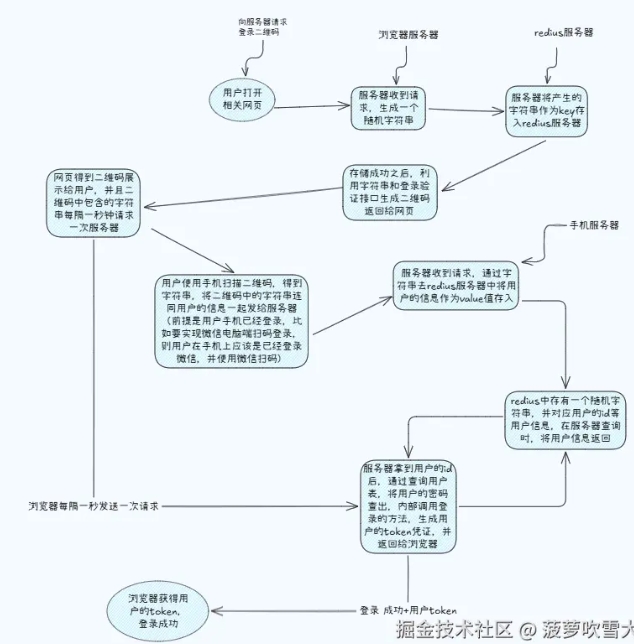
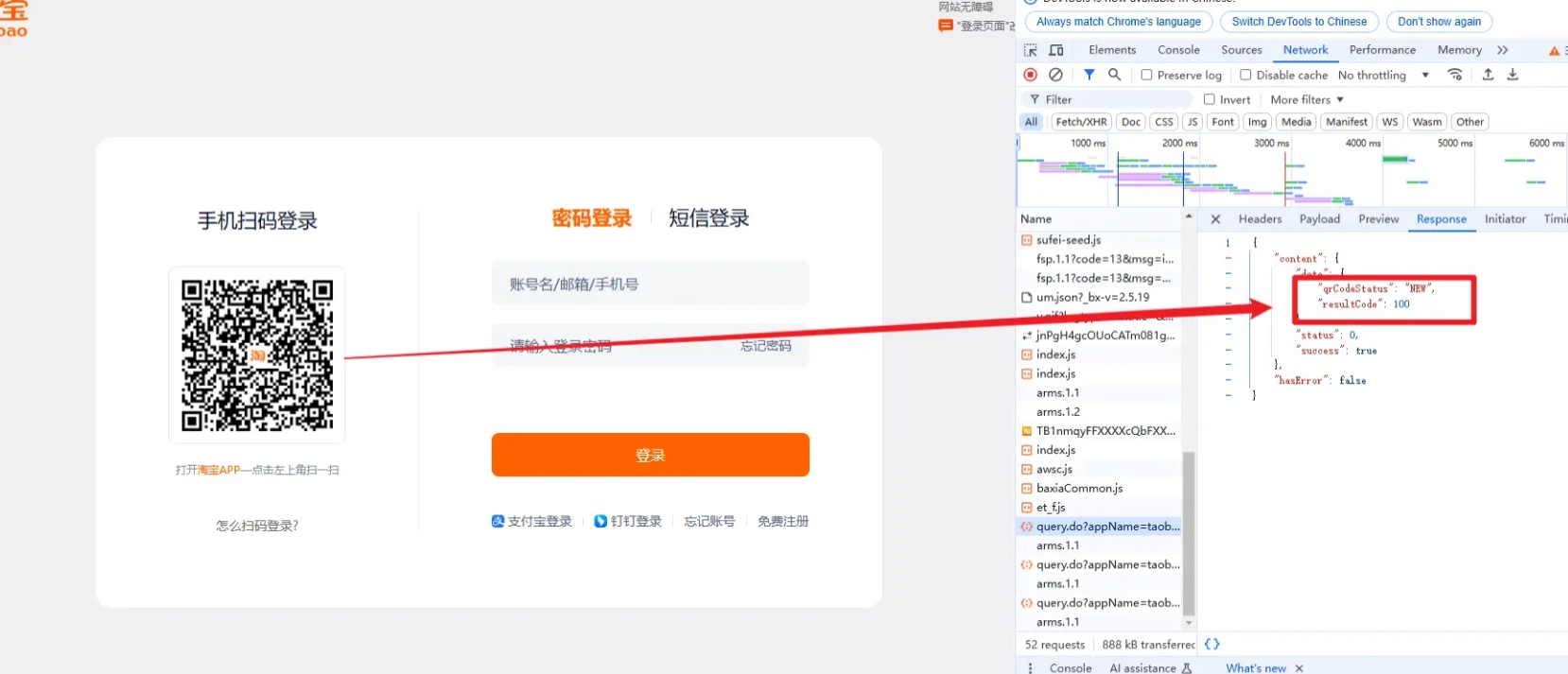
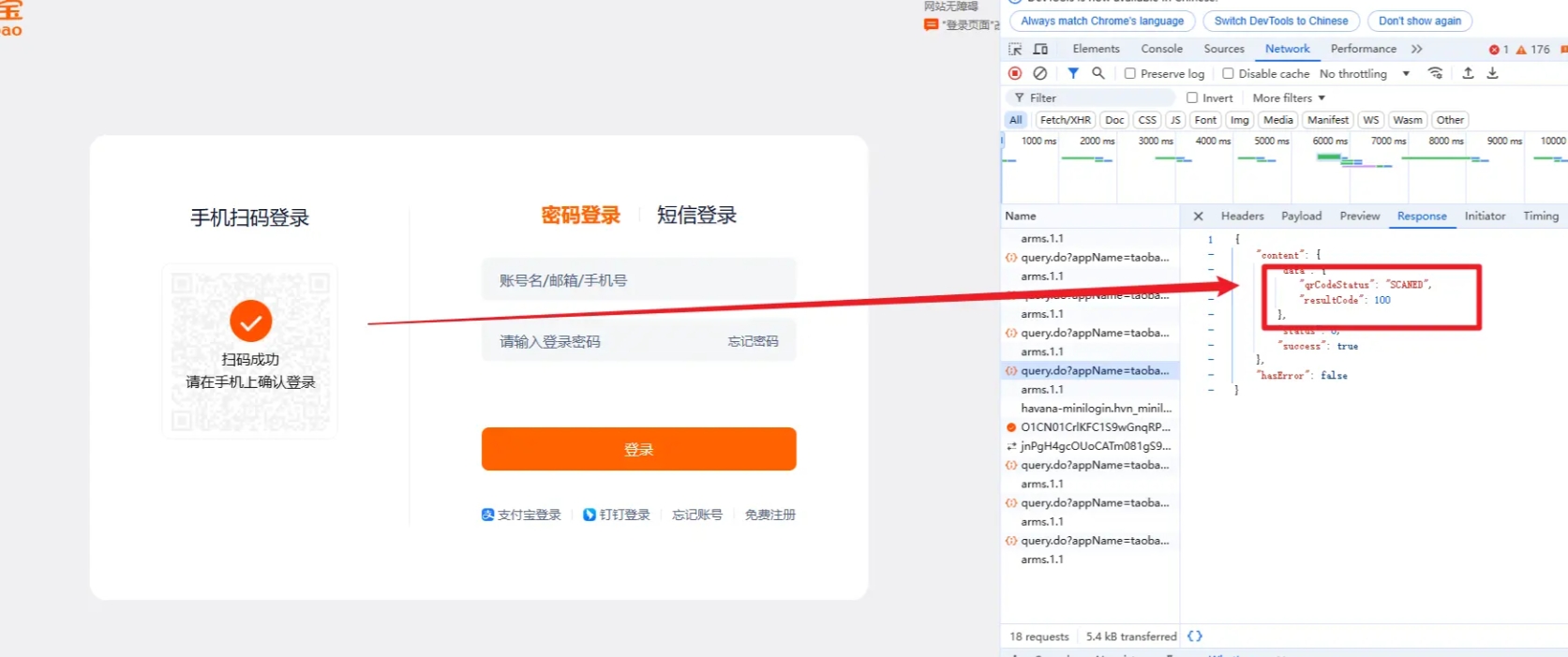
const socket = io('https://example.com');
socket.emit('subscribe', { uuid: 'xxxx' });
io.to('xxxx').emit('qrStatus', { status: 'authorized' });
socket.on('qrStatus', (data) => {
    if (data.status === 'authorized') {
        window.location.href = '/dashboard';
    }
});
<template>
    <div class="app-container">
        <div class="register">
            <!-- 登录输入部分 -->
            <div class="register-content">
                    <!-- 扫码登录部分 -->
                    <div class="qr-login">
                        <canvas ref="qrCanvas" class="qr-code"></canvas>
                        <p v-if="qrStatus === 'waiting'">请使用移动设备扫码登录</p>
                        <p v-if="qrStatus === 'scanned'">二维码已扫描,请确认登录</p>
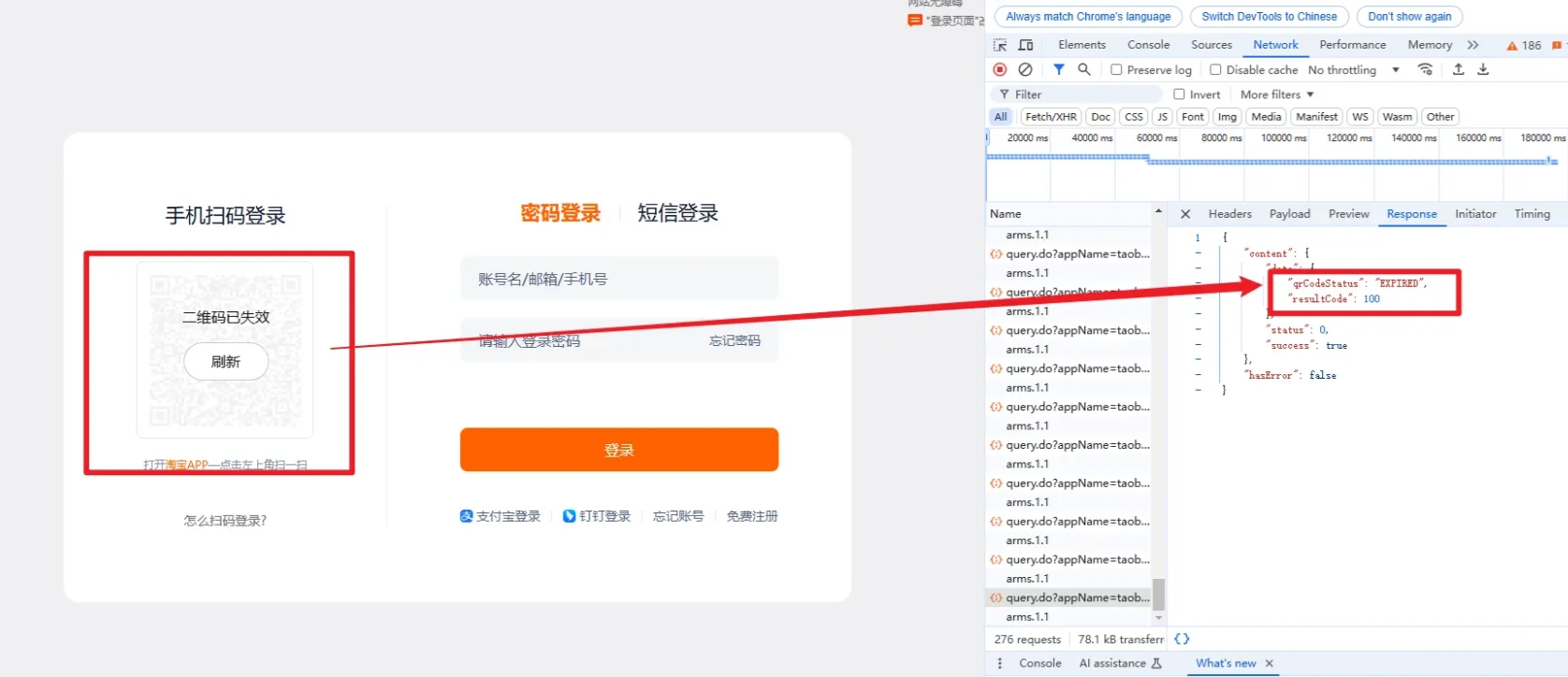
                        <p v-if="qrStatus === 'expired'">二维码已过期,请刷新页面</p>
                        <el-button v-if="qrStatus === 'expired'" @click="generateQRCode">重新生成二维码</el-button>
                    </div>
                </div>
            </div>
        </div>
    </div>
</template>

<script setup>
import { ref, onMounted } from 'vue';
import QRCode from 'qrcode';
import axios from 'axios';

const qrCanvas = ref(null);
const qrStatus = ref('waiting'); // 状态:waiting, scanned, expired
const qrUUID = ref('');
let pollInterval = null;

// 生成二维码
const generateQRCode = async () => {
    try {
        // 请求后端生成UUID
        const response = await axios.get('/api/qr-code'); // 替换为真实后端接口
        qrUUID.value = response.data.uuid;

        // 使用二维码库生成二维码
        QRCode.toCanvas(qrCanvas.value, response.data.url, { width: 200 });

        // 启动状态轮询
        qrStatus.value = 'waiting';
        startPolling();
    } catch (error) {
        console.error('生成二维码失败', error);
    }
};

// 启动轮询
const startPolling = () => {
    pollInterval = setInterval(async () => {
        try {
            const response = await axios.get(`/api/qr-status/${qrUUID.value}`);
            qrStatus.value = response.data.status;

            if (response.data.status === 'authorized') {
                clearInterval(pollInterval);
                window.location.href = '/dashboard'; // 登录成功跳转
            }

            if (response.data.status === 'expired') {
                clearInterval(pollInterval);
            }
        } catch (error) {
            console.error('轮询失败', error);
        }
    }, 3000); // 每3秒请求一次
};

// 页面加载时生成二维码
onMounted(() => {
    generateQRCode();
});
</script>

<style scoped>
.qr-login {
    text-align: center;
    margin-top: 20px;
}
.qr-code {
    margin: 10px auto;
    display: block;
}
</style>



 發表於 2025-4-25 15:44:00