1 # Synology Active Backup for Business Agent README and Installation Guide
 2
 3 Copyright (c) 2020 Synology Inc. All rights reserved.
 4
 5 ## Introduction
 6
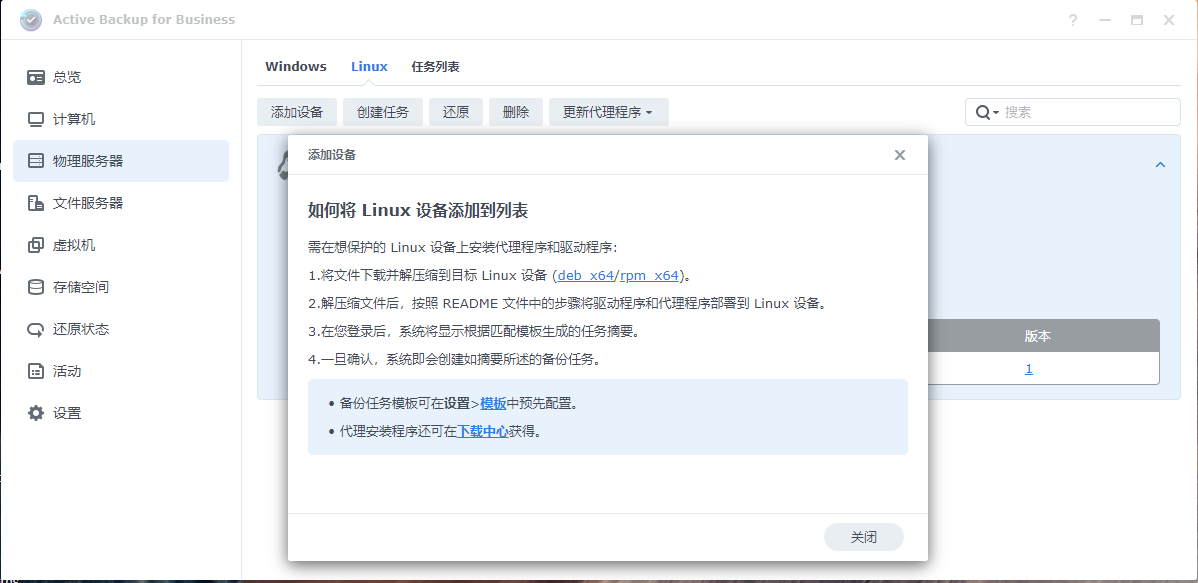
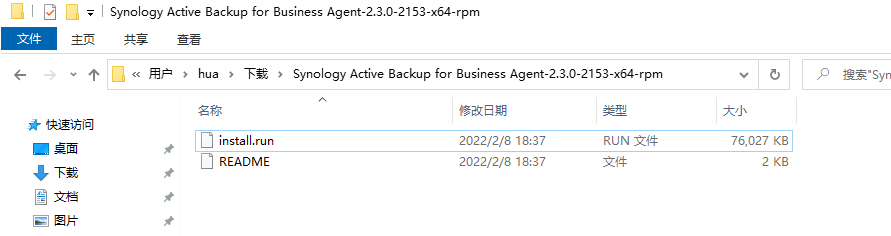
 7 The installation file contains Linux snapshot driver and the Linux backup service.
 8
 9 ## System requirement
10
11 ### Linux distributions:
12 * CentOS: 6.10, 7.8, 8.1
13 * RHEL: 6.10, 7.8, 8.1
14 * Fedora: 30, 31, 32
15
16 ### Required components on the target device:
17
18 * if you are on CentOS8, `kernel-headers-$(uname -r)` is needed, otherwise `kernel-devel-$(uname -r)`
19 * make 4.1 version or above
20 * libaio 0.3.110 version or above
21 * dkms 2.2.0.3 version or above
22 * gcc 4.8.2 version or above
23
24 For Linux servers without internet connection, you will need to download the required components and install them before running the installation script.
25
26 For Linux server with internet connection, the required components will be installed automatically by running the installation script.
27
28 ## Install Active Backup for Business Linux Agent
29
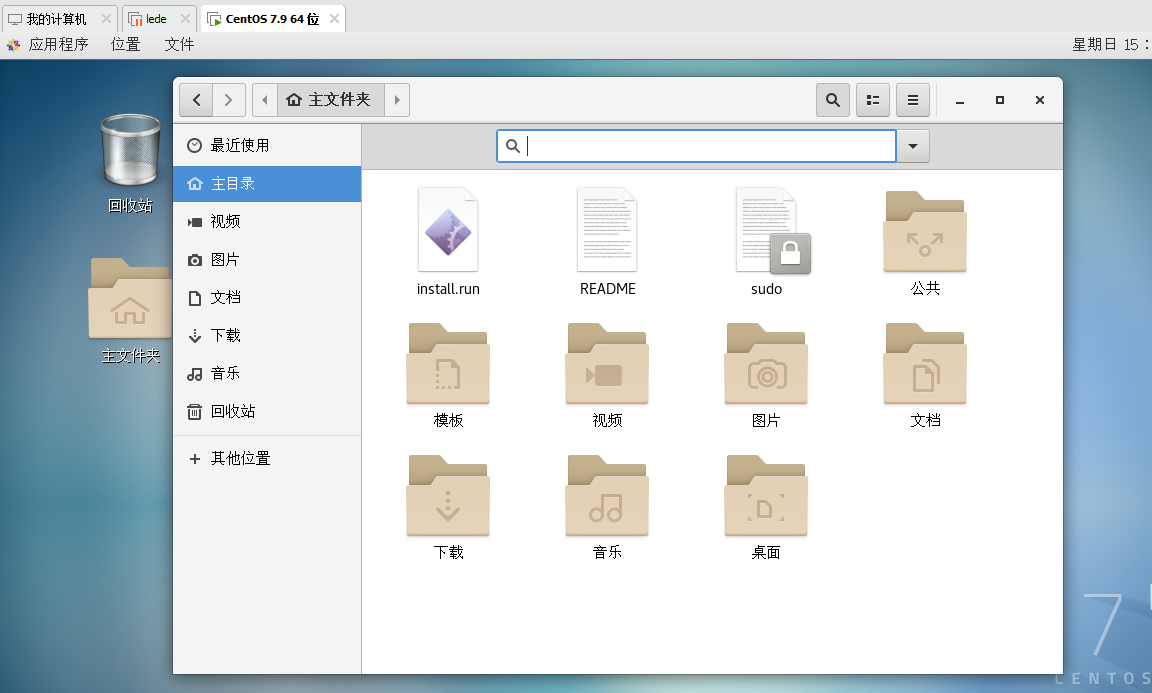
30 Enter command line to install Linux snapshot driver and Linux backup service. Administrator role is required to execute the command.
31
32 Please switch the role to root before execution.
33
34 `> sudo ./install.run `
35
36 ## Installation complete
37
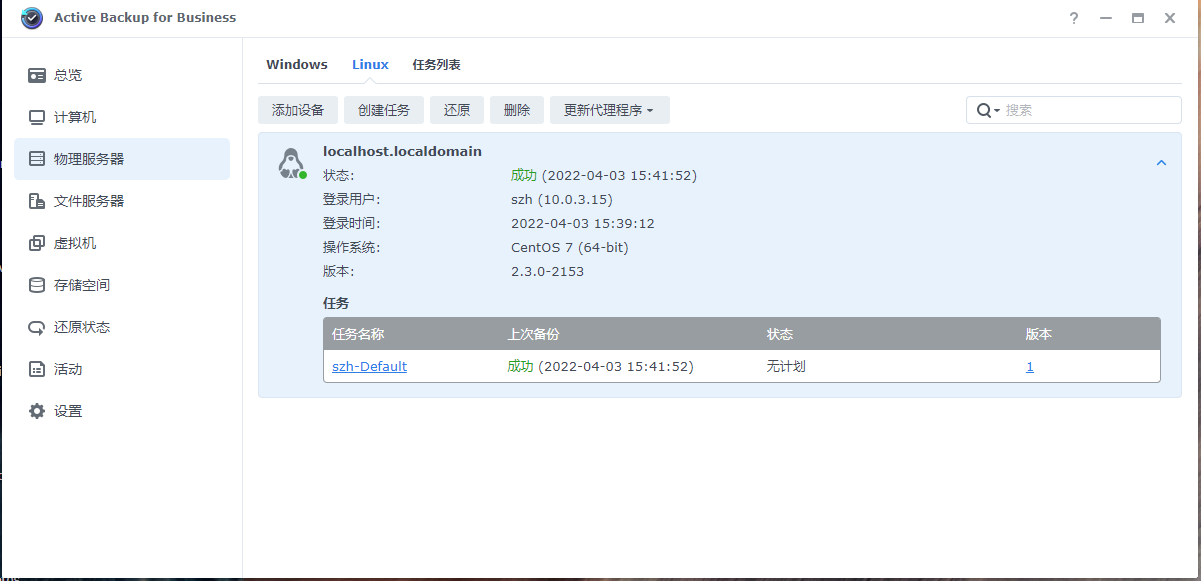
38 After the installation is complete, please type `abb-cli -c` to connect to Synology NAS and create the backup task.
39 To learn more commands about Active Backup for Business Linux Agent, please type `abb-cli -h`.
40
41 ## Uninstall the agent
42
43 Type "yum remove synology-active-backup-business-linux-service" to uninstall the backup service.
44 Type "yum remove synosnap" to uninstall the driver.
 1 * The installation is complete. You might enter "abb-cli -c" to connect to Synology NAS and back up the Linux device. To learn more commands about Active Backup for Business Linux agent, please type "abb-cli -h".
 2 [root@localhost zs]# abb-cli -c
 3 Enter server address: 10.0.3.3
 4 Enter username: szh
 5 Enter password:
 6 Connecting...
 7 The SSL certificate of the Synology NAS is not trusted. To learn how to obtain a valid certificate, please have a registered domain by setting up DDNS (http://sy.to/ddns) and applying for Let's Encrypt (http://sy.to/letsencrypt) certificate. Proceed anyway? [y/n](default: y): y
 8
 9 Server address: 10.0.3.3
10 Username: szh
11 Backup type: Server
12 Applied template: Default
13 Backup destination: ActiveBackupforBusiness
14 Source type: Entire device backup
15 Restoration privilege: admin, administrators, GC\domain admins, GC\enterprise admins
16 Backup by time: Monday, Tuesday, Wednesday, Thursday, Friday Start at: 03:00(Daily/Weekly)
17 Retention policy: Keep all versions
18 Backup window: Disabled
19 Data transfer compression: Enable
20 Data transfer encryption: Enable
21 Bandwidth consumption limit: Disabled
22 Compression at backup destination: Disabled
23 Encryption at backup destination: Disabled
24 Backup verification: Disabled
25 Pre/post script: Disabled
26 Confirm authentication? [y/n](default: y): y
27 Confirming authentication...
28 Successfully connected
29 [root@localhost zs]#



 發表於 2022-4-3 15:58:00