from selenium import webdriver
from selenium.webdriver.chrome.options import Options
import os

chrome_options = webdriver.ChromeOptions()
chrome_options.add_argument('--headless')
chrome_options.add_argument('--no-sandbox')
chrome_options.add_argument('--disable-gpu')
chrome_options.add_argument('--disable-dev-shm-usage')
chromedriver = "/usr/bin/chromedriver"
os.environ["webdriver.chrome.driver"] = chromedriver
driver = webdriver.Chrome(chrome_options=chrome_options,executable_path=chromedriver)
driver.get("https://www.baidu.com")
print(driver.title)
driver.quit()
第二步:开始部署
建立一个工作流
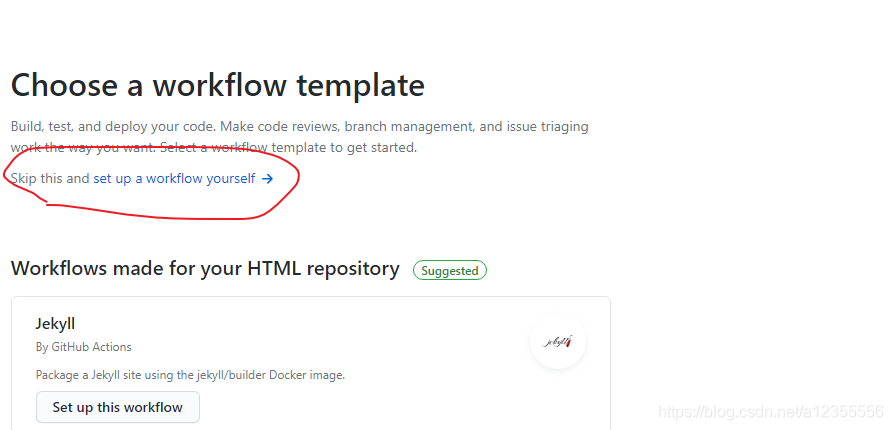
在左侧点击New Workflow,之后点击Skip this and set up a workflow yourself
命名文件,以.yml后缀结尾 把左侧内容删掉, 填入以下信息
name: selenium

# Controls when the action will run.
on:
  # Triggers the workflow on push or pull request events but only for the main branch
  push:
    branches: [ main ]
  pull_request:
    branches: [ main ]
  # Allows you to run this workflow manually from the Actions tab
  workflow_dispatch:

# A workflow run is made up of one or more jobs that can run sequentially or in parallel
jobs:
  # This workflow contains a single job called "build"
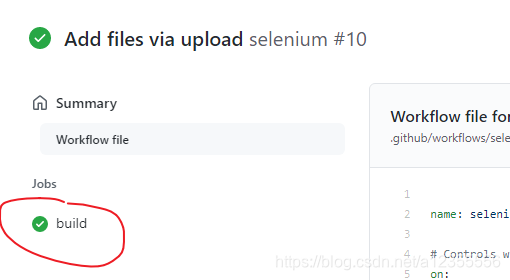
  build:
    # The type of runner that the job will run on
    runs-on: ubuntu-latest

    # Steps represent a sequence of tasks that will be executed as part of the job
    steps:
      # Checks-out your repository under $GITHUB_WORKSPACE, so your job can access it
      - name: Checkout
        uses: actions/checkout@v2

      # Runs a single command using the runners shell
      - name: 'Set up Python'
        uses: actions/setup-python@v1
        with:
           python-version: 3.7
      - name: 'Install requirements'
        run: pip install -r ./Spider/requirements.txt
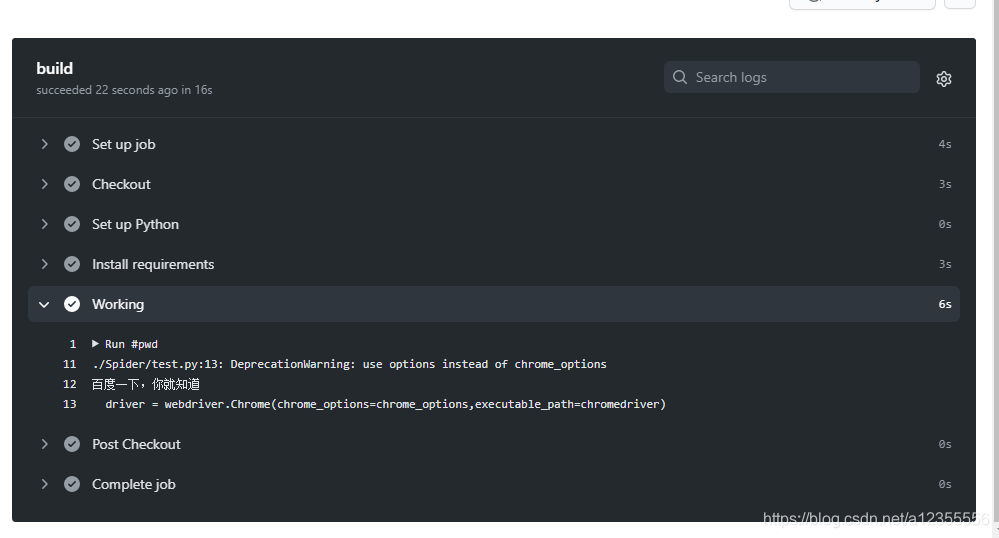
      - name: 'Working'
        run: |
          sudo cp -p ./chrome/chromedriver /usr/bin/
          chmod -R 777 /usr/bin/chromedriver
          python ./Spider/test.py



 發表於 2021-1-3 23:51:00