|
打算学一下比较流行的react的next.js框架,但是第一次安装并调试就报错了,最后通过安装c++组件后修复问题,如下:
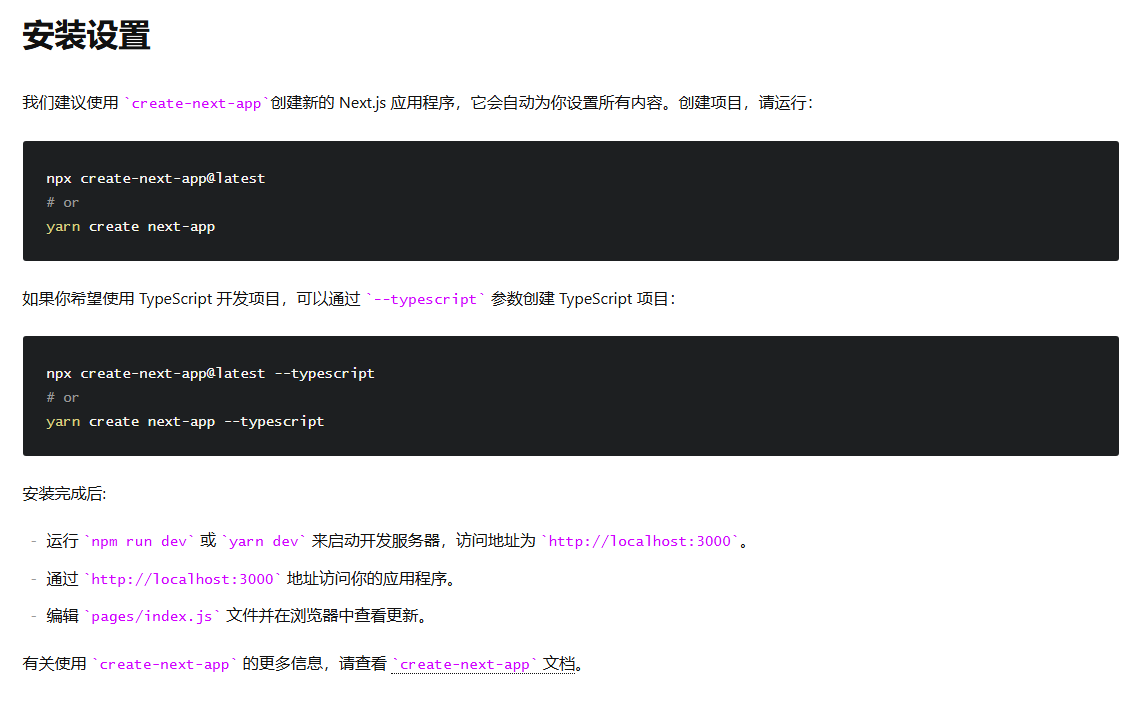
我按照官方的教程操作的:
使用命令npm run dev后报错:
 1 Error evaluating Node.js code
 2 Error: Cannot find module '../lightningcss.win32-x64-msvc.node'
 3 Require stack:
 4 - D:\myApp\my-app\node_modules\lightningcss\node\index.js
 5 - D:\myApp\my-app\node_modules\@tailwindcss\postcss\dist\index.js
 6 - D:\myApp\my-app\.next\build\chunks\[turbopack]_runtime.js
 7 - D:\myApp\my-app\.next\transform.js
 8 [at Function._resolveFilename (node:internal/modules/cjs/loader:1225:15)]
 9 [at Function._load (node:internal/modules/cjs/loader:1055:27)]
10 [at TracingChannel.traceSync (node:diagnostics_channel:322:14)]
11 [at wrapModuleLoad (node:internal/modules/cjs/loader:220:24)]
12 [at Module.require (node:internal/modules/cjs/loader:1311:12)]
13 [at require (node:internal/modules/helpers:136:16)]
14 [at Object.<anonymous> (D:\myApp\my-app\node_modules\lightningcss\node\index.js:22:22)]
15 [at Module._compile (node:internal/modules/cjs/loader:1554:14)]
16 [at Object..js (node:internal/modules/cjs/loader:1706:10)]
17 [at Module.load (node:internal/modules/cjs/loader:1289:32)]
解决方法:
访问:https://learn.microsoft.com/en-us/cpp/windows/latest-supported-vc-redist?view=msvc-170#visual-studio-2015-2017-2019-and-2022
然后下载:https://aka.ms/vs/17/release/vc_redist.x64.exe
X64版本的C++安装后重启项目就正常了
来源:https://www.cnblogs.com/liuyunhong/p/18783851 |



 發表於 2025-3-20 20:05:00