|
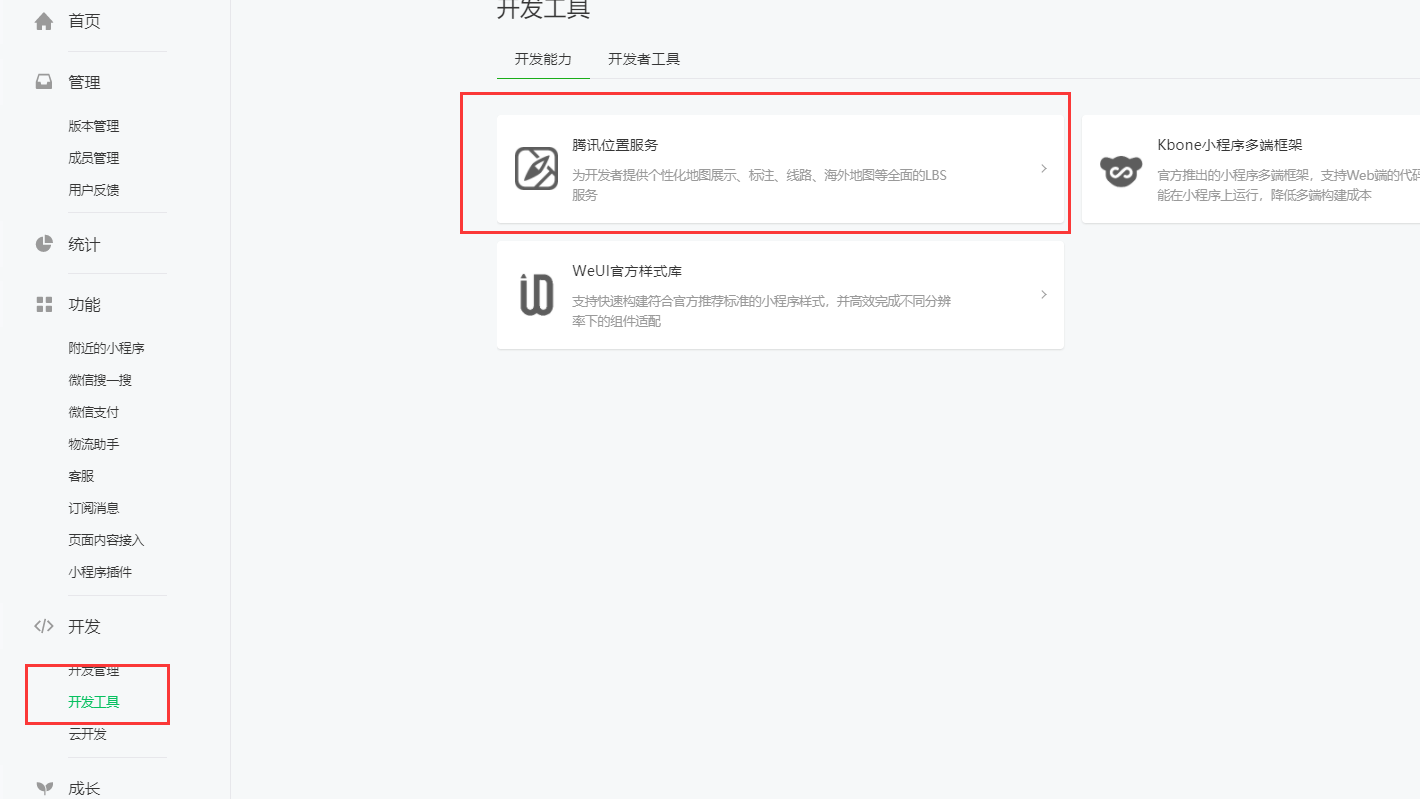
最近在项目中要用到小程序地图选点,查了些许资料,特别在此记录一下,以便大家参考交流!,我选择用的是腾讯地图插件
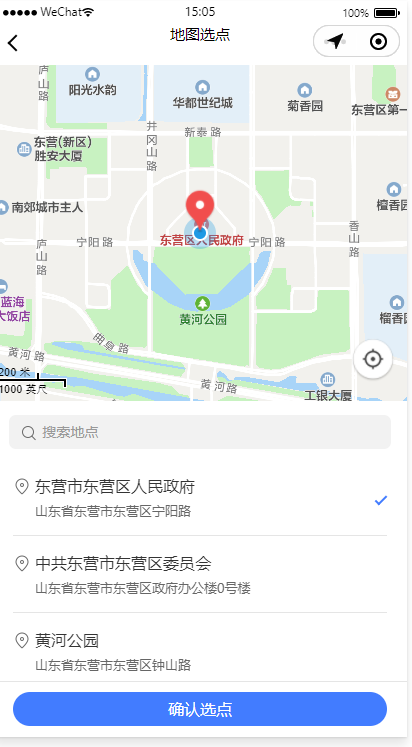
实现效果:
1、去小程序开通腾讯腾讯位置服务
2、按照要求一步步操作,申请秘钥,添加项目 https://lbs.qq.com?lbs_invite=Y9PRFLY
3、选择设置,三方设置,添加的时候选择“腾讯位置服务地图选点”
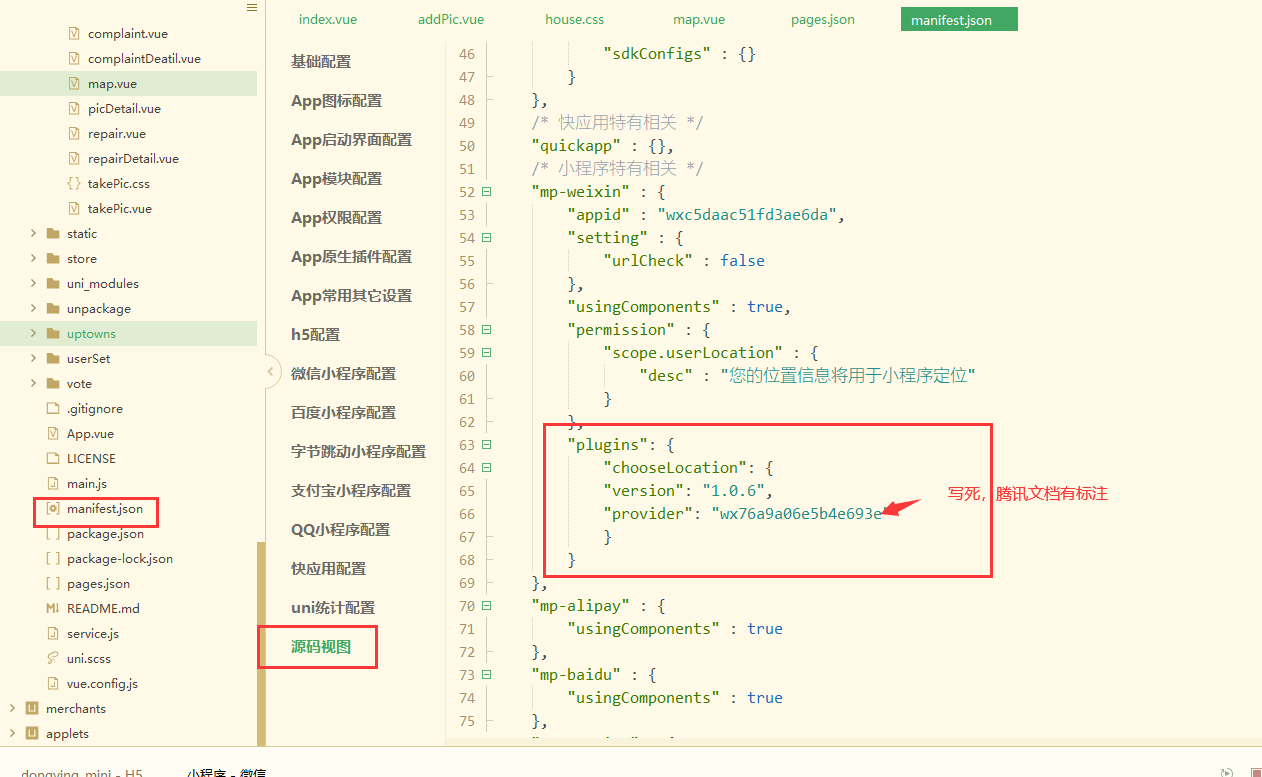
4、uni-app中页面配置:
https://lbs.qq.com/miniProgram/plugin/pluginGuide/locationPicker
5、页面展示:
<template>
    <view>
        您已选择:{{chooseLocation}}
    </view>
</template>

<script>
    export default {
        data() {
            return {
                chooseLocation: '中国',
            }
        },
        onLoad() {
            this.getAddress();
        },
        // 从地图选点插件返回后,在页面的onShow生命周期函数中能够调用插件接口,取得选点结果对象
        onShow() {
            const chooseLocation = requirePlugin('chooseLocation');
            const location = chooseLocation.getLocation(); // 如果点击确认选点按钮,则返回选点结果对象,否则返回null
            console.log("您所选择的位置:", location);
            if(location){
                this.chooseLocation = location.address;
            }

        },
        onUnload() {
            // 页面卸载时设置插件选点数据为null,防止再次进入页面,geLocation返回的是上次选点结果
            chooseLocation.setLocation(null);
        },
        methods: {
            getAddress() {
                const key = ''; //使用在腾讯位置服务申请的key
                const referer = ''; //调用插件的app的名称
                const location = JSON.stringify({
                    latitude: 39.89631551,
                    longitude: 116.323459711
                });
                // const category = '生活服务,娱乐休闲';
                wx.navigateTo({
                    url: 'plugin://chooseLocation/index?key=' + key + '&referer=' + referer
                });
            },
        }
    }
</script>

<style>

</style>
好啦,这样就大功告成啦!
来源:https://www.cnblogs.com/menxiaojin/p/14866987.html |



 發表於 2021-6-9 15:13:00