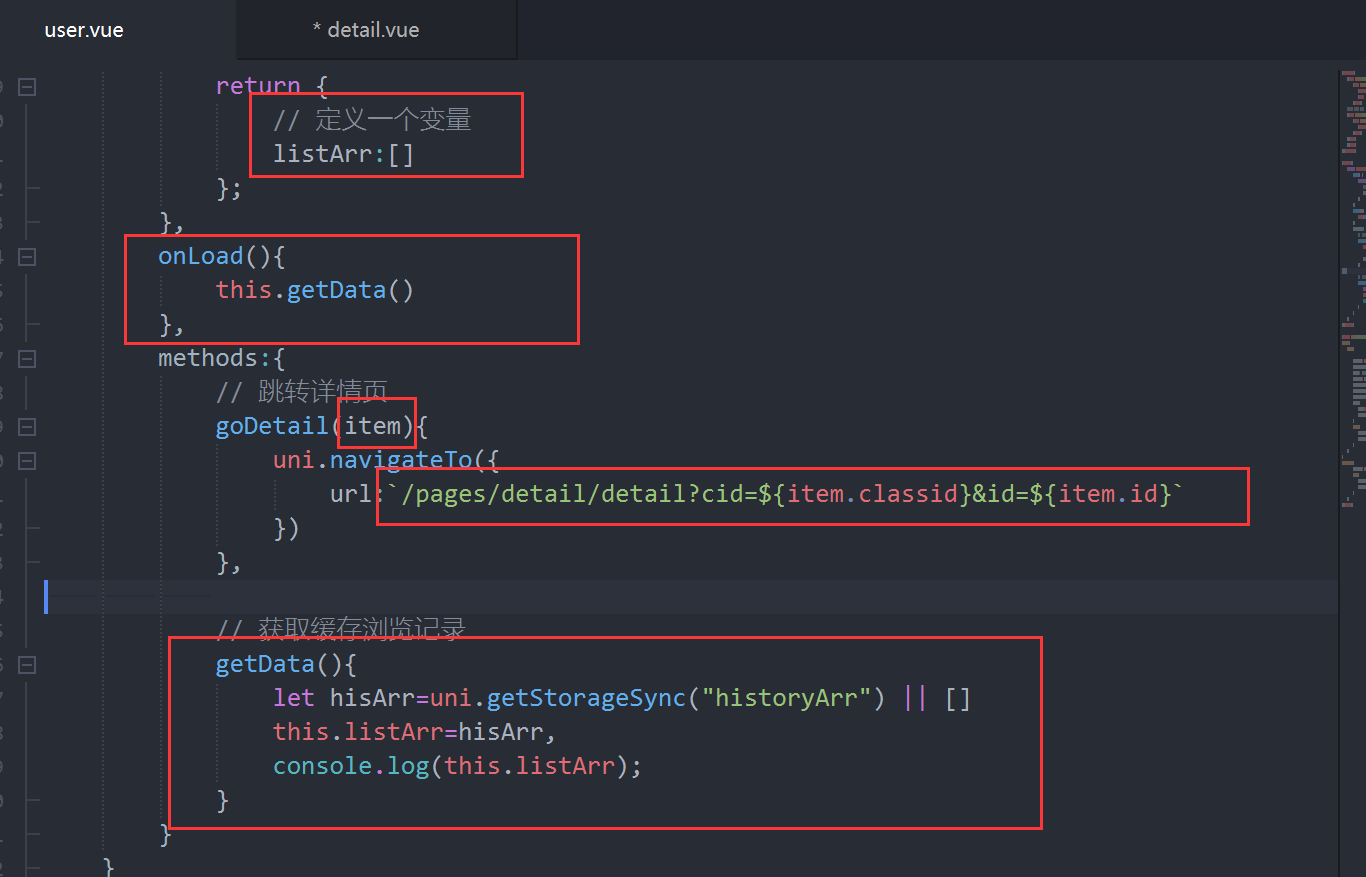
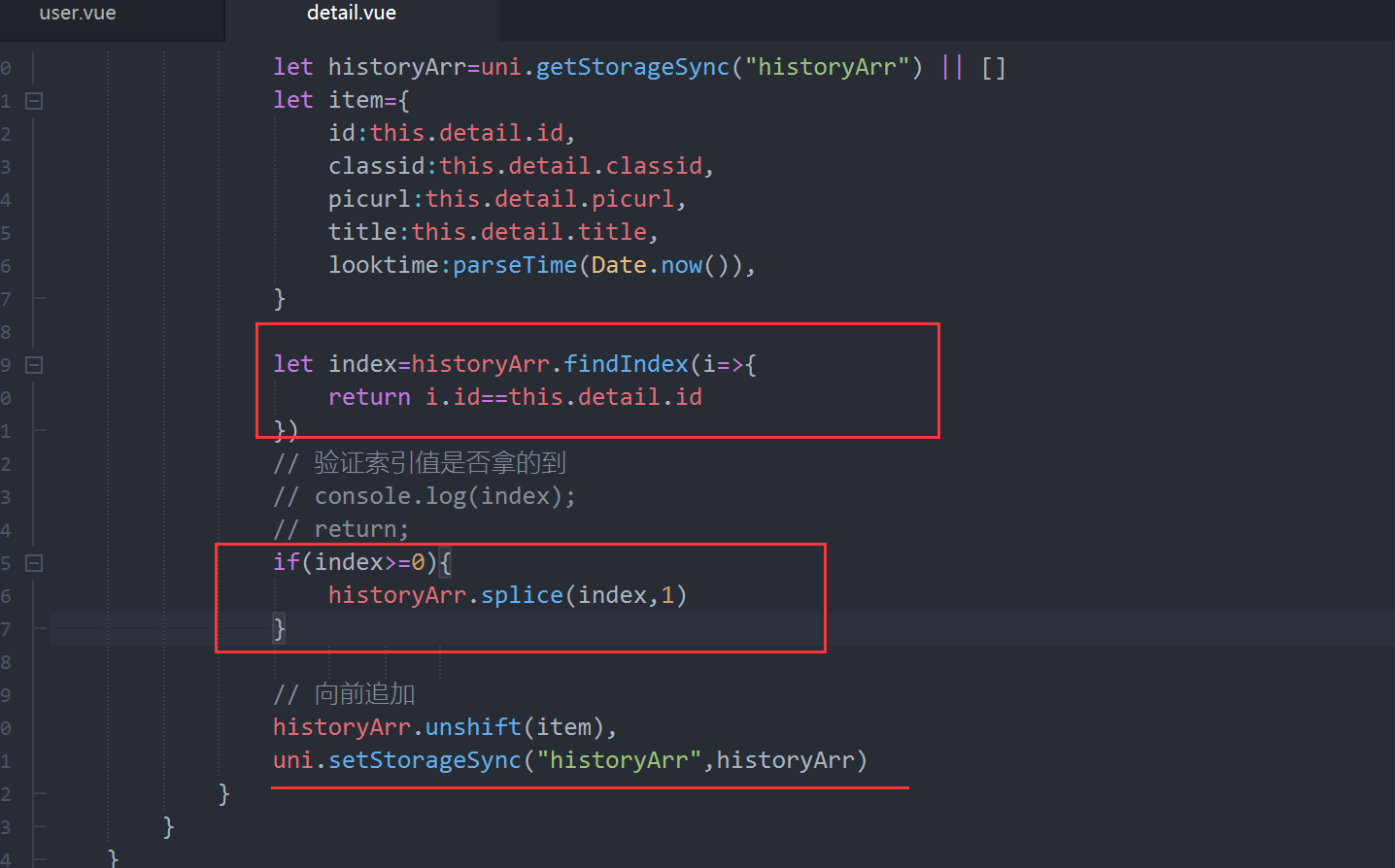
<template>
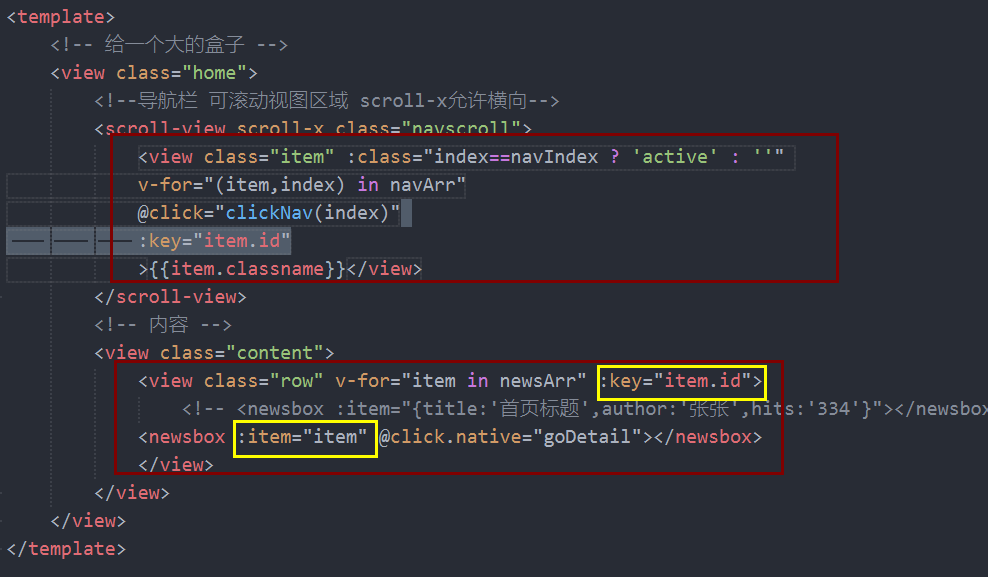
    <!-- 给一个大的盒子 -->
    <view class="home">
        <!--导航栏 可滚动视图区域 scroll-x允许横向-->
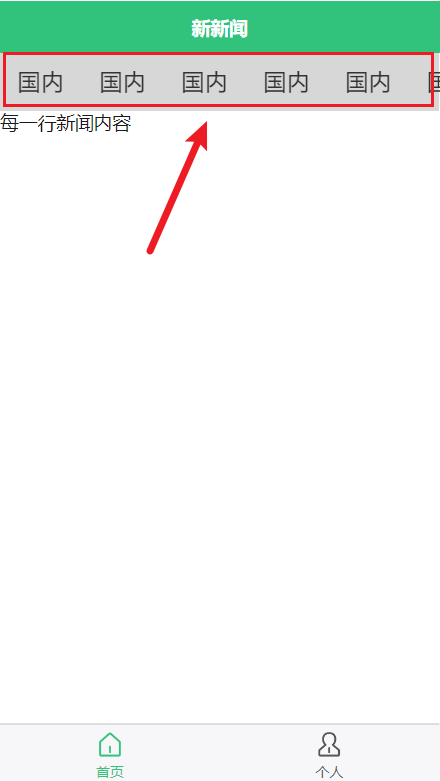
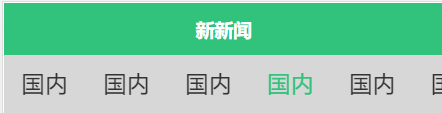
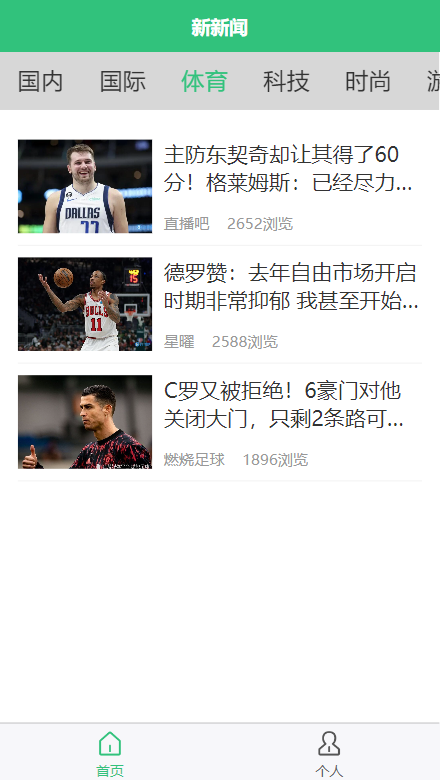
        <scroll-view scroll-x class="navscroll">
            <view class="item" :class="index==navIndex ? 'active' : ''"
            v-for="(item,index) in navArr"
            @click="clickNav(index,item.id)"
            :key="item.id"
            >{{item.classname}}</view>
        </scroll-view>
        <!-- 内容 -->
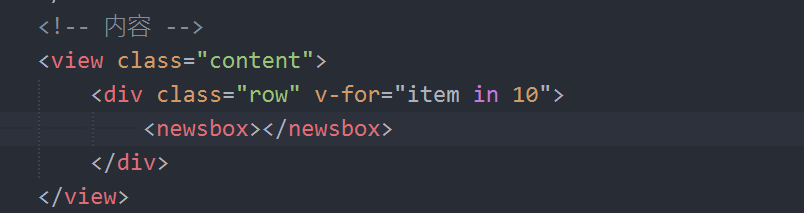
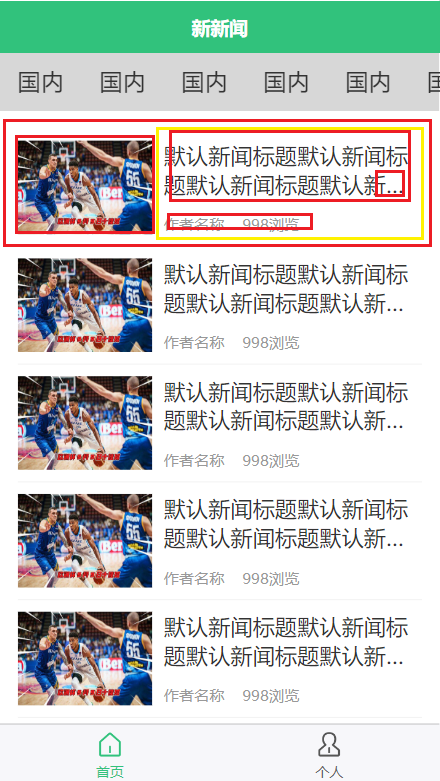
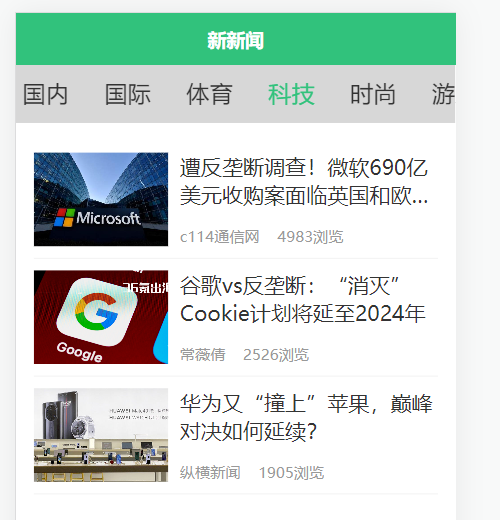
        <view class="content">
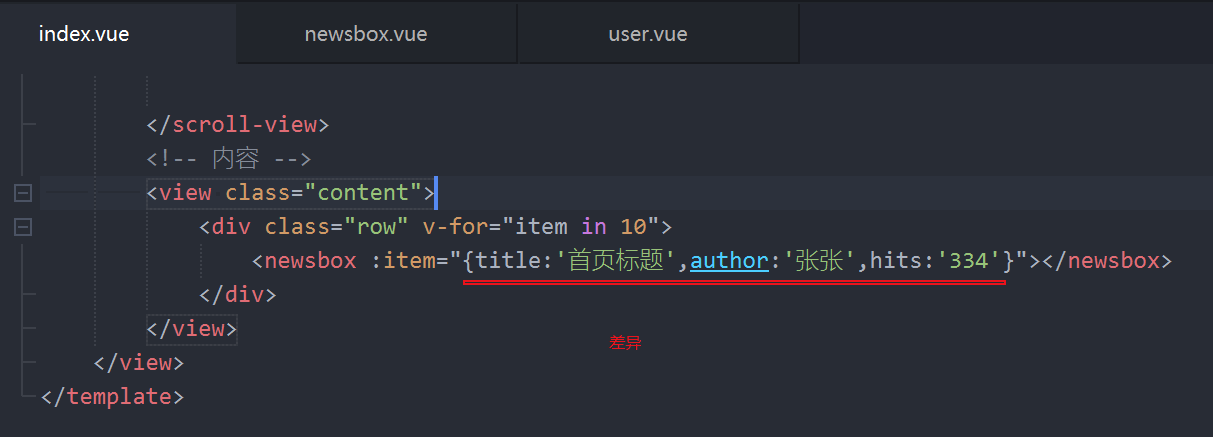
            <view class="row" v-for="item in newsArr" :key="item.id">
                <!-- <newsbox :item="{title:'首页标题',author:'张张',hits:'334'}"></newsbox> -->
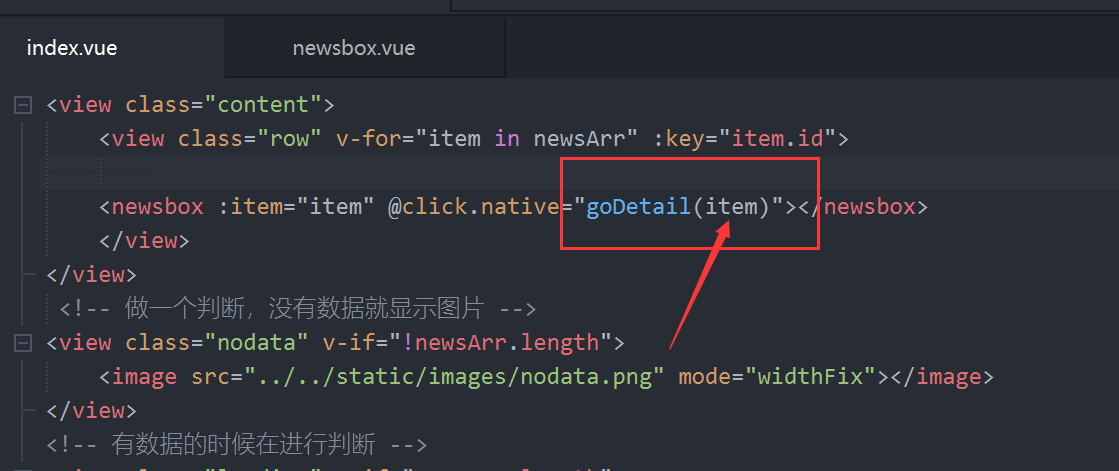
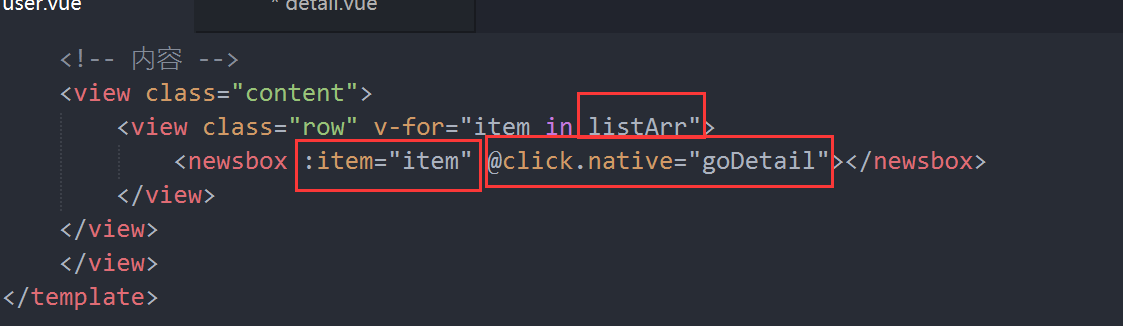
            <newsbox :item="item" @click.native="goDetail"></newsbox>
            </view>
        </view>
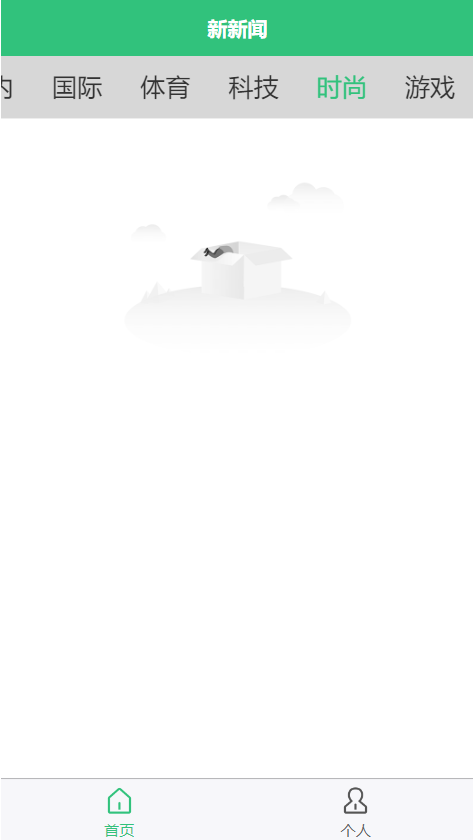
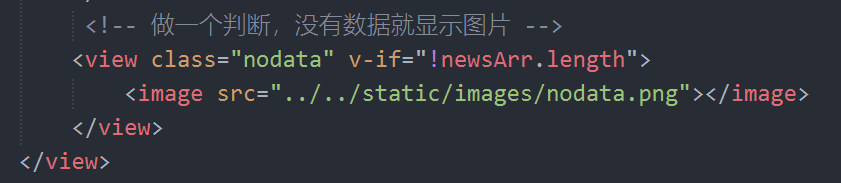
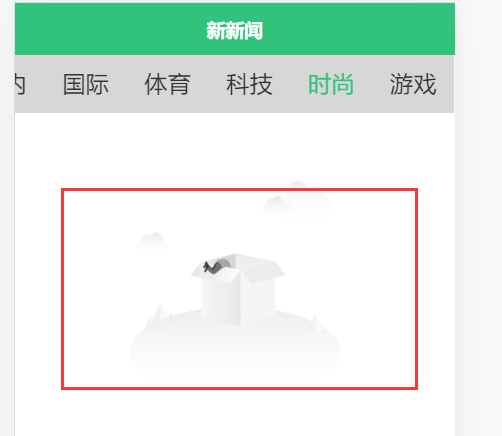
         <!-- 做一个判断,没有数据就显示图片 -->
        <view class="nodata" v-if="!newsArr.length">
            <image src="../../static/images/nodata.png" mode="widthFix"></image>
        </view>
        <!-- 有数据的时候在进行判断 -->
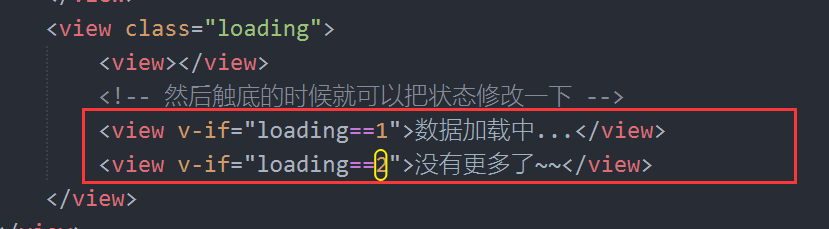
        <view class="loading" v-if="newsArr.length">

            <!-- 然后触底的时候就可以把状态修改一下 -->
            <view v-if="loading==1">数据加载中...</view>
            <view v-if="loading==2">没有更多了~~</view>
        </view>
    </view>
</template>

<script>
    export default {
        data() {
            return {
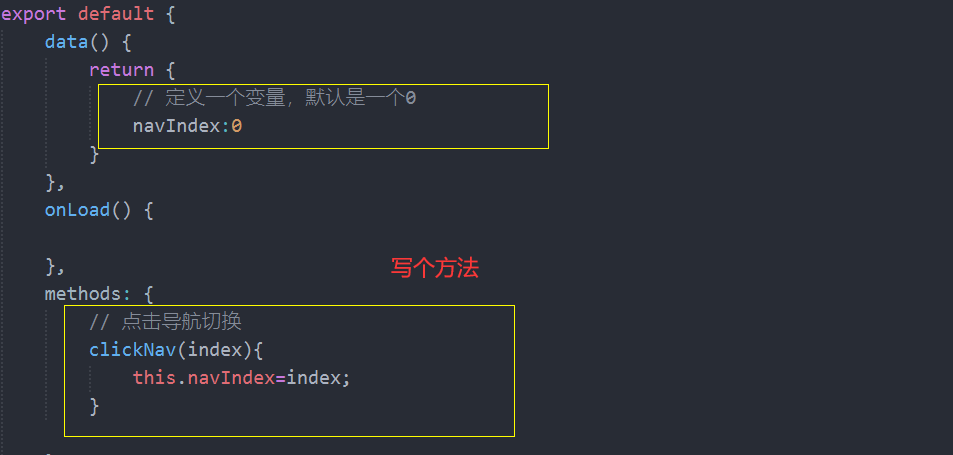
                // 定义一个变量,默认是一个0
                navIndex:0,
                navArr:[],
                newsArr:[],
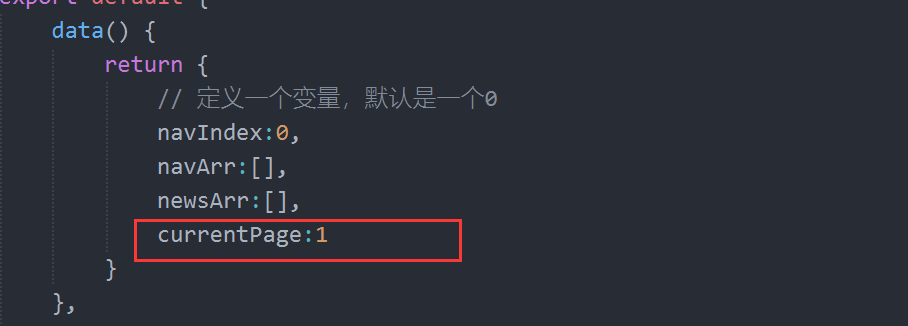
                currentPage:1,
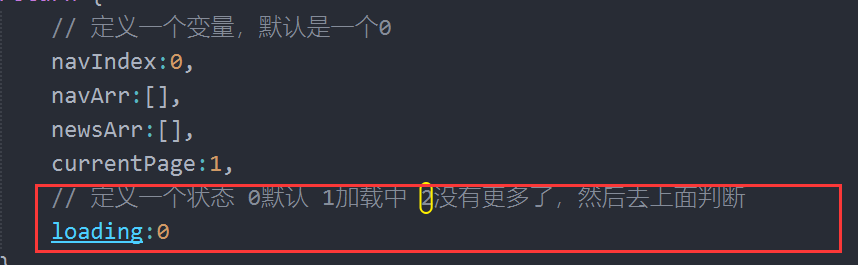
                // 定义一个状态 0默认 1加载中 2没有更多了,然后去上面判断
                loading:0
            }
        },
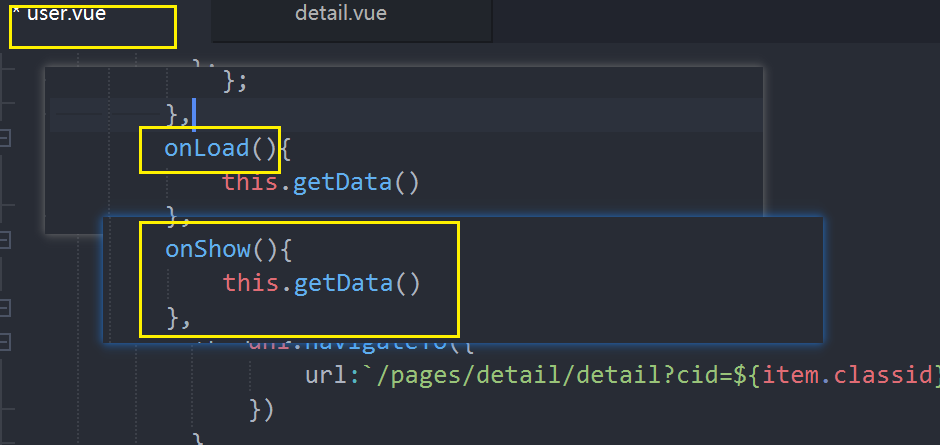
        onLoad() {
            // 调用
        this.getNavData();
        this.getNewsData();
        },
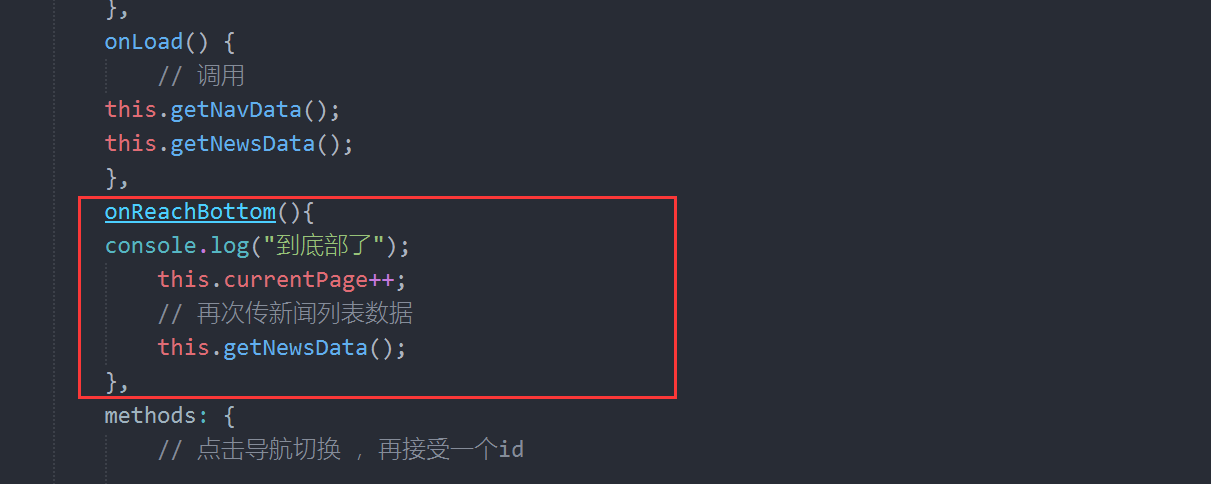
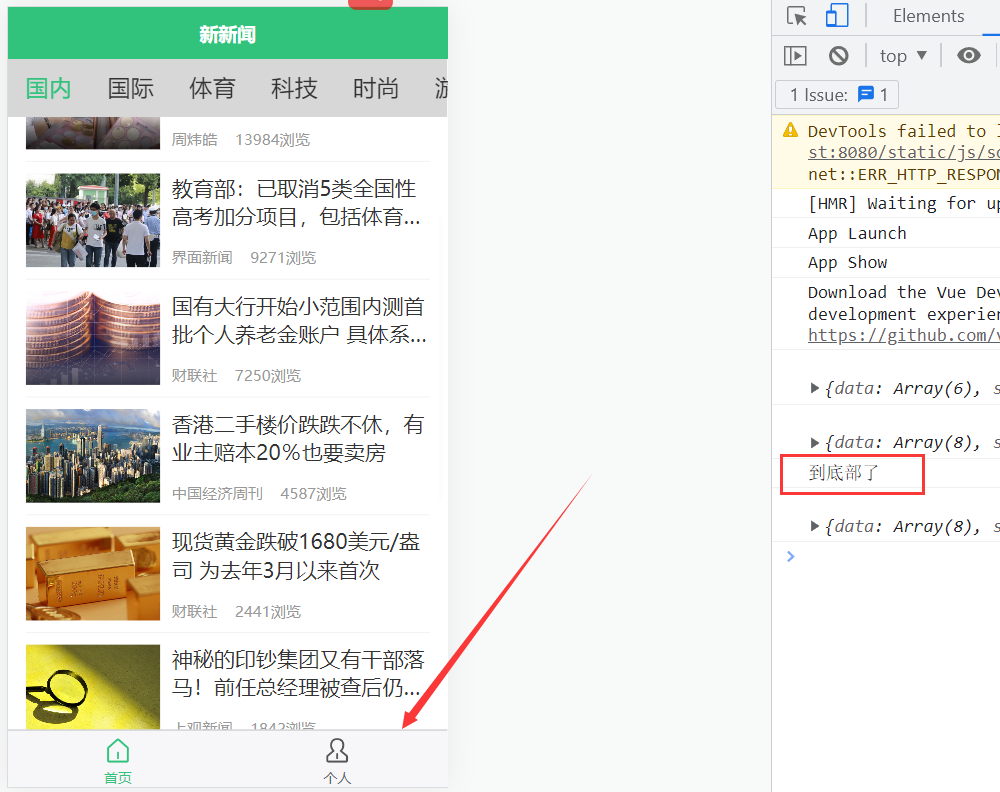
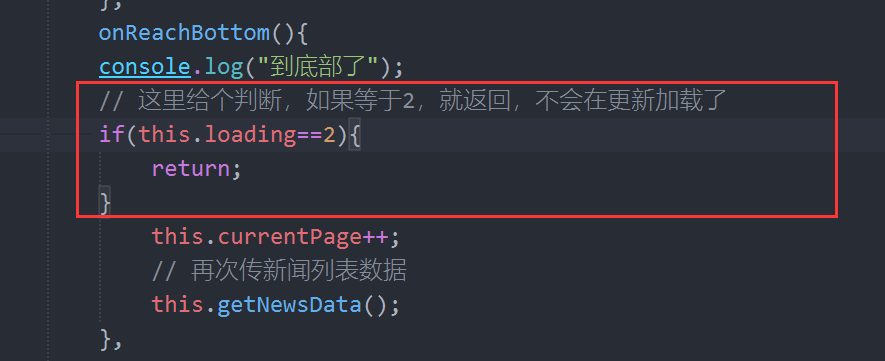
        onReachBottom(){
        console.log("到底部了");
        // 这里给个判断,如果等于2,就返回,不会在更新加载了
        if(this.loading==2){
            return;
        }
            this.currentPage++;
            this.loading=1;
            // 再次传新闻列表数据
            this.getNewsData();

        },
        methods: {
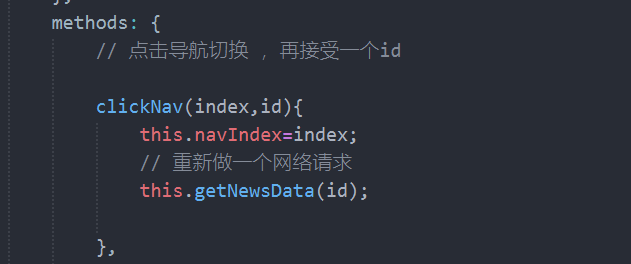
            // 点击导航切换
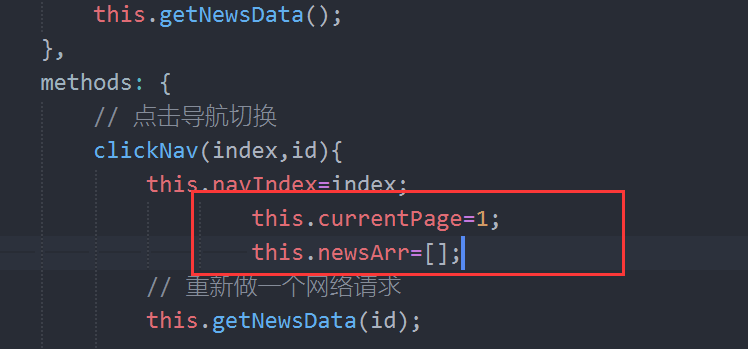
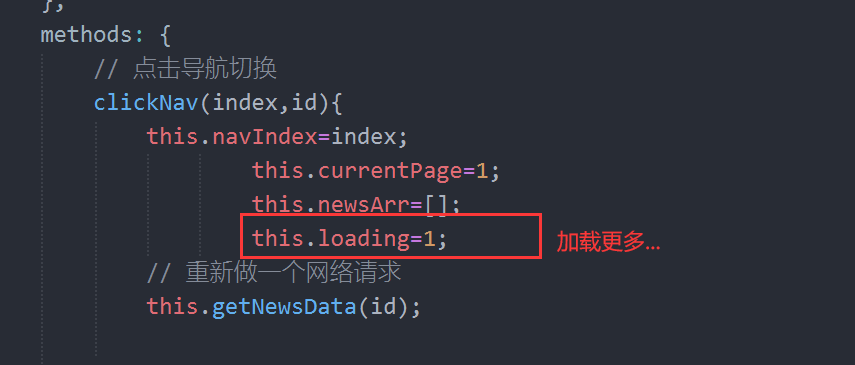
            clickNav(index,id){
                this.navIndex=index;
                this.currentPage=1;
                this.newsArr=[];
                this.loading=0;
                // 重新做一个网络请求
                this.getNewsData(id);

            },
            // 跳转到详情页
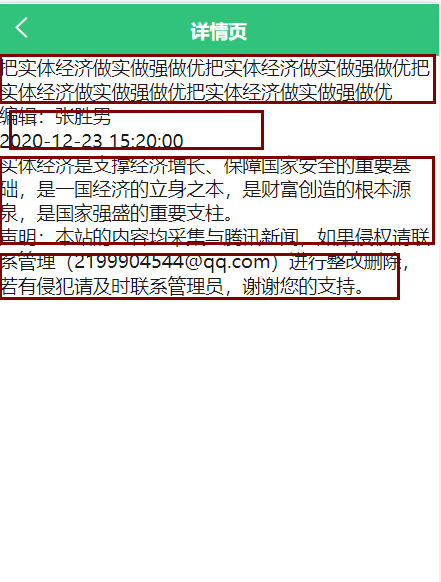
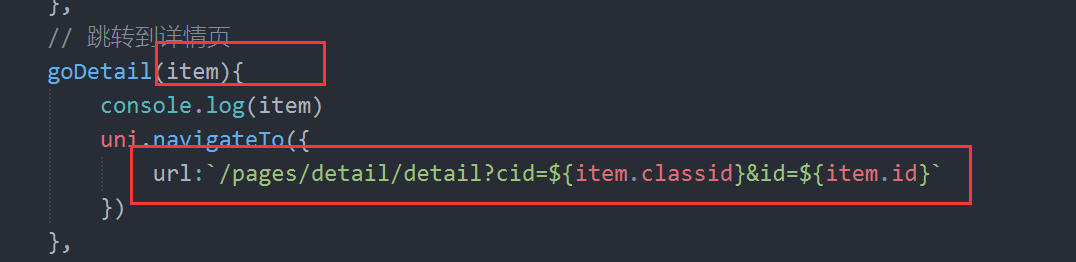
            goDetail(){
                uni.navigateTo({
                    url:"../detail/detail"
                })
            },
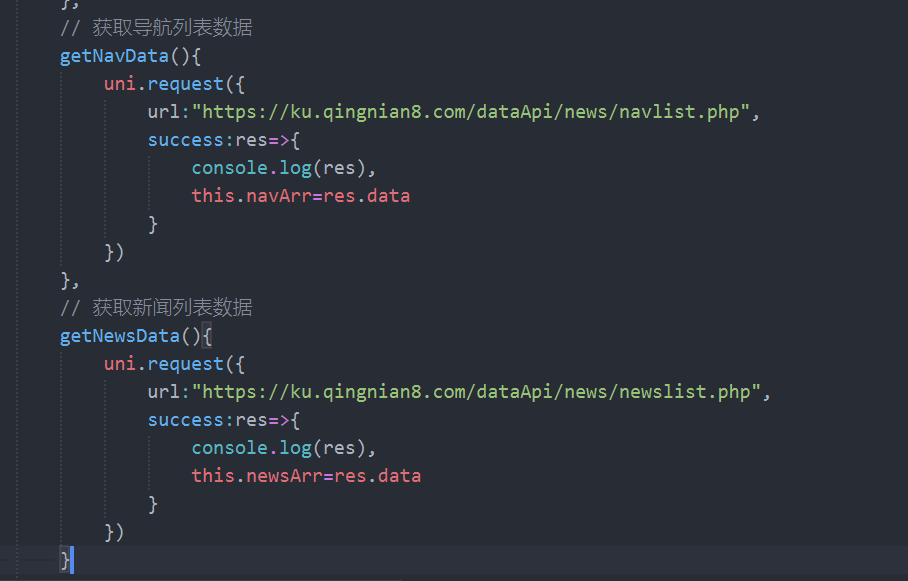
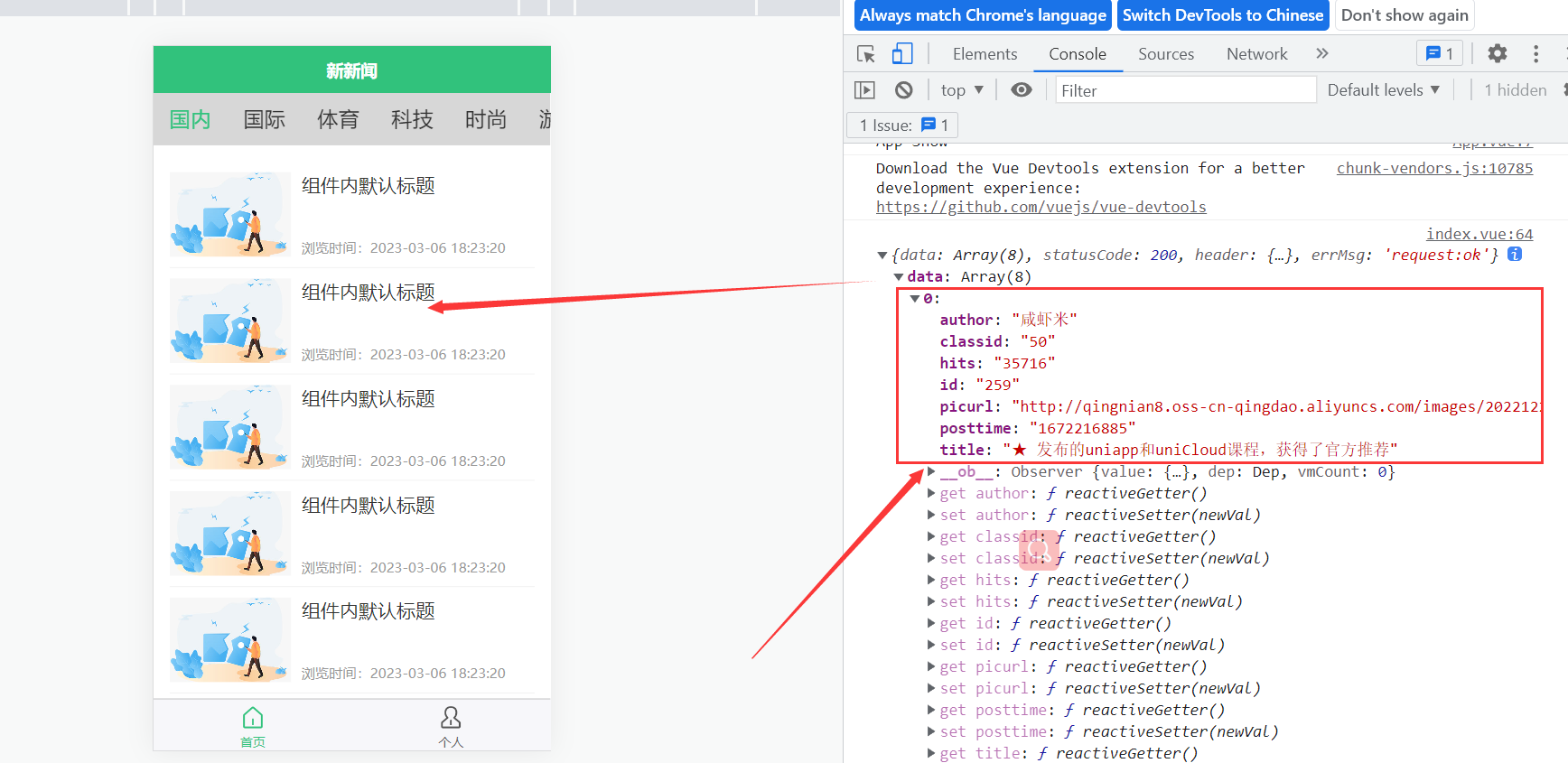
            // 获取导航列表数据
            getNavData(){
                uni.request({
                    url:"https://ku.qingnian8.com/dataApi/news/navlist.php",

                    success:res=>{
                        console.log(res),
                        this.navArr=res.data
                    }
                })
            },
            // 获取新闻列表数据
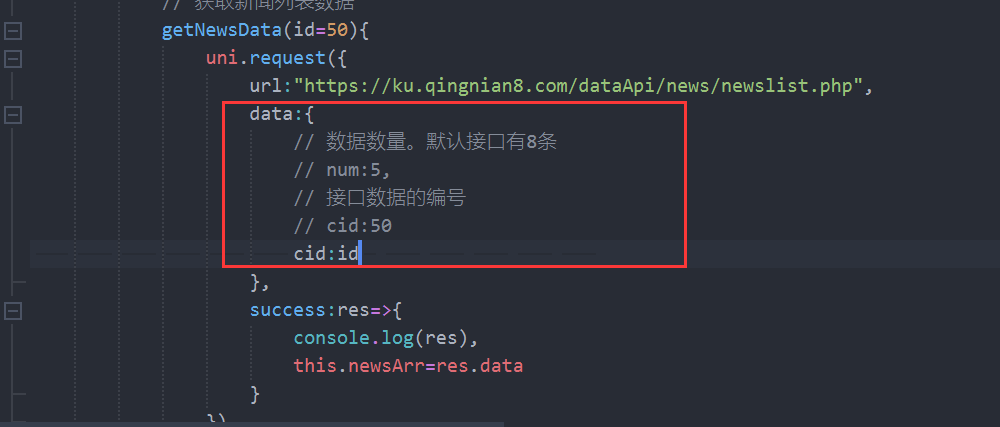
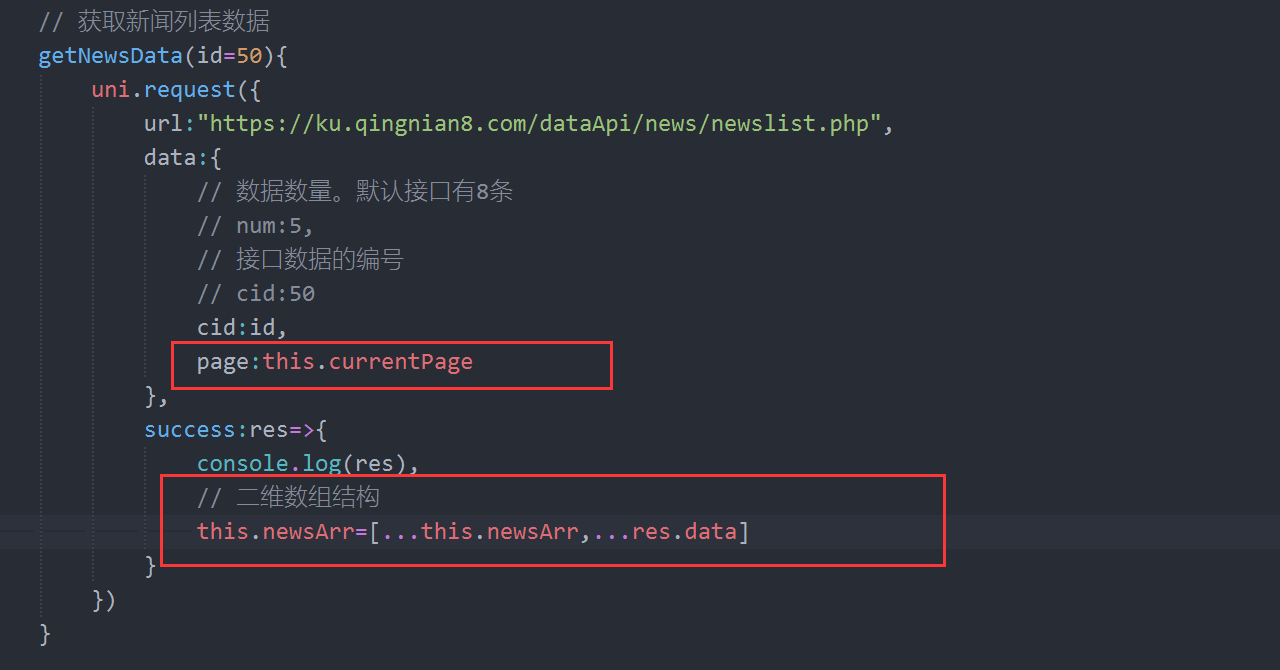
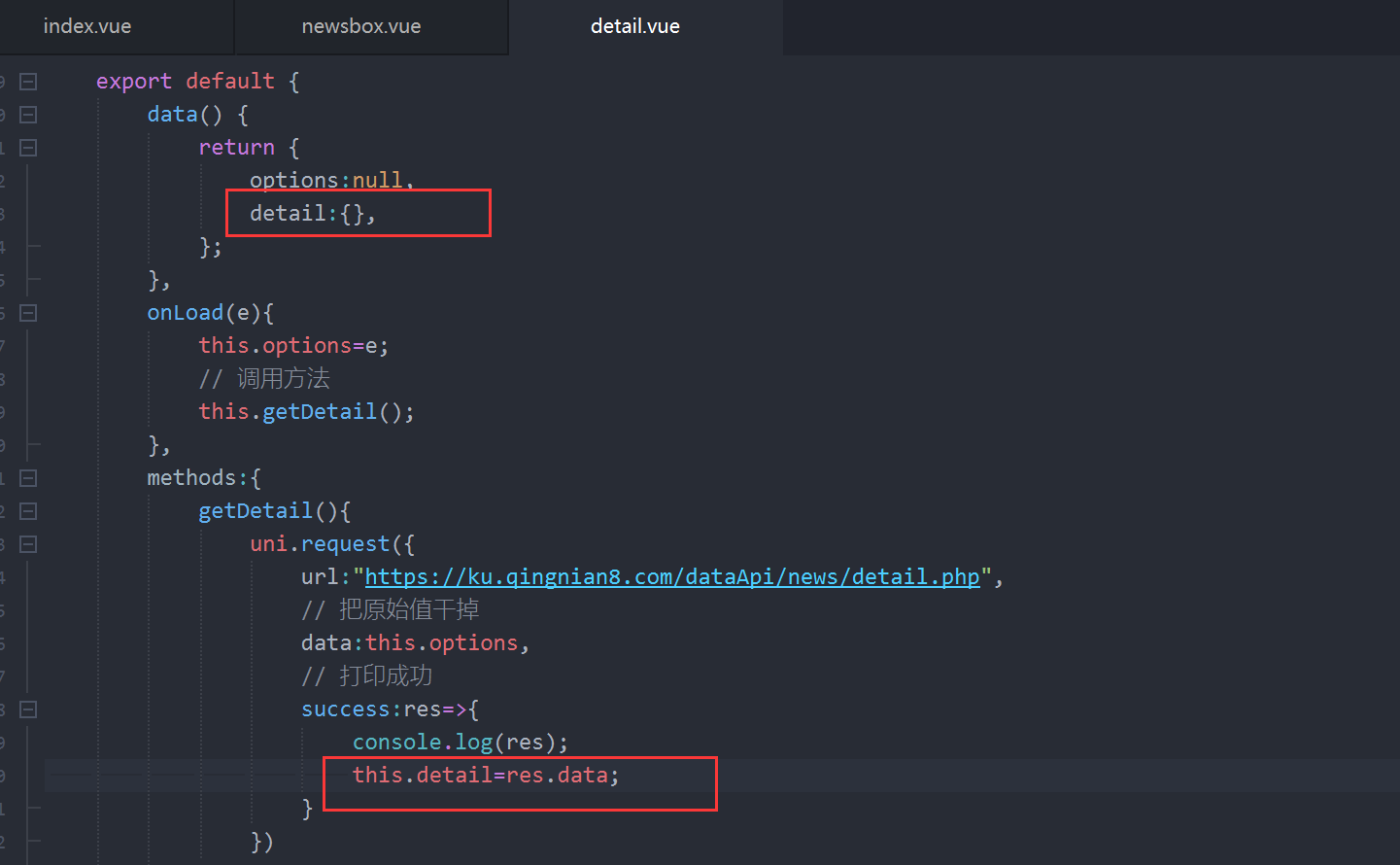
            getNewsData(id=50){
                uni.request({
                    url:"https://ku.qingnian8.com/dataApi/news/newslist.php",
                    data:{
                        // 数据数量。默认接口有8条
                        // num:5,
                        // 接口数据的编号
                        // cid:50
                        cid:id,
                        page:this.currentPage
                    },
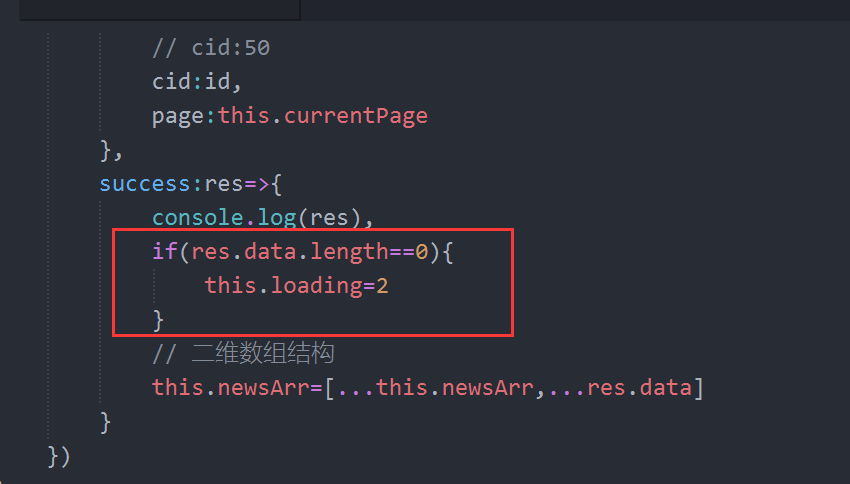
                    success:res=>{
                        console.log(res)
                        if(res.data.length==0){
                            this.loading=2
                        }
                        // 二维数组结构
                        this.newsArr=[...this.newsArr,...res.data]
                    }
                })
            }

    }
    }
</script>

<style lang="scss" scoped>
    .navscroll{
        height: 100rpx;
        background: #d7d7d7;
        // 显示这个导航不换行
        white-space: nowrap;
        // 固定
        position: fixed;
        // 解决h5的top uniapp提供内置Css变量
        top:var(--windons--top);
        left: 0;
        z-index: 10;
        // top: var(--window-top);
        // 这个是给导航滑块的给隐藏,虽然小程序没有显示,但是h5会出现,直接复制
        /deep/ ::-webkit-scrollbar {
            width: 4px !important;
            height: 1px !important;
            overflow: auto !important;
            background: transparent !important;
            -webkit-appearance: auto !important;
            display: block;
        }
        .item{
            font-size:40rpx;
            // 显示一行
            display: inline-block;
            line-height: 100rpx;
            padding: 0 30rpx;
            color: #333;
            &.active{
                color: #31C27C;
            }
        }
    }
    .content{
        padding: 30rpx;
        // 标题栏,导航栏的位置
        padding-top: 130rpx;
        .row{
            border-bottom: 1rpx solid #efefef;
            padding: 20rpx 0;
        }
    }
    .nodata{
        display: flex;
        justify-content: center;
        image{
            width: 360rpx;
        }
    }
    .loading{
            text-align: center;
            color: #888;
            font-size: 26rpx;
            line-height: 2em;
        }

</style>



 發表於 2023-4-6 17:33:00