谈安装
原文
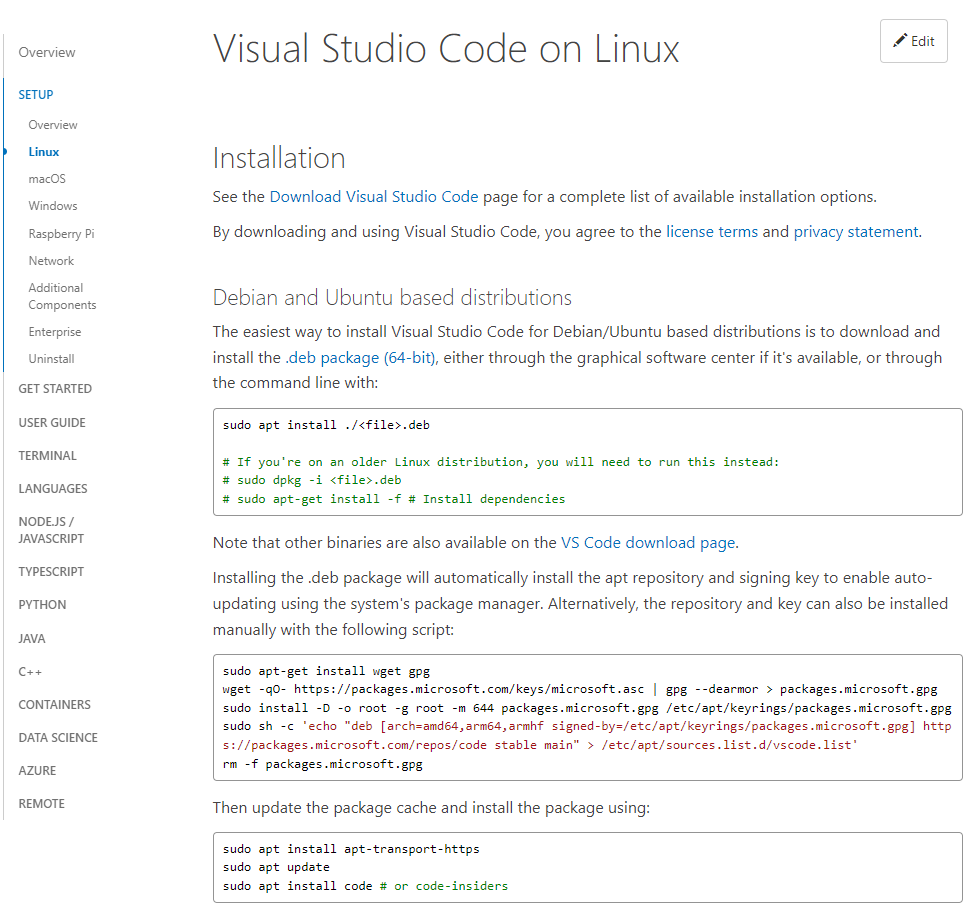
The easiest way to install Visual Studio Code for Debian/Ubuntu based distributions is to download and install the .deb package (64-bit), either through the graphical software center if it's available, or through the command line with:
为基于Debian/Ubuntu的发行版安装Visual Studio Code的最简单方法是下载并安装.deb包(64位),如果有的话,可以通过图形化软件中心,或者通过命令行来安装。
sudo apt install ./<file>.deb

# If you're on an older Linux distribution, you will need to run this instead:
# sudo dpkg -i <file>.deb
# sudo apt-get install -f # Install dependencies
解析
首先针对Debian/Ubuntu系统,VSCode给了一个64位的Deb包,名称是code_1.70.2-1660629410_amd64.deb,这里code是VSCode产品名称,1.70.2是程序版本号,1660629410估计是一个编译号,amd64代表x86_x64。
接下来,从安装命令来看,它优先推荐使用apt来安装。
并且备注如果使用较老版本的Linux分支,可以使用dpkg或者apt-get来替代。
说明,在最新的系统版本中,已经更推荐apt方式了。
谈证书
原文
Installing the .deb package will automatically install the apt repository and signing key to enable auto-updating using the system's package manager. Alternatively, the repository and key can also be installed manually with the following script:
安装.deb包会自动安装apt仓库和签名密钥,以便使用系统的软件包管理器实现自动更新。另外,仓库和密钥也可以用下面的脚本手动安装。
sudo apt-get install wget gpg
wget -qO- https://packages.microsoft.com/keys/microsoft.asc | gpg --dearmor > packages.microsoft.gpg
sudo install -D -o root -g root -m 644 packages.microsoft.gpg /etc/apt/keyrings/packages.microsoft.gpg
sudo sh -c 'echo "deb [arch=amd64,arm64,armhf signed-by=/etc/apt/keyrings/packages.microsoft.gpg] https://packages.microsoft.com/repos/code stable main" > /etc/apt/sources.list.d/vscode.list'
rm -f packages.microsoft.gpg
解析
这一步,先引导安装wget和gpg这两个组件。
然后通过wget把微软的asc拉下来,并转成gpg,存储为packages.microsoft.gpg。
然后安装packages.microsoft.gpg到/etc/apt/keyrings/packages.microsoft.gpg
接下来将一段签名配置写入到/etc/apt/sources.list.d/vscode.list这个配置中。
最后清理掉packages.microsoft.gpg。
谈更新
原文
Then update the package cache and install the package using:
然后更新软件包的缓存,并使用安装软件包。
sudo apt install apt-transport-https
sudo apt update
sudo apt install code # or code-insiders
解析
先安装apt对https的一个支持组件apt-transport-https
然后更新一下apt的索引。
接着就是通过apt来安装代号为code的软件。
参考
- Visual Studio Code on Linux
来源:https://www.cnblogs.com/taylorshi/p/16598601.html |



 發表於 2022-8-18 14:29:00