|
1、系统
root@utuntu01:/home# lsb_release -a
No LSB modules are available.
Distributor ID:    Ubuntu
Description:    Ubuntu 20.04.4 LTS
Release:    20.04
Codename:    focal
2、修改配置文件
root@utuntu01:/home# vim /etc/netplan/00-installer-config.yaml
# This is the network config written by 'subiquity'
network:
 ethernets:
  ens32:
   addresses:
   - 192.168.xx.xx/24      ## 此处改为自己的IP
   gateway4: 192.168.xx.1   ## 网关
   nameservers:
    addresses:
    - 119.29.29.29
 version: 2
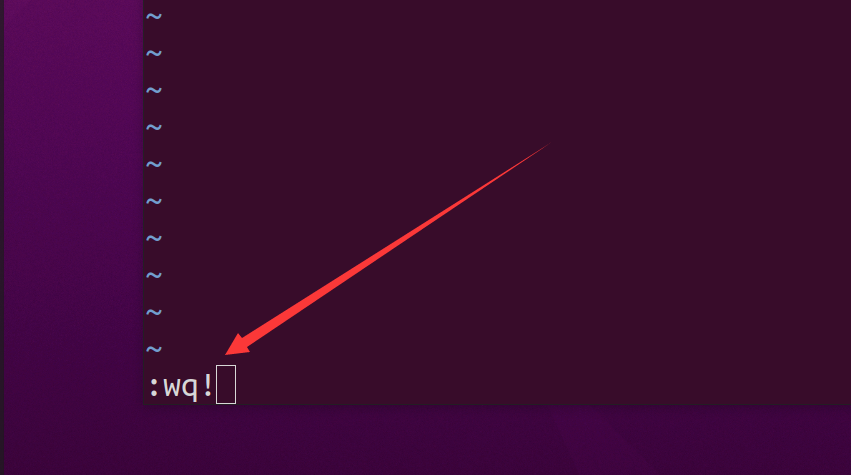
保存退出:
3、执行netplan apply
root@utuntu01:/home# netplan apply ## 没有报错,说明配置没有问题
4、查看ip
root@utuntu01:/home# ifconfig | head
ens32: flags=4163<UP,BROADCAST,RUNNING,MULTICAST>  mtu 1500
        inet 192.168.3.24  netmask 255.255.255.0  broadcast 192.168.3.255
        ether 00:0c:29:eb:97:ee  txqueuelen 1000  (Ethernet)
        RX packets 7294  bytes 10054200 (10.0 MB)
        RX errors 0  dropped 286  overruns 0  frame 0
        TX packets 4985  bytes 325465 (325.4 KB)
        TX errors 0  dropped 0 overruns 0  carrier 0  collisions 0

lo: flags=73<UP,LOOPBACK,RUNNING>  mtu 65536
        inet 127.0.0.1  netmask 255.0.0.0
5、测试网络
root@utuntu01:/home# ping -c 3 www.baidu.com   ## 没有问题
PING www.a.shifen.com (39.156.66.18) 56(84) bytes of data.
64 bytes from 39.156.66.18 (39.156.66.18): icmp_seq=1 ttl=51 time=18.2 ms
64 bytes from 39.156.66.18 (39.156.66.18): icmp_seq=2 ttl=51 time=18.1 ms
64 bytes from 39.156.66.18 (39.156.66.18): icmp_seq=3 ttl=51 time=18.2 ms

--- www.a.shifen.com ping statistics ---
3 packets transmitted, 3 received, 0% packet loss, time 2004ms
rtt min/avg/max/mdev = 18.086/18.166/18.215/0.057 ms
来源:https://www.cnblogs.com/liujiaxin2018/p/16054067.html |



 發表於 2022-3-25 12:20:00