五个goland进行go开发的小技巧
本文译自5 Tips To Speed Up Golang Development With IntelliJ Or Goland 确实很实用.
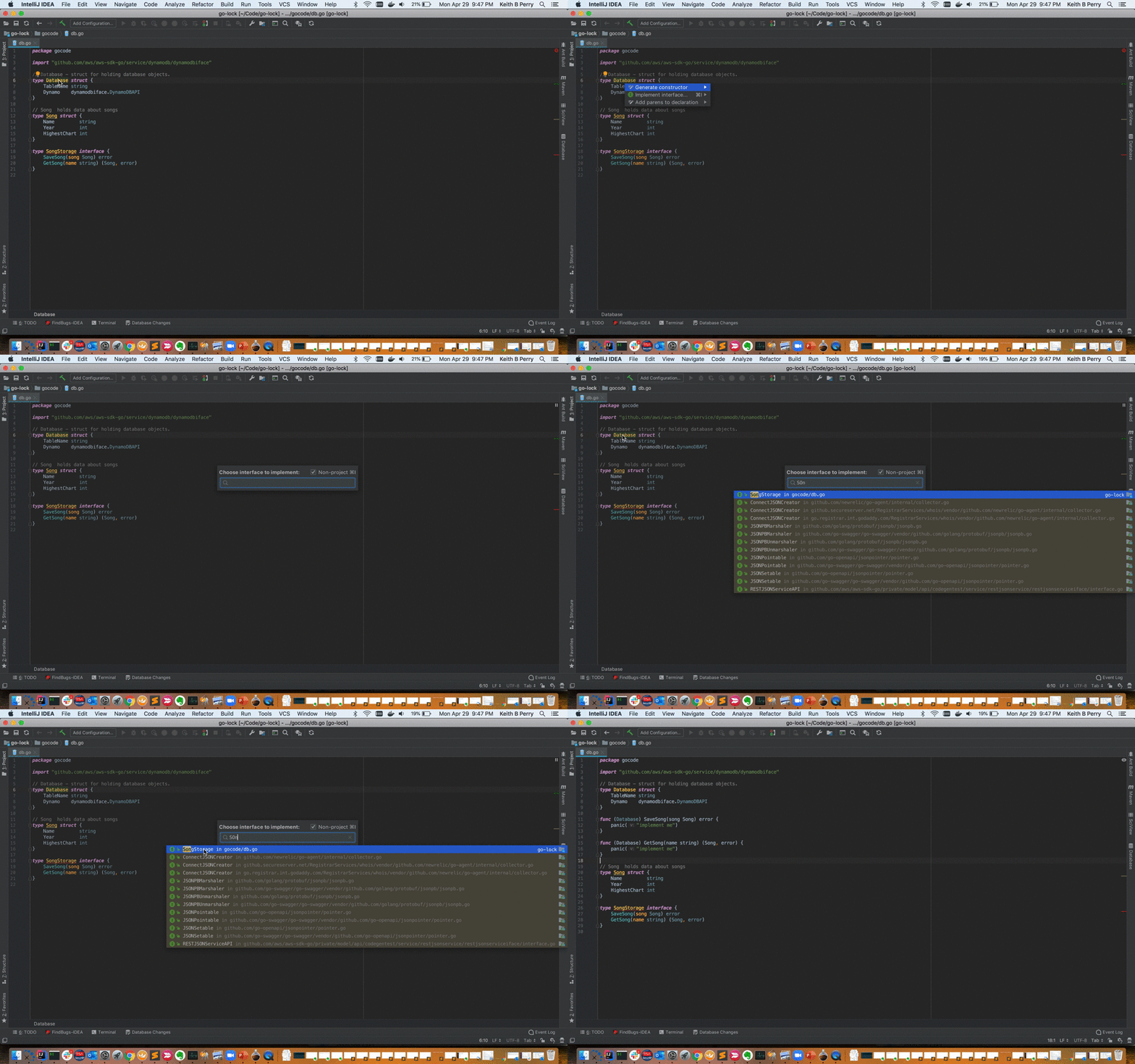
1. 实现interface
比如我想为下面的结构体实现共识interface
type MyConensus struct {

}
通过右键generate->implement methods->搜索engine
一键生成下面代码:
type MyConensus struct {
	info string
}

func (m *MyConensus) Author(header *types.Header) (common.Address, error) {
	panic("implement me")
}

func (m *MyConensus) VerifyHeader(chain ChainReader, header *types.Header, seal bool) error {
	panic("implement me")
}

func (m *MyConensus) VerifyHeaders(chain ChainReader, headers []*types.Header, seals []bool) (chan<- struct{}, <-chan error) {
	panic("implement me")
}

func (m *MyConensus) VerifyUncles(chain ChainReader, block *types.Block) error {
	panic("implement me")
}

func (m *MyConensus) VerifySeal(chain ChainReader, header *types.Header) error {
	panic("implement me")
}

func (m *MyConensus) Prepare(chain ChainReader, header *types.Header) error {
	panic("implement me")
}

func (m *MyConensus) Finalize(chain ChainReader, header *types.Header, state *state.StateDB, txs []*types.Transaction,
	uncles []*types.Header, receipts []*types.Receipt) (*types.Block, error) {
	panic("implement me")
}

func (m *MyConensus) Seal(chain ChainReader, block *types.Block, results chan<- *types.Block, stop <-chan struct{}) error {
	panic("implement me")
}

func (m *MyConensus) SealHash(header *types.Header) common.Hash {
	panic("implement me")
}

func (m *MyConensus) CalcDifficulty(chain ChainReader, time uint64, parent *types.Header) *big.Int {
	panic("implement me")
}

func (m *MyConensus) APIs(chain ChainReader) []rpc.API {
	panic("implement me")
}

func (m *MyConensus) Close() error {
	panic("implement me")
}
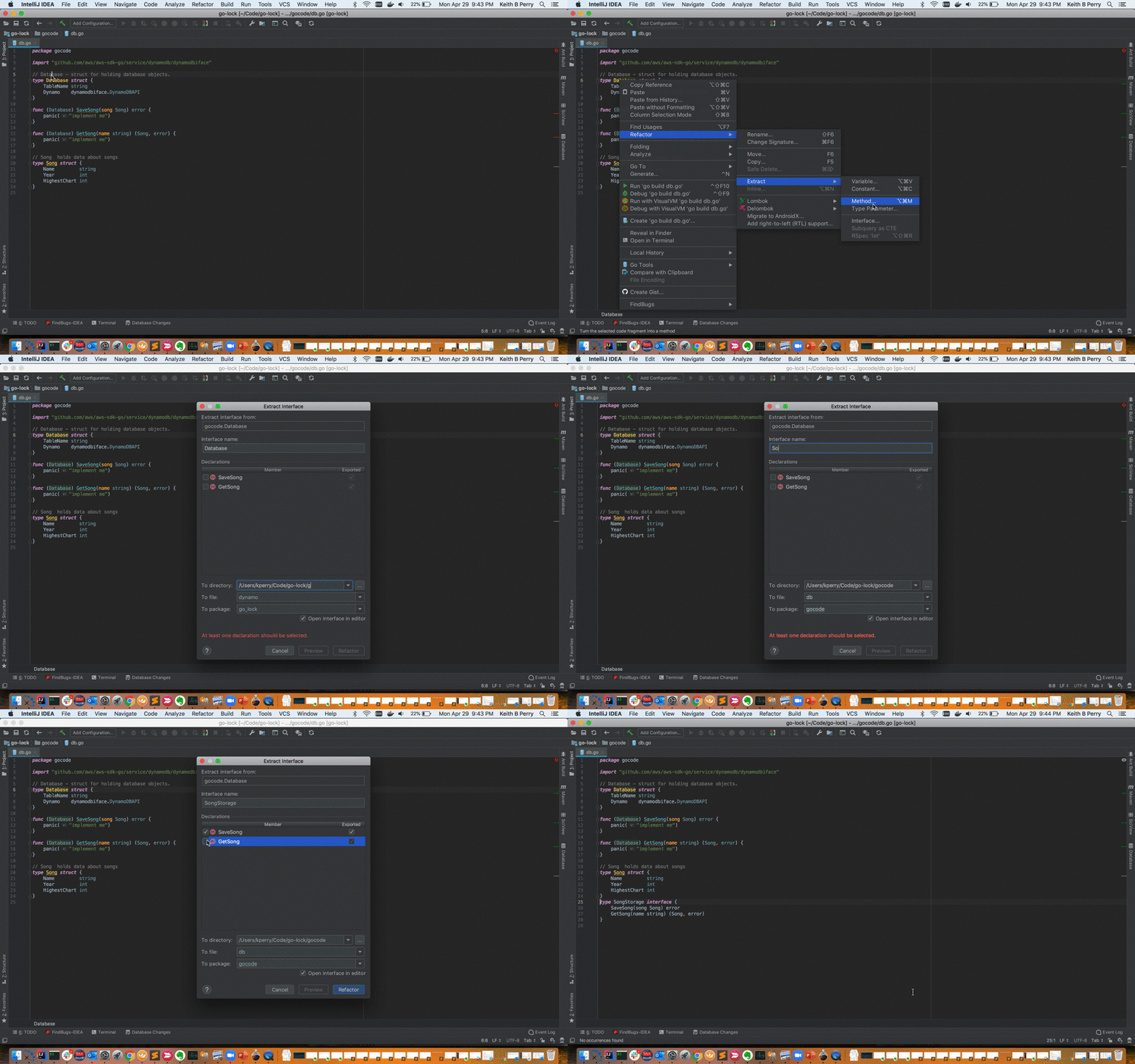
 提取接口
面向接口编程,有时候我们需要针对已经实现的struct提取接口.
方法:
struct->Refactor->Extract->interfac
2. 使用模板
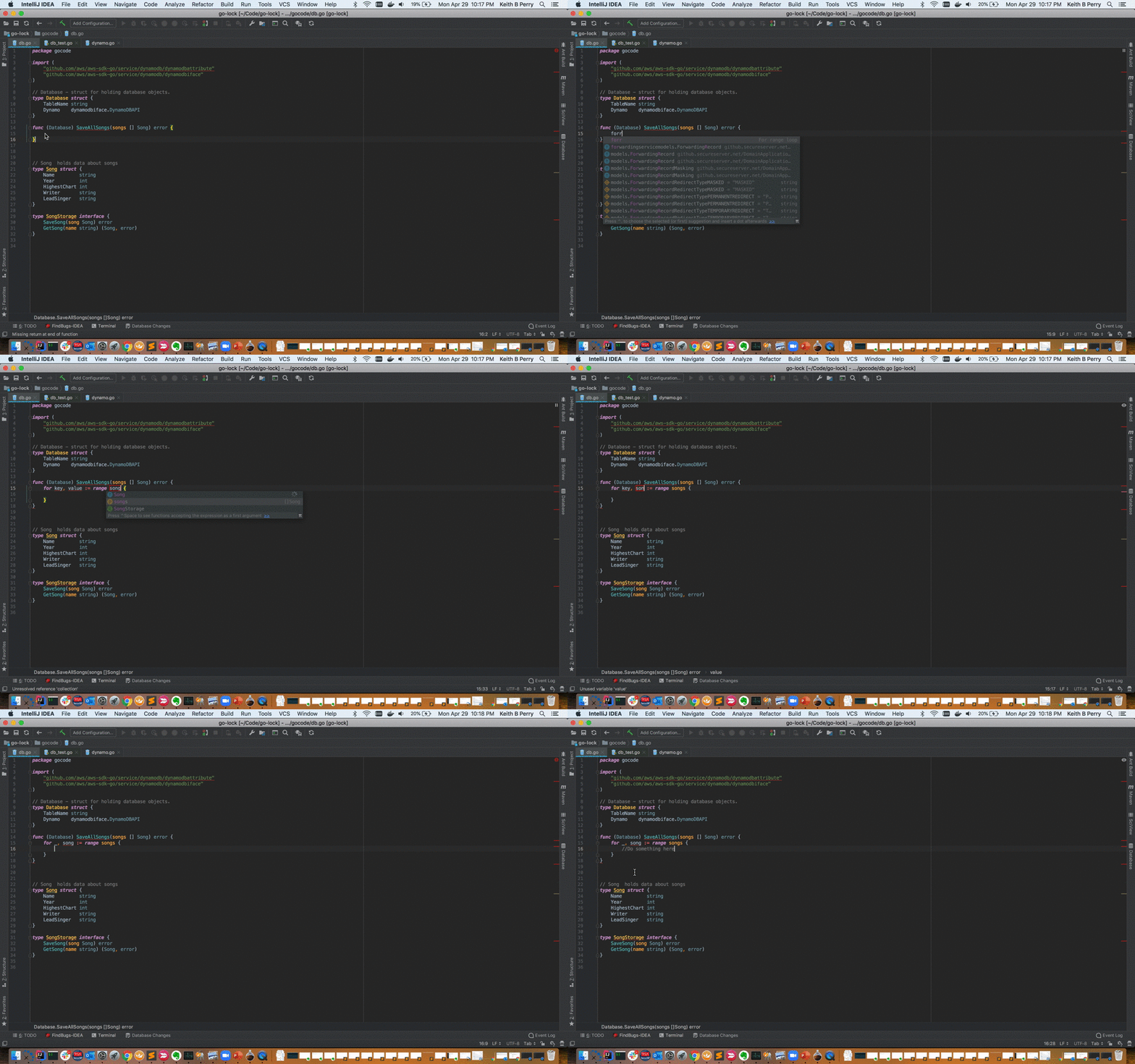
3.1 forr 快速展开for range
forr 然后tab,就会自动展开
	for key, value := range collection {

	}
3.2 err 错误处理
err 然后tab,自动展开如下:
4. 填充Struct
这个相对不是很实用,
5. 自动生成测试代码
这个非常使用,单元测试,我们专注于测试本身就ok了.
在文件任意位置->Genreate->Test for File-> 自动生成该文件对应的测试文件
来源:https://www.cnblogs.com/baizx/p/10836468.html |



 發表於 2019-5-9 09:00:00