|
前言
由于咱以前是用PHP做的东西,又不想重新用 OpenResty自带的编写,所以呢咱设置下,可以像以前Apache那样访问PHP文件
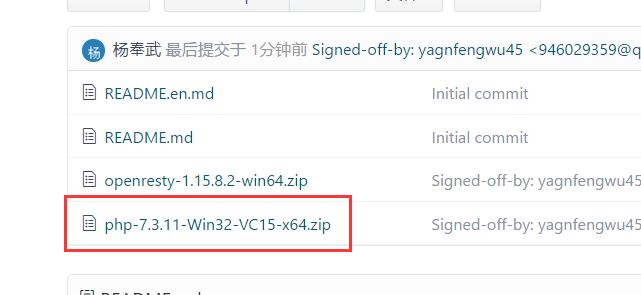
首先去下载 PHP
https://windows.php.net/download#php-7.3
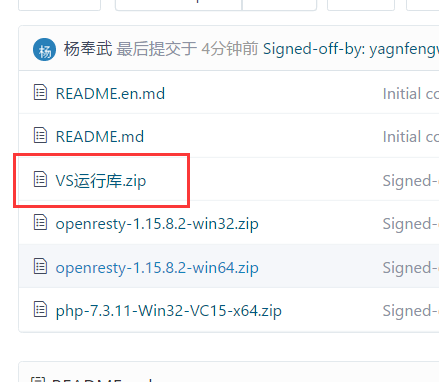
或者在文章最上面的git 链接上下载
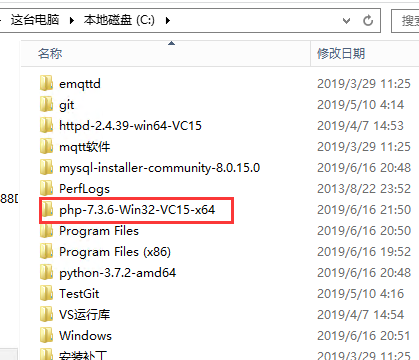
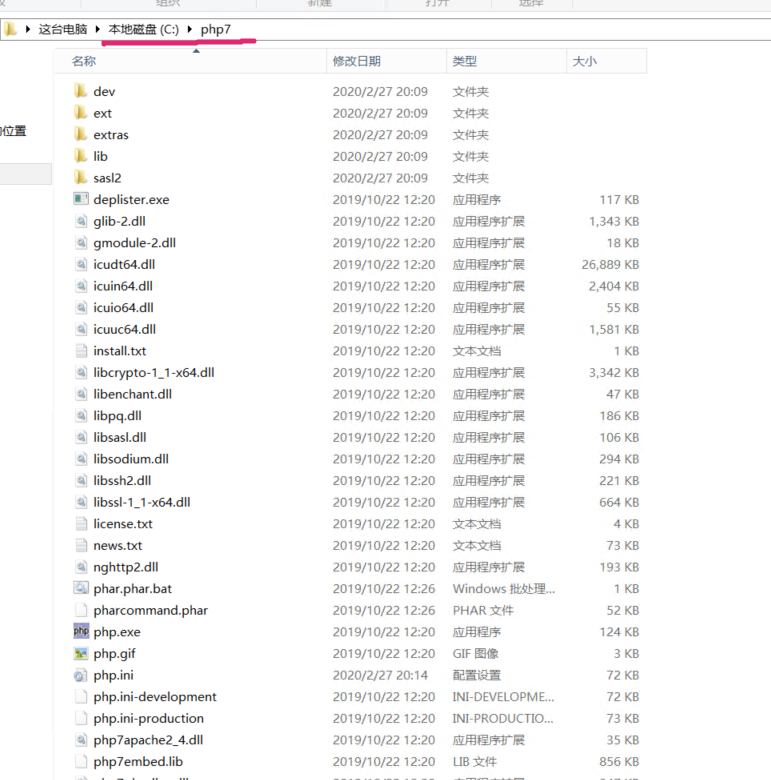
解压到自己的电脑上
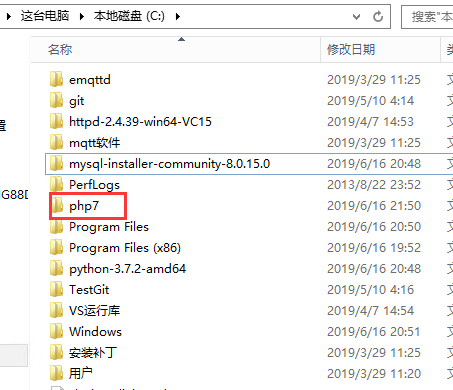
改一下名字,名字太长..
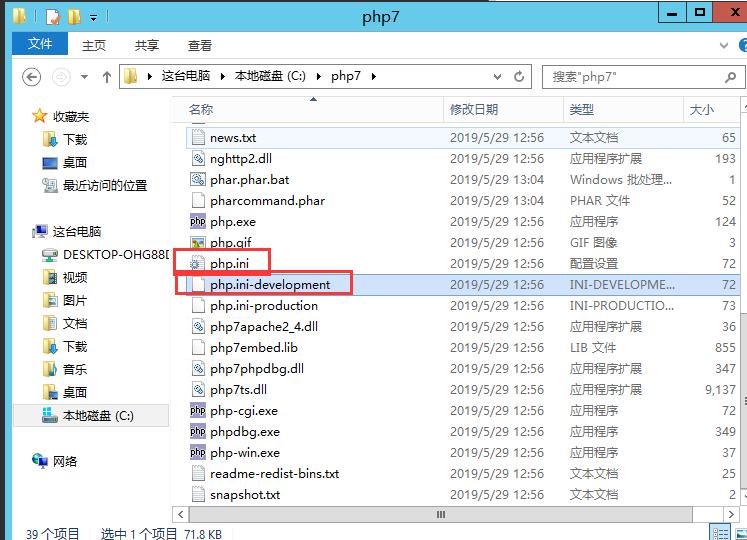
把php.ini-development 这个文件复制出来一份,,然后名字改为 php.ini
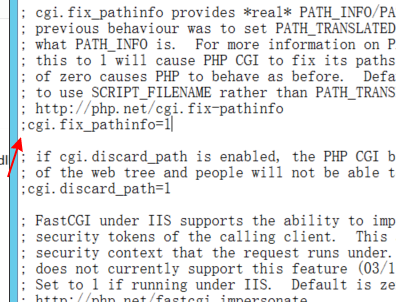
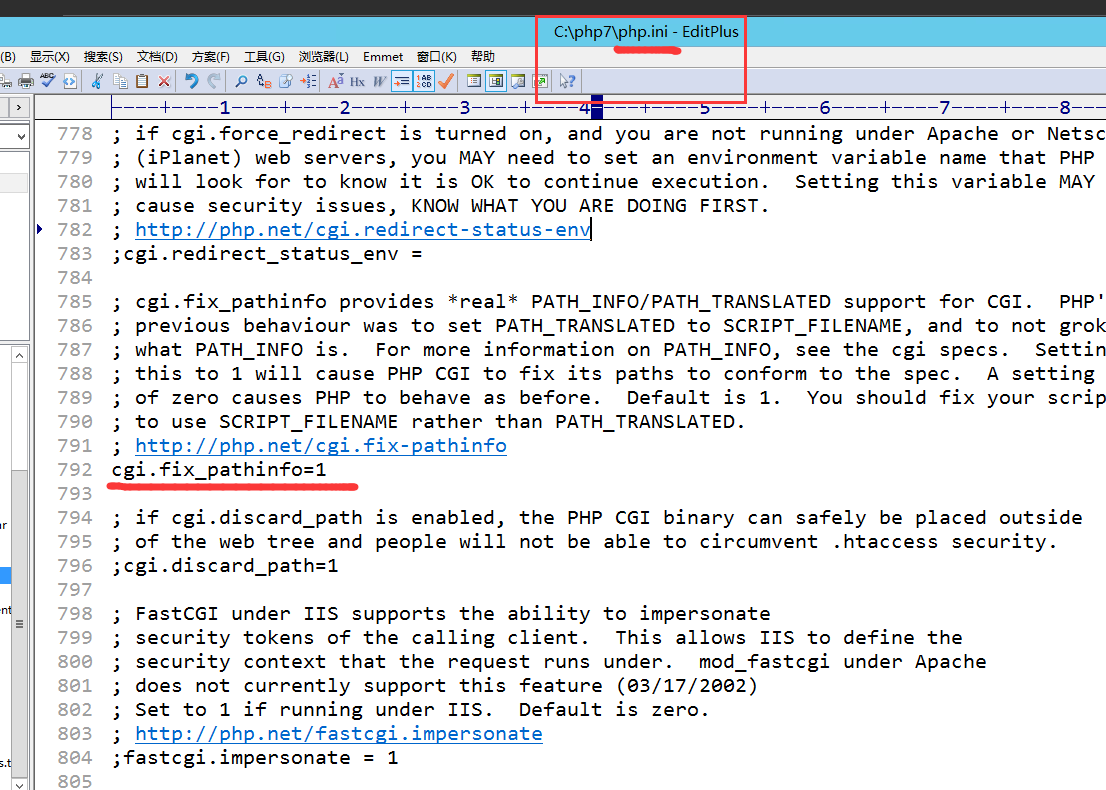
修改 php.ini
去掉前面的 ;
cgi.fix_pathinfo=1
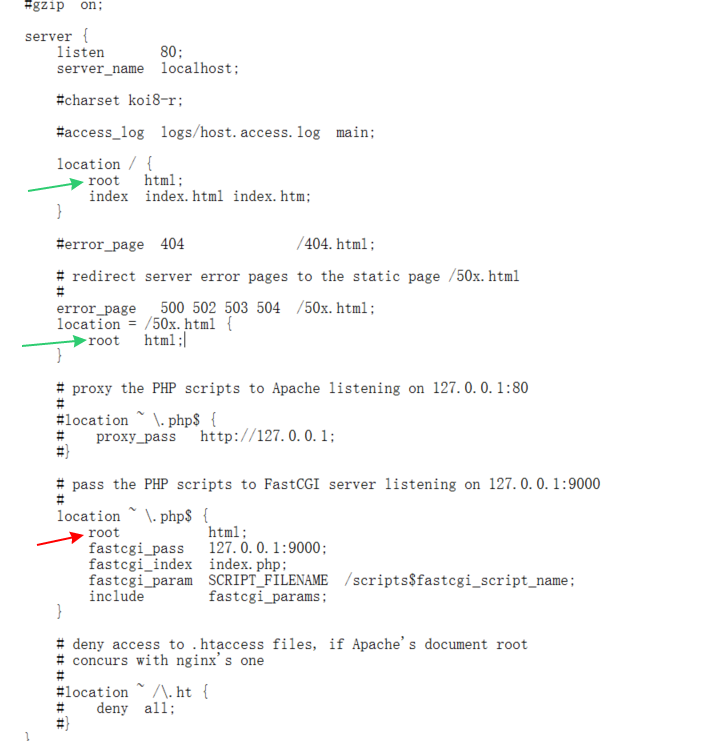
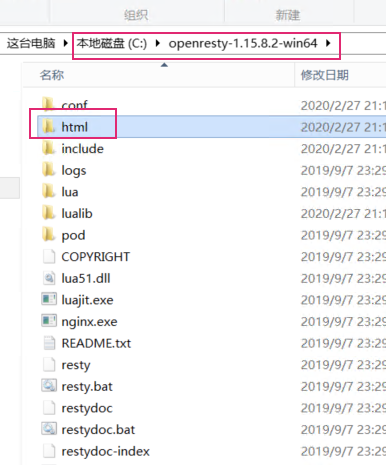
打开并修改openresty里面的 nginx.conf文件
1.去掉屏蔽
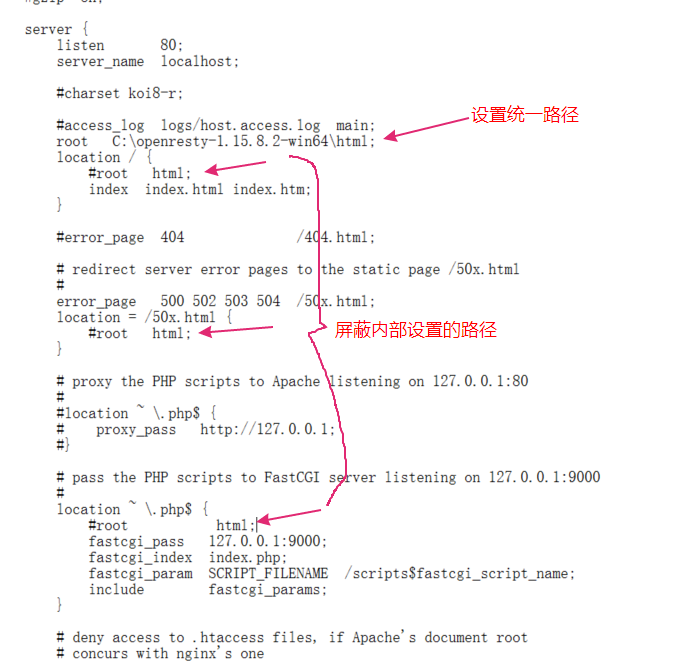
修改后
2.修改路径
1.php路径和html路径这样设置一样,会导致启动错误
2.把路径统一写到外面,可以解决错误
root C:\openresty-1.15.8.2-win64\html;
请根据自己的填写
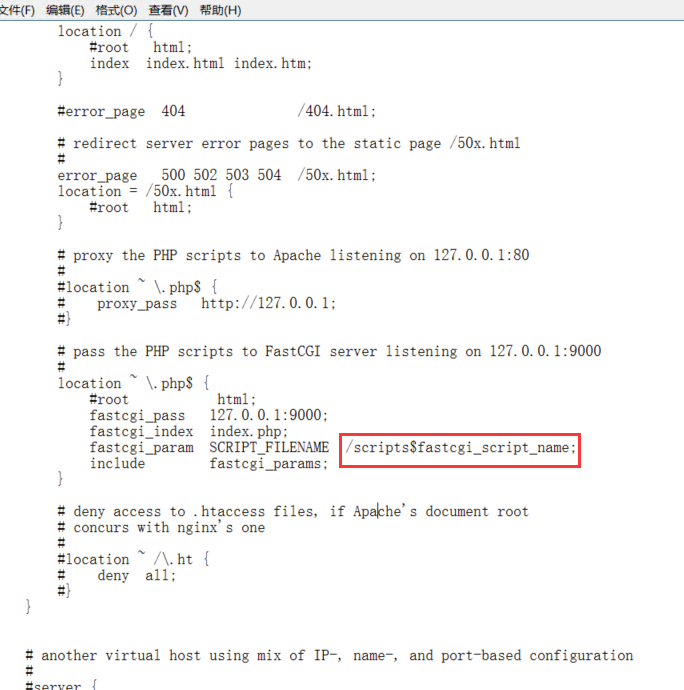
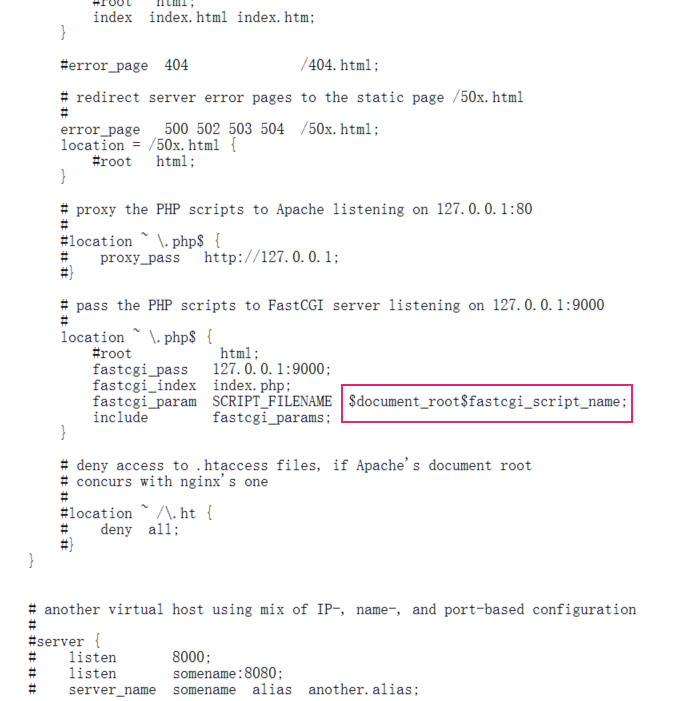
3.修改
修改为
$document_root$fastcgi_script_name;
参考代码
    server { #虚拟主机
        listen       80; # 监听端口
        server_name  localhost; # 监听域名

        #charset koi8-r;

        #access_log  logs/host.access.log  main;

    root    "C:\openresty-1.15.8.2-win64\html";#PHP文件访问路径和html路径设置的访问一样,单独拿出来这个路径

        location / {#就是http://IP/无论什么名字都会进来
            #root   html;
            index  index.html index.htm index.php;#如果没有前面的,就自动访问index.php
        }

        #error_page  404              /404.html;

        # redirect server error pages to the static page /50x.html
        #
        error_page   500 502 503 504  /50x.html;
        location = /50x.html {
            #root   html;
        }

        # proxy the PHP scripts to Apache listening on 127.0.0.1:80
        #
        #location ~ \.php$ {
        #    proxy_pass   http://127.0.0.1;
        #}

        # pass the PHP scripts to FastCGI server listening on 127.0.0.1:9000
        # 172.26.94.113   127.0.0.1
        location ~ \.php$ {#~区分大小写 \前面任意  后面跟着 .php   $ 代表结束  http://IP/任意/任意.php
            #root           html;
            fastcgi_pass   127.0.0.1:9000;
            fastcgi_index  index.php;
            fastcgi_param  SCRIPT_FILENAME  $document_root$fastcgi_script_name;
            include        fastcgi_params;
        }

        # deny access to .htaccess files, if Apache's document root
        # concurs with nginx's one
        #
        #location ~ /\.ht {
        #    deny  all;
        #}
    }
配置完了OpenResty
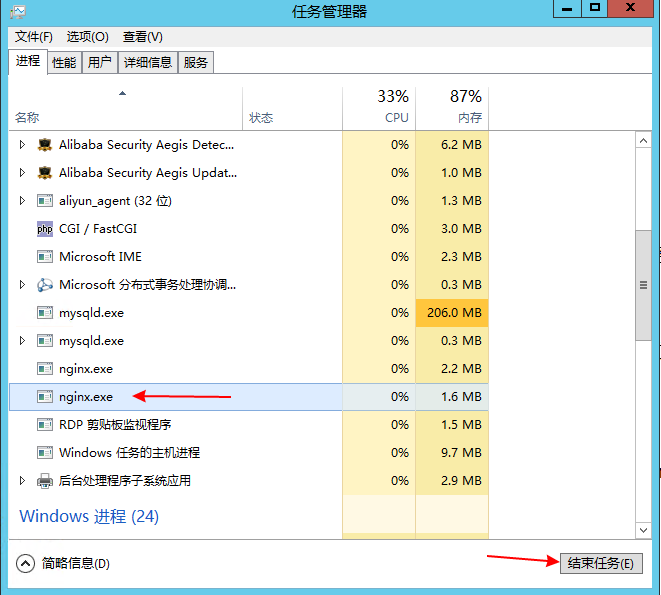
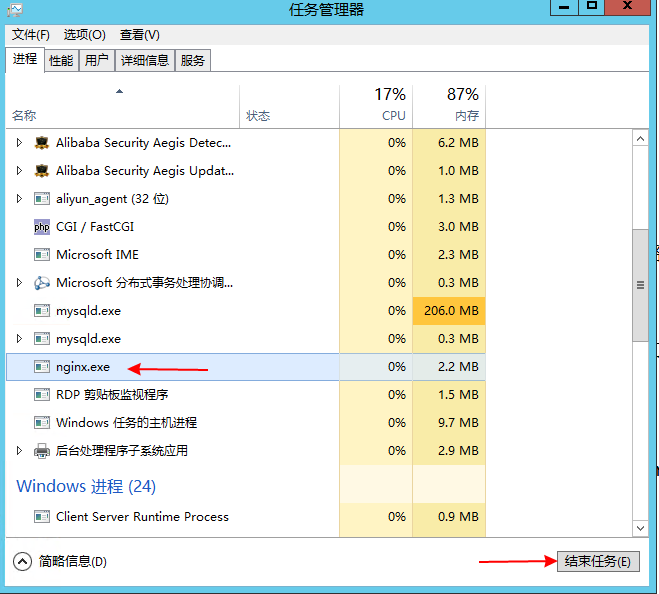
如果启动过 Nginx 需要先关闭
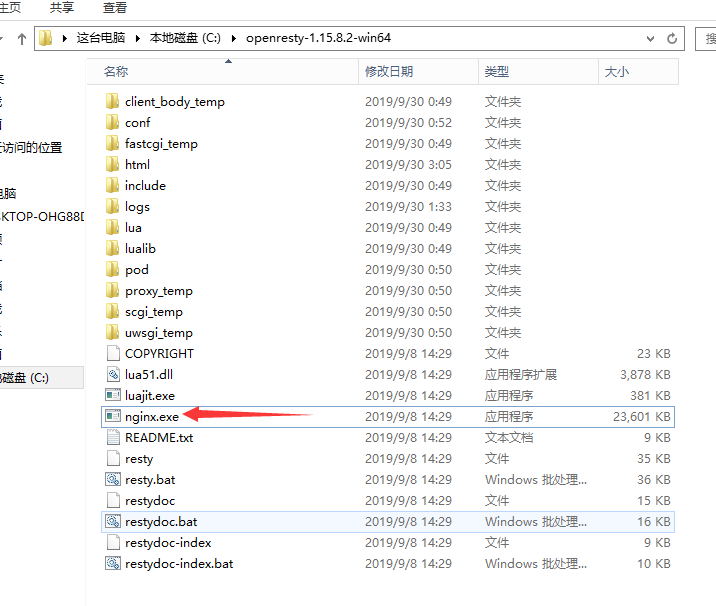
然后重新启动
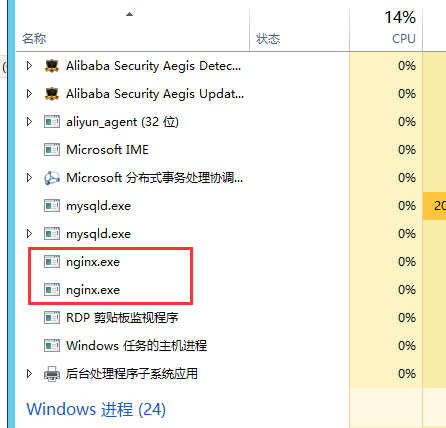
里面有了说明启动了
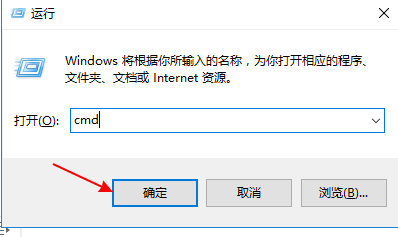
然后进入命令提示行
输入命令
C:\php7/php-cgi.exe -b 127.0.0.1:9000 -c C:\php7/php.ini
提示:
C:/php7/php-cgi.exe -b 127.0.0.1:9000 -c C:/php7/php.ini
C:/php7根据自己的文件解压路径填写
按回车 运行命令
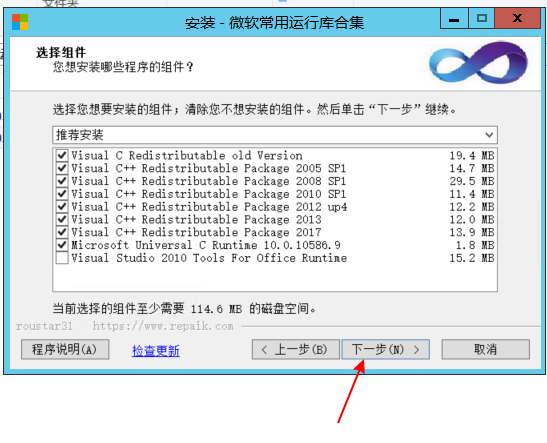
如果出现以下错误
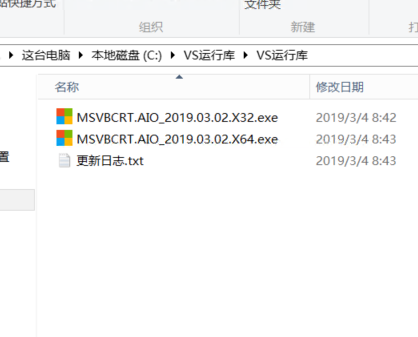
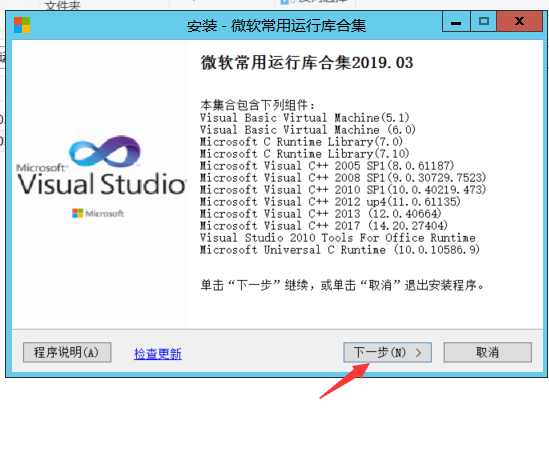
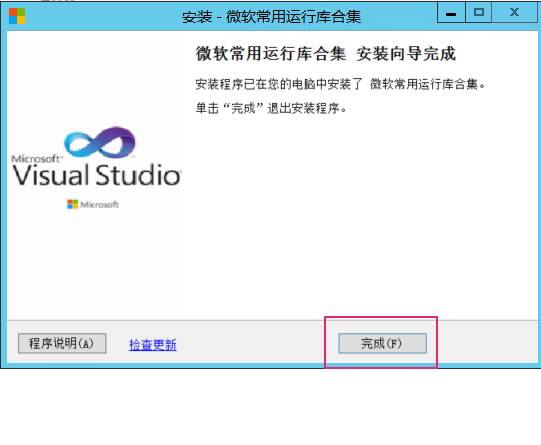
需要安装
根据自己的系统选择安装
然后重试
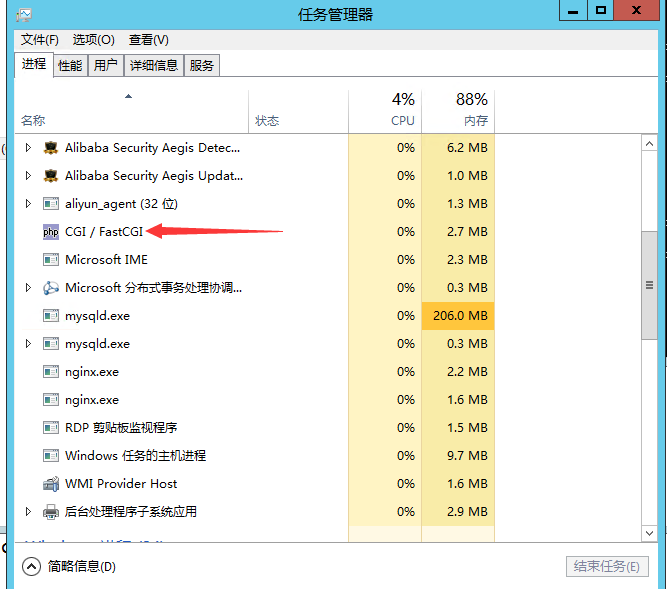
正常启动后
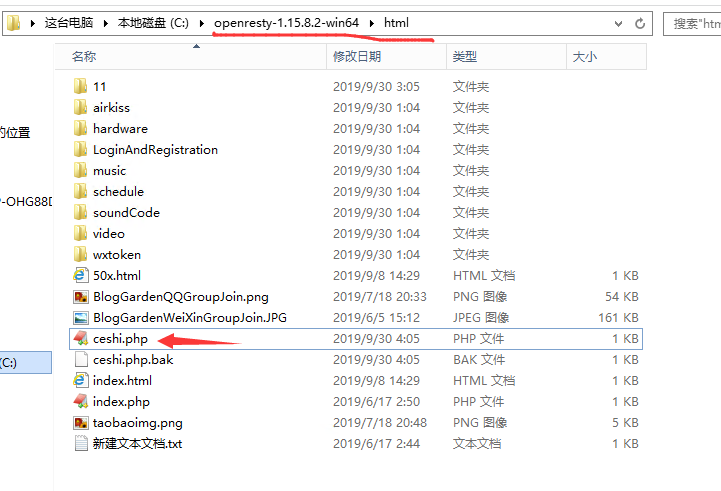
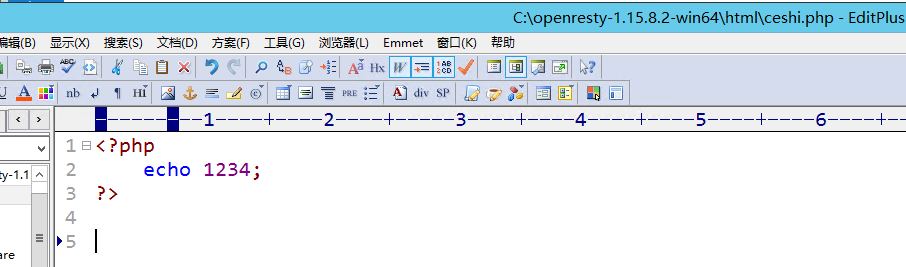
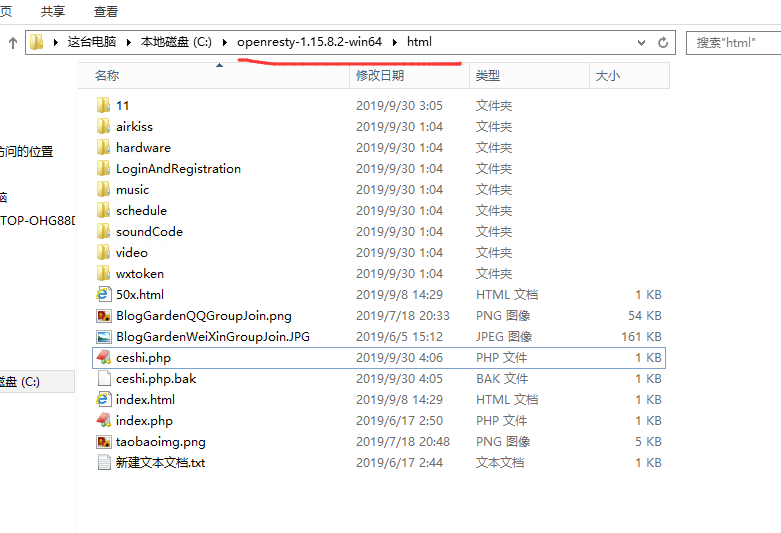
现在测试下,根目录放个 ceshi.php的文件
里面写上
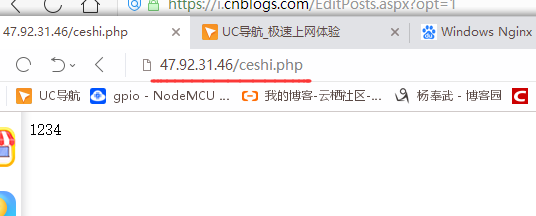
http://47.92.31.46/ceshi.php
把自己以前的文件全部拷贝到这个目录就可以
补充
如果现在关闭控制台
PHP功能也会关闭
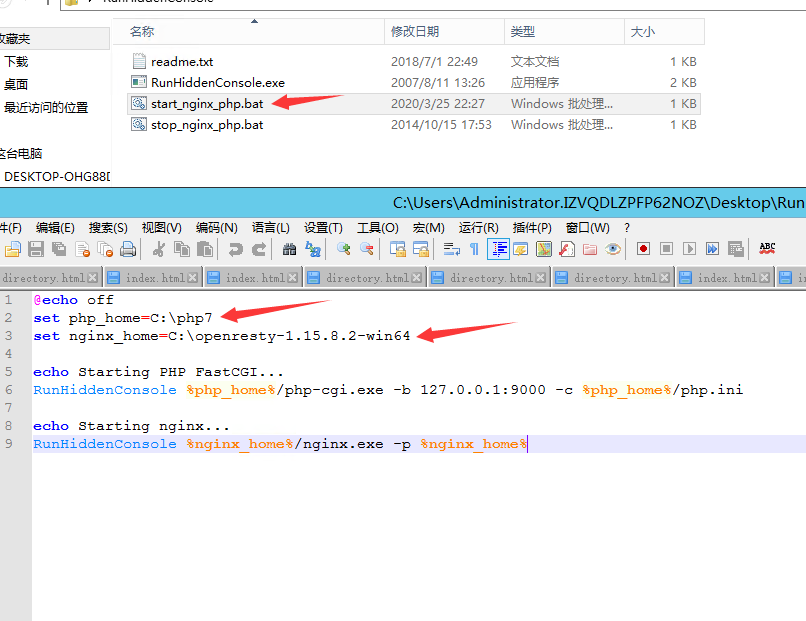
咱用这个来解决这个问题
打开下面的文件,改一下自己的php 和 nginx 路径
然后双击启动即可
来源:https://www.cnblogs.com/yangfengwu/p/11610760.html |



 發表於 2019-9-30 04:08:00